
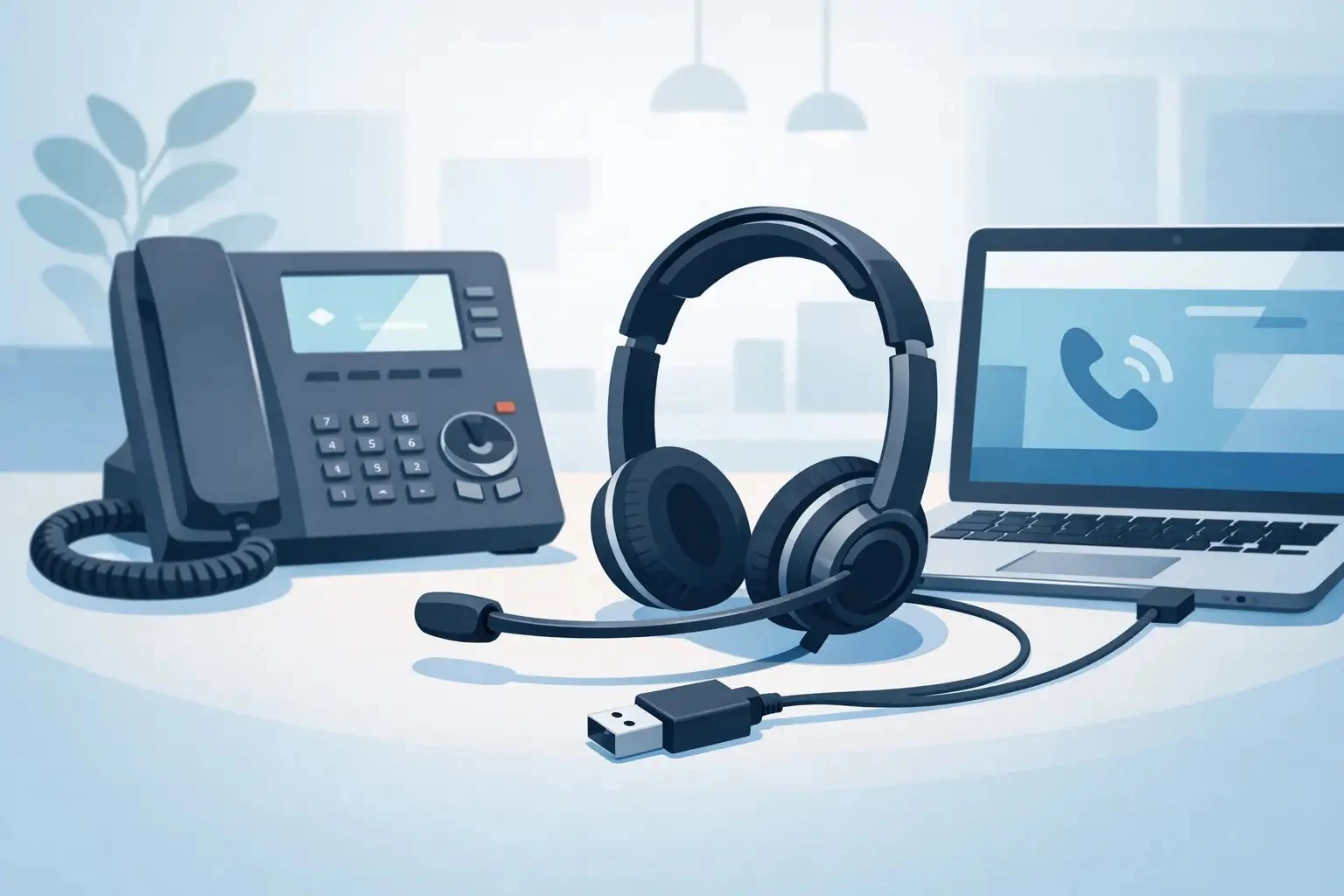
Choosing a USB Headset for Desk Phone Use
Posted by Tech Support @ Telephoneheadsets.net on 18th Oct 2026
A buyer asks for a usb headset for desk phone use, and the first question is not which headset sounds best. It is whether the phone can accept USB audio at all. That single detail decides whether the purchase is straightforward or whether an adapter, electronic hook switch, or a different connection type is the better route.
In office telephony, USB does not always mean universal. Some desk phones include a live USB port for headsets, some use USB only for firmware or handset accessories, and many business phones still rely on RJ9, RJ11 or dedicated accessory ports. If you are buying for one user, that matters. If you are buying for twenty, it matters even more because one wrong assumption can turn a simple rollout into a returns problem.
When a USB headset for desk phone use is the right choice
A USB headset for desk phone setups makes sense when the telephone itself is designed to handle USB audio. This is most common on selected IP phones and newer enterprise models where the manufacturer supports direct USB headset connection. In that case, the headset can often deliver wideband audio, simpler cabling and, depending on the phone and headset combination, call control features such as answer and end.
This option also suits desks where users switch between softphone and physical handset workflows. Some businesses prefer a single USB headset platform across laptops, docking stations and compatible desk phones, because it reduces training time and keeps replacements consistent. That approach can work well, but only when the headset profile and the desk phone firmware support each other properly.
The trade-off is that compatibility is narrower than many buyers expect. A USB plug fitting the socket does not confirm the phone will recognise the headset, route audio correctly or support remote call control.
Why compatibility comes first
Desk phone headset buying is rarely about one specification in isolation. It is about the full path between headset and telephone. With USB, you need to confirm three things: that the phone supports USB audio devices, that the headset model is accepted by that phone, and that the required functions match the user’s working pattern.
The phone model matters more than the headset box
Manufacturers vary widely. One Cisco or Avaya model may support USB headsets directly, while another in the same range may need a different connection altogether. The same applies across Alcatel, Gigaset, Grandstream, Mitel and many other brands. Product packaging can make a headset look broadly compatible, but desk phone environments are rarely broad. They are specific.
That is why phone-brand and phone-model matching saves time. If you know the exact handset already deployed, you can narrow the headset type immediately and avoid buying by guesswork.
Call control is a separate compatibility question
Even if audio works, answer and end buttons may not. For reception teams, contact centre users and anyone handling frequent inbound calls, remote call control is not a luxury. It affects speed and usability throughout the day. Some desk phones support this through USB natively, some require an EHS cable, and some do not support it in a practical way at all.
If the user only needs audio and manual answer via the phone itself, the acceptable headset options may be wider. If hands-free answer and end from the headset is required, the shortlist becomes more exact.
Common buying mistakes with a USB headset for desk phone setups
The most common mistake is assuming every USB port on a desk phone is a headset port. On many telephones, USB exists for charging, expansion modules, Bluetooth accessories or maintenance functions rather than direct audio.
The second mistake is treating desk phones like PCs. A USB headset that performs perfectly on Teams, Zoom or a softphone application may still not be recognised by a physical desk phone. Business telephony hardware follows manufacturer-specific rules, not general consumer plug-and-play expectations.
The third mistake is overlooking cable and accessory requirements. Some users need direct connection. Others need a USB headset paired with a base, processor or hook switch arrangement to achieve the right result. If you skip that check, you may buy a good headset in the wrong configuration.
What to check before you buy
Start with the exact phone brand and model number. That is the foundation of the decision. Without it, every recommendation is provisional.
Then confirm how the user answers calls. If they are happy pressing the desk phone key each time, that opens up more options. If they need to answer from the headset while away from the desk edge, you need to verify call control support.
After that, look at wearing style and environment. A quiet office may suit a mono headset that keeps one ear open. A busy office or shared call handling area may be better with a duo headset for concentration. Noise-cancelling microphone performance also matters more in open-plan environments than in private offices.
Finally, consider whether the headset is being bought only for the desk phone or as part of a mixed-device setup. Some businesses want one headset family across desk phones, laptops and mobiles. That can be sensible for procurement, but only if the desk phone remains fully supported.
USB versus RJ9 for desk phones
For many desk phones, RJ9 remains the more direct and dependable headset connection. It is still common across office handsets because it was designed around desk phone use from the outset. If your phone does not support USB audio, an RJ9 headset or an amplified solution may be the correct answer, even if the original brief asked for USB.
USB becomes attractive when businesses want standardisation with computer-based communications or where supported IP phones make USB headset deployment practical. Audio quality can be very good, and cabling can be simpler. But simpler only applies after compatibility is confirmed.
This is the point many buyers miss. USB is not automatically better. It is better only when it matches the phone, the user and the required features.
How office and contact centre needs differ
In a small office, a user may only need a comfortable headset for occasional calls, with basic audio and straightforward setup. In that case, the buying decision can focus on connection type, comfort and whether the phone supports USB directly.
In a contact centre or shared service team, the standard is higher. Users spend hours in the headset, supervisors need fewer support issues, and procurement wants consistency across desks. Here, the right usb headset for desk phone deployment must meet several requirements at once: confirmed compatibility, stable call handling, suitable microphone performance, and reliable day-long comfort.
Durability also carries more weight in higher-use environments. A headset that is acceptable for occasional office use may not stand up to intensive daily wear. Replaceability of cushions, cable resilience and the availability of model-specific accessories all become part of the practical buying decision.
Why model-led selection reduces risk
A general search for a USB headset can produce hundreds of results, but desk phone purchasing is not helped by volume. It is helped by filtering. When you shop by phone brand and exact model, you remove the biggest source of error before comparing features.
That is where a specialist supplier adds value. TelephoneHeadsets.net focuses on compatibility-led buying because that is what business telephony requires. Instead of asking buyers to interpret broad claims on a generic accessories page, the better approach is to start with the desk phone already in use and work towards a headset that has a clear fit.
This matters particularly for larger purchases. If you are equipping multiple users across different departments, there may be more than one desk phone model in the estate. Treating them as the same because they look similar can create unnecessary variation in headset performance and accessories.
A practical way to choose the correct setup
If the telephone has confirmed USB headset support, select from headset models known to work with that specific phone. Then check whether audio only is enough or whether remote answer and end is needed. If call control is required, confirm whether the feature works directly over USB or needs an additional accessory.
If the phone does not support USB audio, do not force the choice. Move to the correct headset type for that telephone, which may be RJ9, a QD-based office headset with the right bottom lead, or a solution using an amplifier or switcher. That is usually faster and less expensive than trying to make USB fit a phone that was never designed for it.
For mixed estates, create a simple device list before ordering. Match each phone model to its supported headset connection, note any accessories needed, and standardise only where the compatibility path is clear. That avoids over-ordering one headset that suits half the desks and frustrates the rest.
The right purchase is not the one with the broadest marketing claims. It is the one that works properly with the phone on the desk, supports the way the user answers calls, and does not create extra work for IT or procurement. If you begin with the phone model rather than the plug type, the shortlist becomes much easier to trust.