
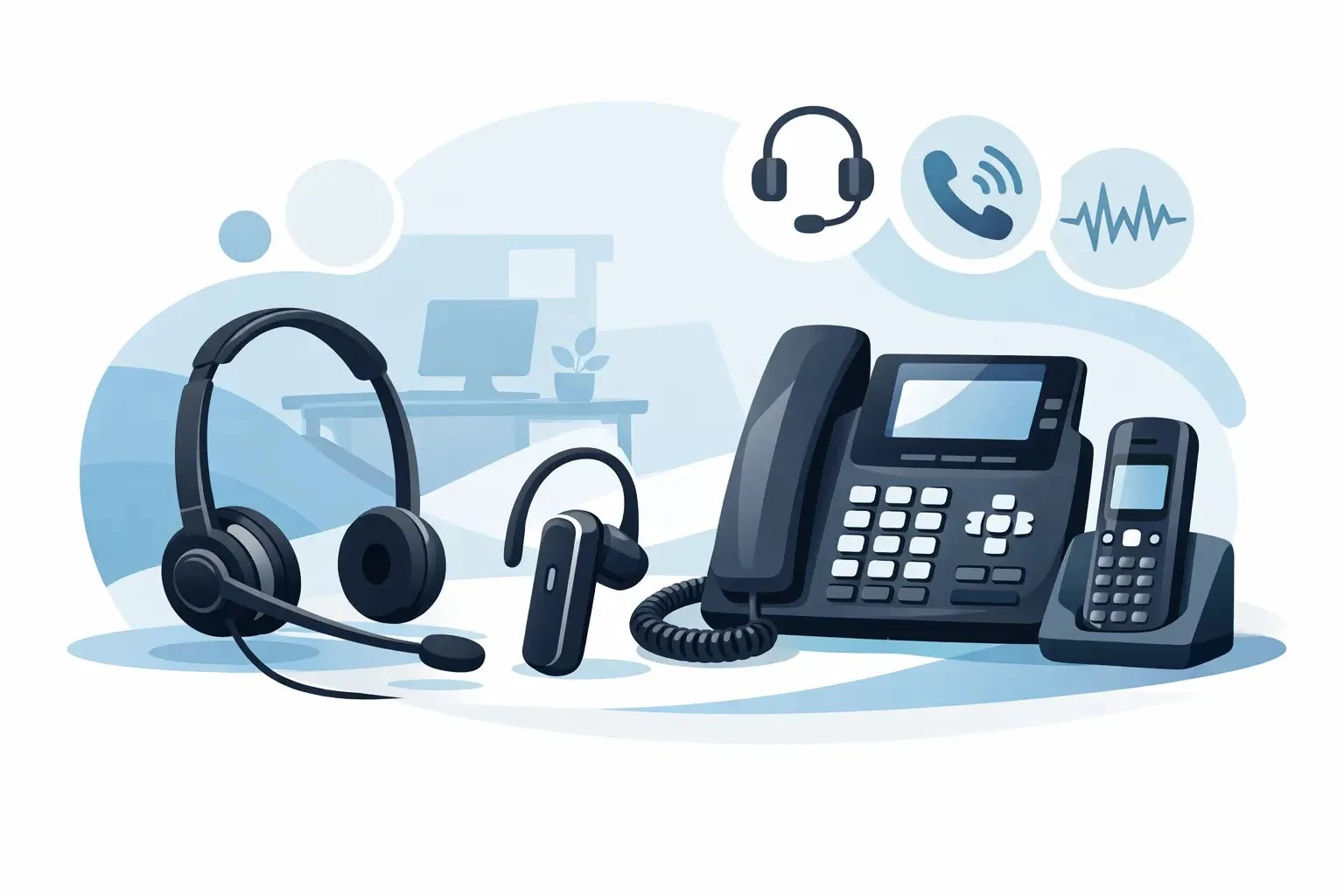
Best Headset for Office Telephone Buying Guide
Posted by Tech Support @ Telephoneheadsets.net on 18th Oct 2026
Buying the best headset for office telephone use usually goes wrong for one reason - the headset is chosen on features before compatibility. In a business environment, that is the fastest way to waste time, create returns and leave staff with equipment that does not work properly with the desk phone, DECT handset or call handling setup already in place.
A good office headset is not simply the one with the most padding, the lowest advertised price or the longest feature list. It is the one that matches the telephone, suits the way calls are handled and holds up through a full working day. For office managers, IT teams and telecom buyers, the decision is less about trends and more about getting the right connector, the right wearing style and the right level of noise control first time.
What makes the best headset for office telephone use?
The answer depends on the phone system in front of you. A headset for a traditional desk phone with an RJ9 socket is a different purchase from a headset for a softphone-based office using USB only. A DECT office handset adds another layer, and some setups also require an amplifier, bottom lead or electronic hook switch support.
That is why compatibility should be the starting point. Before comparing mono against duo or wired against wireless, confirm the exact phone brand and model. Avaya, Cisco, Mitel, Alcatel, Gigaset and Grandstream all have models with different headset connection requirements, even within the same brand range. Assuming one lead fits all office phones is where most buying errors begin.
Once compatibility is confirmed, the next question is usage. Someone taking occasional internal calls at reception will need something different from an agent spending six hours a day on customer calls. Call volume, surrounding noise and whether the user needs to remain aware of colleagues all affect which headset is actually best.
Start with connection type, not styling
In practical terms, the connection type decides most of the shortlist.
RJ9 and RJ11 desk phone headsets
For many office telephones, particularly dedicated desk phones, the headset will connect through an RJ9 or RJ11 style socket, depending on the specific model and wiring arrangement. This is common in established business telephony estates where reliability and fixed-location calling matter more than mobility.
With these phones, the correct lead or quick disconnect cable matters just as much as the headset itself. Two headsets may look identical, but if the wiring is wrong for the telephone, call audio can be weak, absent or distorted. This is why model-specific matching is more reliable than buying a generic office headset and hoping it will work.
USB office headsets
If your team places calls through a PC, laptop or unified communications platform, a USB headset may be the better fit. USB options are common where desk phones have been replaced by software calling, or where workers need a headset that can support telephony and general computer audio.
The trade-off is straightforward. USB offers flexibility for computer-based users, but it is not automatically the right choice for a dedicated office telephone. Buyers sometimes choose USB because it seems more modern, then realise the user’s calls still come through a physical desk phone.
Wireless base station and hybrid setups
Some business users need more freedom to move around the office while staying on calls. In that case, a wireless headset with the correct base station for the phone system may be appropriate. This can work well for managers, supervisors and shared office environments where staff need to stand up, retrieve documents or speak with colleagues during calls.
The compromise is cost and complexity. Wireless systems are typically more expensive, and compatibility still has to be checked carefully. Battery management also becomes part of the equation, which may not suit every team.
Mono or duo - choose based on the workspace
One of the most practical decisions is whether to buy a mono headset, with one earpiece, or a duo headset, with two.
When a mono headset is the better choice
A mono headset is often the right fit for reception desks, front-office staff and general office users who need to hear both the caller and the room around them. If the user regularly speaks with colleagues, monitors activity nearby or handles mixed tasks between calls, mono keeps them aware of the environment.
Mono models can also feel less isolating over long periods. For lower call intensity and quieter offices, they are usually the more sensible purchase.
When a duo headset is worth it
A duo headset comes into its own where concentration matters. In busy offices, contact centres and shared workspaces, dual earpieces help block surrounding noise and make it easier for the user to focus on the caller.
For heavy call handling, this can reduce repetition and improve call clarity. The trade-off is reduced awareness of what is happening around the user, which may not suit every role.
Audio quality matters, but microphone performance matters more
When buyers talk about sound quality, they often focus on what the wearer hears. In office telephony, what the caller hears is just as important.
A comfortable speaker with poor microphone noise reduction will quickly become a problem in an open office. If the user is in a customer service team, sales floor or any shared environment, microphone performance should be treated as a core requirement rather than an extra.
Noise-cancelling microphones are particularly useful where there is printer noise, background conversation or regular movement around the desk. They will not remove every sound completely, but they can make speech clearer and more consistent for the caller.
For quieter private offices, this feature may be less critical. That is a typical example of where the best headset for office telephone use depends on the actual environment rather than the specification sheet alone.
Comfort is not a soft feature
If a headset is worn for most of the day, comfort affects productivity. Headband pressure, ear cushion material and overall weight all play a part. A headset that feels acceptable for a ten-minute test can become uncomfortable by mid-afternoon.
There is no single best fit for every user. Some prefer an over-the-head style for stability, while others favour lighter designs with smaller contact points. For high-usage teams, standardising on a reliable professional model often makes sense, but individual wearer preference should not be ignored if staff are on calls for long periods.
Durability also belongs in this discussion. Office headsets are working equipment. They are put on and taken off repeatedly, moved between desks, and sometimes used by multiple people. Buying purely on lowest cost often leads to shorter lifespan and inconsistent user experience.
Common buying mistakes to avoid
The most common mistake is buying by connection name alone. Seeing RJ9, USB or wireless on a product page does not guarantee it will work with the specific office phone in use. Wiring, adapters and phone-side compatibility still matter.
The second mistake is treating all users the same. A finance office handling occasional inbound calls does not need the same headset setup as a busy support desk. One universal choice can work, but only if the working conditions are genuinely similar.
The third is overlooking accessories and control requirements. Some setups need a bottom lead, amplifier, training cable or hook-lift support for answering calls away from the desk. These details can turn an apparently correct headset into an incomplete solution if they are missed at the buying stage.
How to narrow down the right option quickly
The fastest route is to identify the exact phone model, then match the headset category to how the user works. That usually means answering five simple questions: what phone or platform is in use, what connection is available, how many hours per day the headset will be worn, how noisy the workspace is and whether the user needs to remain aware of their surroundings.
From there, the shortlist becomes much more accurate. A quiet private office with a compatible desk phone may only need a dependable wired mono headset. A busy customer service team using compatible desk phones may benefit more from wired duo headsets with noise-cancelling microphones. A supervisor moving around the office may justify a wireless setup, provided the phone system supports it properly.
This is where a compatibility-led supplier adds real value. TelephoneHeadsets.net is structured around phone brand and model because that reduces guesswork. For buyers managing multiple devices or replacing existing units across a team, that approach is usually more useful than browsing broad consumer-style headset categories.
Best headset for office telephone buying depends on risk reduction
For business buyers, the best choice is rarely the flashiest one. It is the headset that fits the telephone correctly, suits the user’s call pattern and avoids unnecessary setup issues. Compatibility, wearing style, microphone quality and durability all matter, but they matter in that order only after the phone model has been confirmed.
If you are equipping one user, that saves frustration. If you are buying for a department, it can prevent a procurement mistake from being repeated across every desk.
The most useful place to start is not with a long feature list, but with the phone itself. Once that is clear, the right headset choice becomes much easier.