
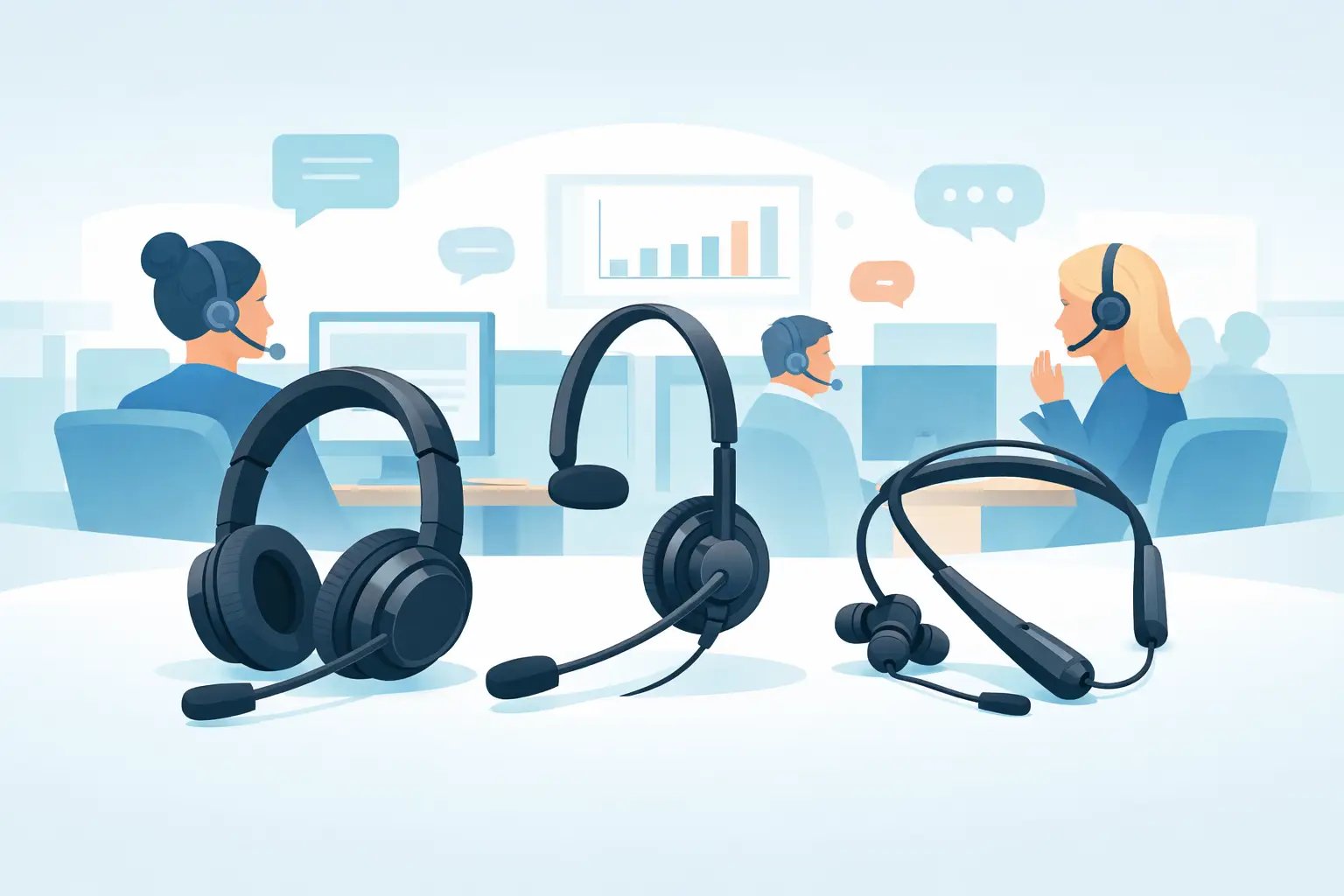
Best Headsets for Busy Call Centres Compared
Posted by Tech Support @ Telephoneheadsets.net on 18th Oct 2026
A busy call centre exposes every weakness in a headset. A loose connection interrupts calls, poor microphone noise control affects customer confidence, and an uncomfortable fit becomes a productivity issue before the afternoon is over. The best headsets for busy call centres are therefore not simply the most expensive models. They are the headsets correctly matched to the phone system, the working environment and the length of each agent's shift.
For a high-volume team, selection should begin with compatibility. A headset that fits the wrong lead, connector or handset port is not a workable purchase, regardless of its audio specification. Once the connection is confirmed, comfort, microphone performance, durability and management requirements determine the right configuration.
Start with the telephone and connection type
Call centre headsets are commonly supplied for desk phones, computers and softphone platforms, but these are not interchangeable categories. A traditional business telephone may require an RJ9 or dedicated quick-disconnect lead, selected for the precise make and model of phone. USB headsets connect directly to a PC or laptop and are generally the practical choice for teams using Teams, Zoom, Skype or browser-based contact centre software.
Some desk-phone installations use an electronic hook switch cable or a handset lifter so agents can answer and end calls away from the desk. This can be useful for supervisors and staff who need to move around, but it introduces another compatibility check. The headset, wireless base and telephone must all support the required connection method.
Before ordering, establish whether each position uses a desk phone, PC softphone or both. Also confirm the exact telephone manufacturer and model, not just the brand. Avaya, Cisco, Mitel, Alcatel and Grandstream phones can use different headset ports and pin arrangements across their ranges. Choosing by phone model avoids expensive returns and prevents delays when a new team is due to start.
Wired, USB or wireless: choose for the work pattern
A wired headset remains the standard choice for many fixed call-handling positions. It has no battery to charge, is straightforward to deploy and normally provides the lowest cost per seat. For agents working at a desk throughout the shift, a wired RJ9 headset or USB headset is usually the most practical long-term option.
USB models suit computer-based calling and are easy for IT teams to replace or reassign. They also remove uncertainty around desk-phone compatibility, provided the contact centre application supports standard USB audio devices. Where call controls are needed from the headset itself, check that the chosen platform supports the relevant control functions. Audio will often work without a problem, while answer/end controls may require approved compatibility.
Wireless headsets give agents useful freedom to step away from the screen, consult a colleague or access a nearby printer. They are best reserved for roles where that movement has a clear operational value. In a large, densely seated call centre, wireless can add battery management, pairing procedures and more equipment to maintain. It is not automatically a better choice for every agent.
Mono or duo headsets for call centre floors
The choice between one earpiece and two has a direct effect on concentration and communication. Mono headsets leave one ear open, making them suitable where agents need regular awareness of colleagues, supervisors or announcements. They can work well in quieter offices and reception environments.
For a busy call centre, duo headsets are often the stronger option. Two earpieces reduce distraction from nearby conversations and help agents hear customers more clearly without raising the volume. This is particularly valuable where desks are close together, calls involve detailed information or background noise is consistent throughout the day.
There is a trade-off. Duo designs can make it harder for an agent to hear an immediate question from a supervisor. A team that depends on frequent floor coaching may prefer mono headsets in selected areas, or establish a clear method for getting an agent's attention. The right choice can vary between customer service, sales, technical support and back-office teams in the same operation.
Microphone noise control matters more than loud speakers
Callers judge the quality of a conversation largely by what they hear from the agent. On a busy floor, the microphone should reduce surrounding speech and avoid transmitting every keyboard tap, colleague conversation and office interruption. A directional, noise-cancelling boom microphone is a sensible baseline for high call volumes.
Boom positioning is equally important. The microphone should sit near the corner of the mouth, not directly in front of it. This placement supports clear speech while reducing breath noise and plosive sounds. Headsets with an adjustable boom make it easier to achieve a consistent position across different users.
Do not confuse microphone noise cancellation with active noise cancellation in the earpieces. Microphone noise cancellation improves what the caller hears. Active noise cancellation improves what the wearer hears by reducing external sound. Both can be useful, but for most standard call centre roles, microphone performance and a well-fitting duo headset should take priority.
Comfort is a purchasing requirement, not a preference
A headset used for seven or eight hours must be comfortable for a wide range of head shapes and working styles. Excess clamping pressure, a poorly balanced earpiece or unsuitable ear cushions can lead agents to remove the headset between calls or wear it incorrectly. That affects call quality as well as staff satisfaction.
Look for an adjustable headband, a flexible microphone boom and replaceable ear cushions. Lightweight designs are usually easier to wear for long shifts, although the lightest model is not always the most durable. Foam cushions may suit some users and are economical to replace, while leatherette cushions can be easier to wipe clean. Shared-desking environments should have a clear hygiene process and an available supply of replacement cushions.
A short pilot with real agents is often more useful than a specification sheet. Ask staff to use candidate headsets during normal call work, including periods of heavy queue traffic. Their feedback on pressure, clarity and microphone positioning will identify issues that are difficult to spot in a brief demonstration.
Build durability and replacement into the plan
In a busy operation, headsets are working equipment. Cables get caught on chair arms, booms are adjusted repeatedly and connectors are moved between desks. Choosing a model with replaceable parts can lower the cost of ownership and reduce downtime.
For wired installations, quick-disconnect connections can be useful where agents need to leave their desk without removing the headset. They also allow a compatible headset to be separated from its bottom lead. However, the lead must still be selected for the telephone or amplifier in use. A generic-looking connector is not evidence of compatibility.
Keep a small number of approved spare headsets, leads, ear cushions and charging accessories on site. Standardising on a limited number of tested configurations makes this simpler for procurement and IT support. It also means an agent can be back on calls quickly when equipment is damaged.
A practical shortlist for busy teams
When comparing the best headsets for busy call centres, assess each option against the same operational criteria:
- Exact compatibility with the desk phone model, USB device or contact centre platform.
- Mono or duo wearing style based on floor noise and supervisor interaction.
- Directional noise-cancelling microphone performance in real working conditions.
- All-day comfort, adjustable fit and availability of replacement cushions.
- Cable, connector, battery and spare-part requirements over the expected service life.
Avoid purchasing solely on unit price. A cheaper headset that causes compatibility problems, repeated replacements or poor caller audio costs more once support time and lost agent availability are included. Equally, a premium wireless system is unnecessary for agents who remain at one desk all day.
TelephoneHeadsets.net approaches selection by matching the headset type and connection to the exact telephone or communications setup first. That method is especially useful when a site has mixed phone brands, legacy desk phones or a phased move to PC-based calling.
The most effective call centre headset is the one an agent can wear comfortably through a full shift, connect without workarounds and use confidently on every call. Confirm the telephone model before purchase, test the working environment rather than a quiet meeting room, and standardise only after the configuration has proved itself on the floor.