
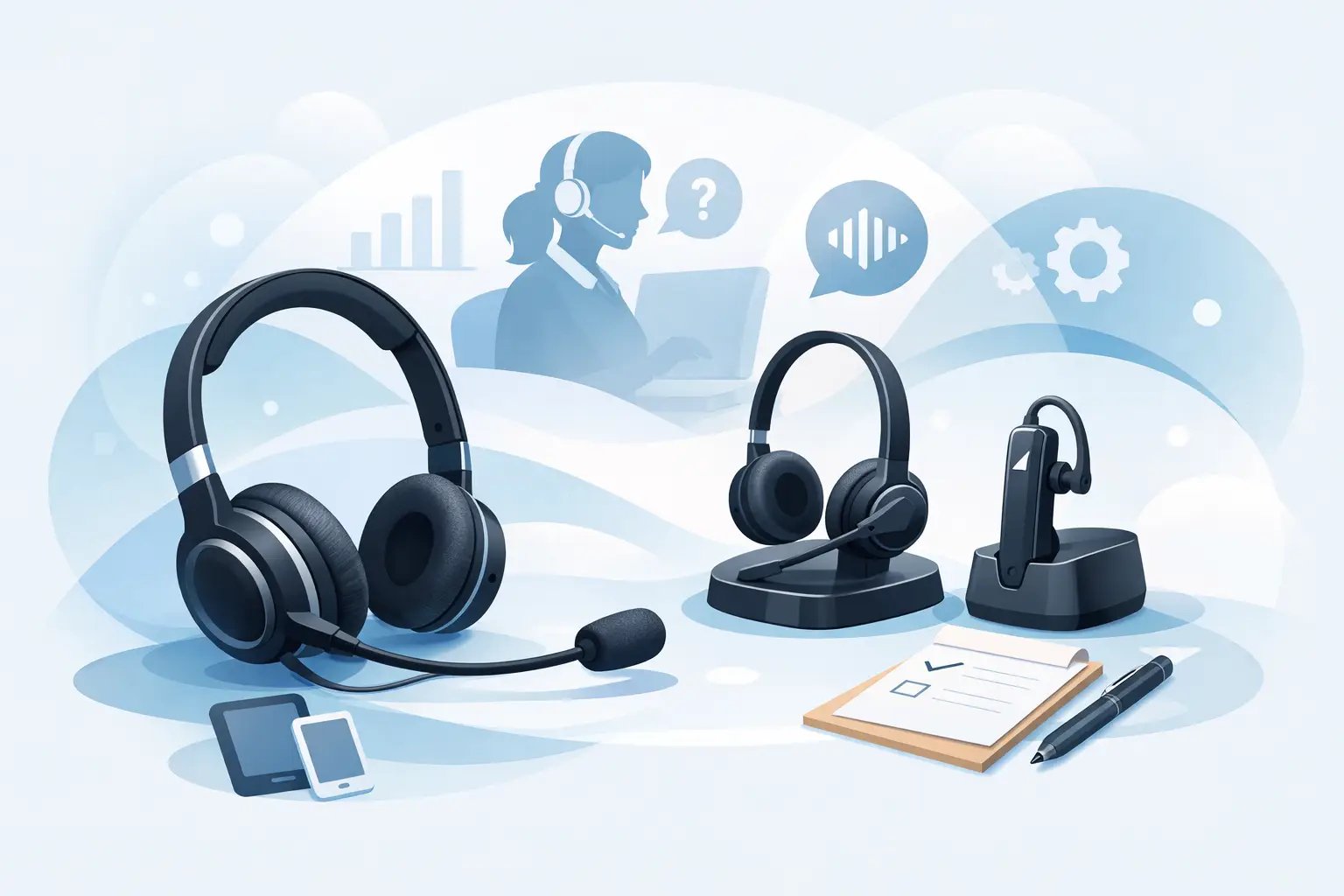
Call Centre Headset Buying Guide
Posted by Tech Support @ Telephoneheadsets.net on 18th Oct 2026
A headset that works well in one office can be the wrong choice for another. That is why any useful call centre headset buying guide has to start with the telephony setup, not the product photo. Before you compare comfort, price or noise cancelling, you need to know exactly what the headset is connecting to and how your team will use it through the day.
In a call handling environment, the cost of choosing badly is not limited to returns. Poor compatibility creates setup delays, inconsistent audio, training issues and user complaints. A headset that suits a light-use reception desk may not hold up in a busy customer service team taking calls for seven hours a day.
What matters most in a call centre headset buying guide
The first question is simple - what device are you connecting to? For most business buyers, the answer will be one of three options: a desk phone, a PC or softphone setup, or a mixed environment where users move between both. That determines the connection type and immediately narrows the field.
If your agents use traditional desk phones, you will usually be looking at RJ9 or similar direct-connect options, although exact compatibility can vary by handset and brand. If they work through a computer-based platform such as Teams or another softphone system, USB headsets are normally the better fit. In mixed environments, compatibility becomes more specific, and it may make sense to standardise around the device used for the highest share of calls.
This is where buyers often lose time. Two headsets may look almost identical, but one may be suitable for a Cisco desk phone while the other needs an additional lead, adapter or amplifier. Buying by phone brand and exact phone model is usually the fastest way to avoid that problem.
Start with compatibility, not features
In business telephony, compatibility is the foundation of the purchase. Features only matter after you know the headset will connect properly and deliver correct audio levels.
That means checking the make and model of the telephone or communications device in use. Avaya, Mitel, Poly, Cisco, Alcatel, Gigaset and Grandstream systems can all have different connection requirements across their ranges. Even within one manufacturer, one series may support direct headset connection while another may need a specific cable or electronic hook switch accessory.
For office managers and IT buyers, this is where a specialist supplier adds value. A compatibility-led product range removes much of the guesswork, especially when buying for multiple users across different departments. If you are replacing an existing estate, it is also worth checking whether users are moving from corded handsets to headsets full time or whether the headset will be used alongside the handset for occasional calls.
Mono or duo - choose based on the work environment
One of the most common buying decisions is mono versus duo headsets. Neither is universally better. It depends on noise levels, user preference and the nature of the calls.
A mono headset leaves one ear uncovered, which suits users who need awareness of the room around them. That can work well for quieter offices, shared admin teams or managers who still need to speak with colleagues while taking calls. Some users simply find mono styles less tiring over long periods.
A duo headset covers both ears and usually provides better concentration in busier spaces. In a higher-volume call centre, this is often the more practical option because it helps reduce background distraction and keeps the user focused on the caller. If your team works in a dense open-plan environment, duo models are often the safer standard choice.
The trade-off is awareness. A dual-ear headset can feel more isolated, which some users like and others do not. If possible, base the decision on the acoustic environment rather than personal preference alone.
Microphone performance affects caller experience
Buyers often focus on what the user hears, but the microphone matters just as much. In a customer-facing team, poor outbound audio will be noticed immediately by callers.
If your agents work in a quiet room, a standard microphone may be acceptable. In a busier office, a noise-cancelling microphone is usually worth prioritising. This does not remove all background sound, but it helps reduce ambient office noise reaching the caller and improves speech clarity.
That said, no microphone can fully compensate for a badly managed acoustic environment. If agents are seated close together and speaking constantly, headset choice helps, but layout, spacing and call volume also play a part. The right expectation is improved clarity, not silence.
Comfort is not a soft factor
In a call centre, comfort directly affects adoption. If a headset is uncomfortable after two hours, users will adjust it constantly, wear it incorrectly or ask to replace it. That becomes an operational issue, not just a personal one.
Look at headband design, ear cushion material and overall weight. Light-use office staff can tolerate a wider range of formats, but full-time agents need something they can wear for most of the day without pressure hotspots. Leatherette cushions may feel more sealed and wipe clean easily, while foam can feel lighter and cooler for some users. Again, it depends on the environment and wearing time.
It is also sensible to think about adjustability. A headset used across hot-desking positions or by multiple staff needs a design that can be set up quickly and consistently.
Wired usually makes the most sense
For many call centre applications, wired headsets remain the practical option. They are reliable, simple to deploy and avoid battery management. In fixed-seat environments, they also tend to be more cost-effective at scale.
USB wired headsets are especially common where agents work on PCs or unified communications platforms. For desk phone users, corded RJ9-compatible models are often the most straightforward route. There is less to manage, fewer charging issues and less variation between users.
Wireless headsets can be useful where staff need to step away from the desk during calls, but in a dedicated call centre seat that is often unnecessary. If mobility is not part of the role, paying extra for wireless may add cost without solving a real problem.
Think about daily usage, not just unit price
A lower-cost headset can be perfectly suitable for occasional business calls. It may not be the right buy for a team using it continuously every working day.
When comparing options, consider expected daily talk time, the number of users, and how often headsets are likely to be worn rather than just kept on the desk. Build quality, cable strain relief, ear cushion durability and microphone arm construction all matter more in heavier-use settings. A model that costs less upfront can end up costing more if it wears out quickly or generates repeated support requests.
For procurement teams, standardising on a dependable model often saves time later. Fewer variants mean simpler deployment, easier training and more predictable replacement planning.
The hidden issue - accessories and call control
Not every headset purchase is just a headset purchase. Some phone systems require specific bottom leads, adapters or call control accessories to work correctly. This is particularly relevant where users need remote answer and end-call functionality or where existing phone hardware has non-standard pin arrangements.
This is another reason exact model matching matters. A buyer may assume that any RJ9 headset will work with any desk phone, but that is not always the case. The physical plug may fit while the audio performance does not. If you are replacing older equipment, check whether the current setup includes an adapter or amplifier before reordering at scale.
How to buy for one user versus a full team
If you are buying for one person, the decision can be quite precise. You can match the headset to a known device, known call pattern and known preference. When buying for a team, the process needs more discipline.
Start by identifying whether everyone uses the same phone model or platform. If not, split the requirement by device group. Then look at the environment. A busy sales floor may need dual-ear, noise-cancelling wired headsets as a standard, while a front office team may suit mono units connected to desk phones.
It is also worth deciding whether you want one standard model across several compatible devices or separate models optimised by role. One standard is easier to manage. Role-based selection can produce a better user fit. The right answer depends on how mixed your setup is and how much procurement complexity you want to handle.
A practical way to narrow the options
A good call centre headset buying guide should leave you with a shorter shortlist, not more confusion. In most cases, the buying path should run like this: confirm the exact phone or platform, identify the connection type, decide whether mono or duo suits the environment, check microphone performance, then compare comfort and durability for the expected daily workload.
If compatibility is handled first, the rest becomes much easier. That is why specialist suppliers such as TelephoneHeadsets.net focus so heavily on headset-by-phone-brand and headset-by-model selection. It reflects the reality of business buying - the right headset is the one that fits the system, the users and the way calls are actually handled.
If you are choosing for a live call environment, buy for the setup you have today and the working pattern your team actually follows. That approach usually saves more time than chasing features you may never use.