
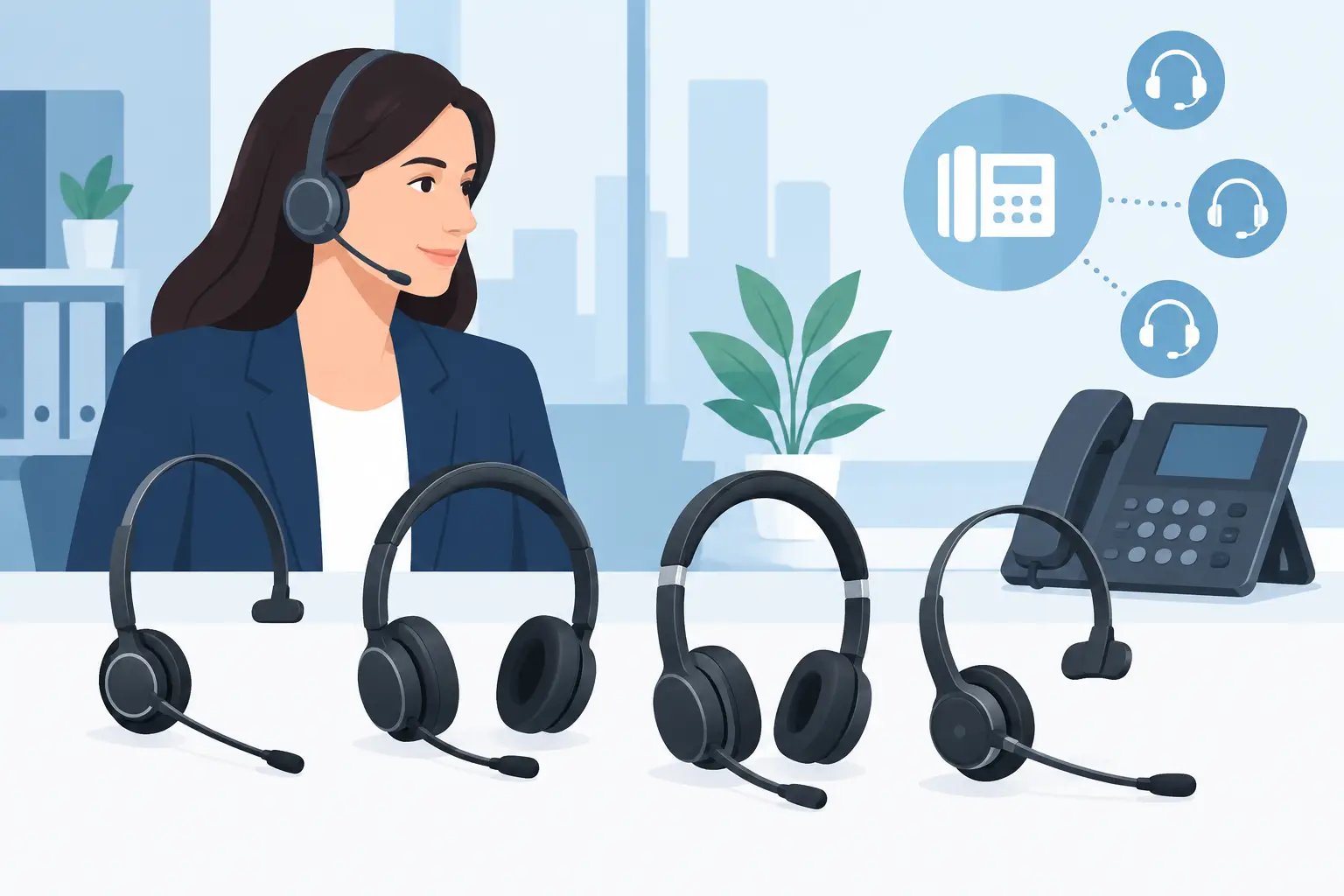
Choosing Compatible Mitel Headsets for Your Office
Posted by Tech Support @ Telephoneheadsets.net on 18th Oct 2026
A headset that physically plugs into a Mitel phone is not automatically the right headset for it. Mitel headsets must match the phone model, connection type and call-control requirements, particularly where teams need to answer calls away from the desk. Confirming those details before ordering avoids unusable cables, missing features and unnecessary returns.
Start with the Mitel communications setup
The first question is not whether a user needs a mono or duo headset. It is whether they are making calls through a Mitel desk phone, a cordless DECT handset, a computer softphone, or a combination of these. Each setup uses a different connection method and may need different accessories.
A traditional Mitel desk phone normally uses a dedicated headset socket or an electronic hook switch connection. A computer-based deployment using MiCollab, Microsoft Teams or another calling application will usually require a USB headset. A DECT phone needs a headset designed specifically for the handset or its compatible Bluetooth arrangement.
This distinction matters in mixed offices. A headset selected for a USB laptop will not connect directly to an RJ9 desk-phone port, while a wired RJ9 headset cannot be moved to a softphone user without an appropriate adapter. Where a person regularly works between a desk phone and a PC, a multi-connection headset may be more suitable, but it should be selected for the actual devices in use rather than for convenience alone.
Mitel desk phones
For a wired desk-phone installation, identify the exact Mitel model before selecting anything. Product families can look similar while using different headset ports, supported cables or call-control options. Check the model number on the phone base, not just the name used internally by the business.
Many professional headsets use a Quick Disconnect lead between the headset and the lower cable. This is useful because the headset can be unplugged without removing the cable from the phone. The lower cable is the compatibility-critical part: it needs the correct connector and wiring for the Mitel phone.
Do not assume that an RJ9 plug is universal simply because it fits the socket. Handset and headset wiring can vary between telephone manufacturers and models. A correctly specified Mitel-compatible cable is the safer choice.
Mitel DECT handsets
DECT users need a separate compatibility check. Some cordless Mitel handsets support a 2.5 mm headset socket, while others use Bluetooth or a manufacturer-specific accessory route. The size of the socket, Bluetooth support and headset profile all affect what will work.
For staff who walk the floor, a lightweight wireless or Bluetooth option can be practical. The trade-off is that battery charging and range become part of daily use. For fixed-position reception or service desks, a wired headset may be simpler to manage and removes the risk of a flat battery during a shift.
Softphones and computer calling
A USB headset is generally the right choice for Mitel softphone users. It connects to a PC or Mac and is designed for computer audio rather than a desk-phone headset port. USB headsets are also often the clearest option for hybrid workers who take calls through several applications.
Check whether the organisation needs call control from the headset. Answer, end, mute and volume functions may work as basic audio controls without additional configuration, but application-specific call control can depend on the headset model, installed software and the calling platform. Where this feature is essential, test it in the live environment before equipping the full team.
Choose the right connection and call control
Once the calling platform is known, decide how the user needs to handle calls. A wired headset connected directly to the desk phone is reliable and cost-effective for users who remain at one workstation. It is often the most straightforward choice for contact-centre agents, reception teams and administrative staff.
Wireless desk-phone headsets offer more freedom, but they need a base unit and may require an Electronic Hook Switch cable or handset lifter for remote answering. Without one of these accessories, the user may hear the call in the headset but still need to press the answer button on the phone itself. That may be acceptable for some roles and unacceptable for others.
An Electronic Hook Switch cable is model-specific. It allows compatible wireless headsets to answer and end calls remotely through the phone. A mechanical handset lifter is a more general alternative for phones without suitable EHS support, though it is less tidy and creates a moving part on the telephone.
Before placing a larger order, establish whether remote answer/end is a requirement or simply a preference. This prevents paying for an EHS arrangement that a stationary user will never use, while ensuring mobile supervisors and busy receptionists have the functionality they need.
Select mono or duo Mitel headsets by role
The wearing style should reflect the working environment. Mono headsets leave one ear open, making them well suited to offices where colleagues need to speak to each other and users must remain aware of activity around them. They are common at reception desks and in general administrative roles.
Duo headsets cover both ears and improve concentration in noisier areas. They are usually the better fit for contact centres, shared offices and users handling long periods of customer calls. Better focus can improve call quality, but duo designs are not always ideal for staff who need frequent face-to-face conversations.
Comfort should be treated as an operational consideration, not an afterthought. A headset worn for six hours needs an adjustable headband, a stable microphone boom and cushioning appropriate to the user. A lower-cost headset can be false economy if agents remove it between calls because it is uncomfortable.
Microphone design also deserves attention. Noise-cancelling microphones help reduce nearby speech and office noise reaching the caller, but they cannot remove every sound in a very loud environment. If the workspace is particularly busy, physical separation and acoustic improvements may be needed alongside a suitable headset.
Avoid the common compatibility mistakes
The most frequent error is ordering by phone brand alone. “Mitel compatible” is useful as a starting point, but the exact phone model, connection and required features still need to be checked. This is especially relevant where a business has accumulated different Mitel models across departments or sites.
Another mistake is confusing the handset port with the headset port. Some phones have both, and connecting a headset to the wrong one can result in no audio, poor microphone performance or unexpected dial tone behaviour. The phone documentation and the labelled sockets should be checked before installation.
It is also easy to overlook the lower cable when replacing an older headset. If the existing headset used a Quick Disconnect system, the new headset may need a new compatible lead even when the old cable appears to fit. Reusing cables is sensible only when their compatibility and condition are known.
For large deployments, standardisation reduces support work. Selecting one compatible wired model for desk-phone users and one USB model for softphone users makes replacements, training and spare stock easier to manage. There will be exceptions for specialist roles, but they should be deliberate rather than accidental.
A practical check before ordering
Record four details for each user group: the exact Mitel phone or software application, whether the headset will be wired or wireless, the connection required, and whether remote call answer/end is needed. Add the preferred wearing style and the typical noise level in the workspace.
This information is enough to narrow the selection quickly. It also gives procurement and IT teams a clear basis for choosing compatible products rather than comparing headsets solely on price or appearance. TelephoneHeadsets.net is structured around phone brands and models for precisely this reason: the correct match starts with the communications equipment already on the desk.
When compatibility, call control and day-long comfort are considered together, Mitel headset selection becomes a straightforward equipment decision rather than a trial-and-error purchase.