
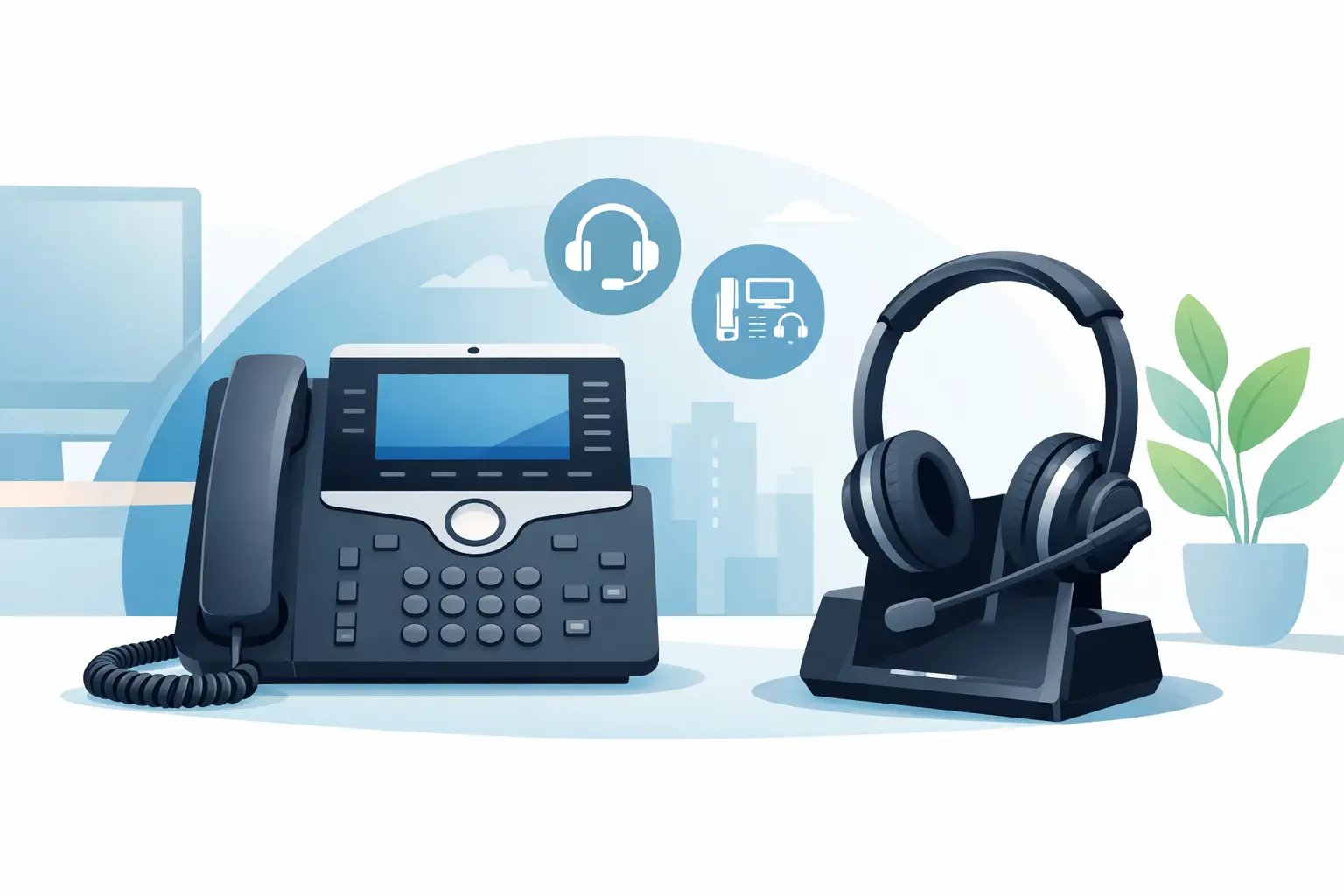
Choosing a Headset for Cisco Desk Phone
Posted by Tech Support @ Telephoneheadsets.net on 18th Oct 2026
Buying a headset for Cisco desk phone use usually looks simple until you check the handset port, headset socket, call control options and the exact Cisco model on the desk. That is where most purchasing mistakes happen. A headset that fits one Cisco phone may need a different lead, amplifier or EHS setup on another, even when the phones look similar.
For office managers, IT teams and telecom buyers, the real job is not finding any headset. It is finding the right one first time, with the correct connection and the right wearing style for the user. That matters even more when you are buying across multiple desks, departments or shift-based teams where a compatibility error quickly becomes a support problem.
What matters when choosing a headset for Cisco desk phone models
Cisco desk phones cover a wide range of business environments, from standard office handsets through to busy reception and contact centre positions. Some models have a dedicated headset port, some work best through the handset socket, and some support electronic hook switch control for remote answering. The headset choice depends on that starting point.
The first check is the phone model. Cisco 6800, 7800 and 8800 series phones can differ in headset support depending on the exact handset and firmware setup. It is never a good idea to assume that one cable or one wireless base will suit the whole Cisco estate without checking model-by-model compatibility.
The second check is how the headset will be used. A user taking occasional calls at a fixed desk has different needs from a customer service adviser who wears a headset for most of the day. In practical terms, that affects whether you choose mono or duo, wired or wireless, and whether all-day comfort is more important than entry cost.
Wired or wireless for a Cisco desk phone
For many desks, a wired headset remains the most straightforward option. It keeps cost predictable, avoids charging routines and is often the best fit for users who stay at their workstation. Wired models are also easier to standardise when you are rolling out to several users and want a consistent setup.
A wireless headset makes more sense where staff need to move around the office, consult colleagues, pick up printouts or work across more than one nearby desk. In those cases, the value is in flexibility and productivity rather than just convenience. The trade-off is that wireless setups usually involve a higher upfront cost and a little more attention to accessories such as EHS leads or handset lifters.
If remote call answering matters, especially for reception, supervisors or busy call handling roles, wireless is often the better route. Without EHS or a lifter, users may still have to press a button on the phone itself to answer calls, which reduces the point of going wireless in the first place.
When a wired headset is the better fit
A wired headset is usually the safer choice for static office users, procurement teams working to a tighter budget, and environments where simplicity matters more than mobility. It also suits hot-desking situations where charging and battery management would otherwise become another operational task.
When wireless is worth the extra spend
Wireless suits heavier call users, managers who move between desks, and teams where uninterrupted call handling is important. If users regularly step away from the desk during calls, the return on cost is usually clear.
Understanding Cisco headset connectivity
This is the area that causes most confusion. Not every Cisco desk phone uses the same headset connection method, and not every headset ships with everything needed for every phone.
Some headsets connect directly to a dedicated headset port on the phone. Others connect via the handset port using an RJ9 or similar desk phone lead. In some cases, a bottom cable or quick disconnect lead must be selected separately to match the phone. Wireless bases may also need an EHS cable if you want remote answer and hang-up from the headset.
USB headsets are a different category. They are ideal for softphone and PC-based calling, but they are not automatically suitable for a traditional Cisco desk phone unless the phone itself supports that type of connection and usage. Buyers sometimes mix up desk phone compatibility with UC or Teams compatibility, and that can lead to the wrong order.
That is why compatibility-led buying matters. The phone model, headset family and connection accessory all need to line up.
Headset types for different Cisco users
The best headset for Cisco desk phone users is not always the most expensive model. It is the one that fits the role.
A mono headset is often the practical option for reception, admin and office users who still need to hear the room around them. It keeps users aware of colleagues, visitors and general office activity. A duo headset is better where concentration matters, particularly in shared offices or higher-volume call environments. The extra noise isolation can make a noticeable difference to call focus.
Wearing style matters too. Some users prefer an over-the-head design for stability during long shifts. Others prefer a lighter option, particularly for intermittent use. If you are equipping a team, comfort should not be treated as a minor detail. A technically compatible headset that users do not like wearing often gets abandoned.
Microphone quality is another practical consideration. In quieter offices, standard business-grade noise-cancelling microphones are usually enough. In busier environments, stronger microphone noise reduction can help keep speech clearer for the caller, though no headset can completely remove a very noisy background.
Common buying mistakes with a headset for Cisco desk phone setups
The most common mistake is ordering by connector name alone. Seeing RJ9, for example, does not always mean every RJ9-linked headset setup will work identically across every Cisco model. Pin configuration, cable type and base unit compatibility can still vary.
Another mistake is forgetting call control. A buyer may select a wireless headset expecting full remote answering, then find that an EHS cable is required and was not included. The headset still works, but not in the way the user expected.
There is also the issue of mixed estates. Many offices have more than one Cisco series in use, or Cisco phones alongside other brands in different departments. Standardising one headset across all users can be possible, but only after confirming each phone type and required accessory. If that step is skipped, support queries tend to appear as soon as deployment begins.
Finally, buyers sometimes focus only on unit price. A cheaper headset that requires extra adapters, has shorter working life, or is uncomfortable for full-day wear may end up costing more in replacements and user dissatisfaction.
How to buy accurately for single users and teams
If you are buying for one user, start with the exact Cisco phone model and the user profile. Check whether they need wired or wireless, mono or duo, and whether remote answer is required. That usually narrows the correct options quickly.
For team purchases, take a slightly more structured approach. Confirm the phone models in use, note any mixed environments, and identify which users are light, moderate or heavy call handlers. A front office team may need different headset types from finance or general admin, even when they use the same Cisco handsets.
This is also where a specialist supplier adds value. A compatibility-first catalogue makes it easier to match headset families, connection leads and Cisco phone models without relying on guesswork. For buyers who want to reduce procurement risk, that matters more than browsing a long list of generic audio products.
Why model-specific matching saves time
Cisco handsets are common in business telephony, but common does not mean universal in compatibility terms. Small differences in phone series, firmware support, port layout or call control accessories can affect what will work properly.
Model-specific matching reduces returns, avoids time spent testing unsuitable leads, and gives users a headset that works as expected from day one. For IT and telecom teams, that means fewer avoidable tickets. For managers, it means less disruption and a cleaner rollout.
At TelephoneHeadsets.net, the buying logic is built around this exact issue - helping customers match the right headset to the right business phone rather than expecting them to decode every connection detail unaided.
The practical way to choose
If you need a headset for Cisco desk phone use, the quickest route is to avoid broad assumptions and buy against the exact phone model. Then decide on the working style: wired for simplicity, wireless for mobility, mono for office awareness, duo for concentration, and EHS where remote call control matters.
That approach is less glamorous than trial and error, but it is how business buyers avoid wasted time and unnecessary returns. Get the compatibility right first, and the rest of the decision becomes much easier. A good Cisco headset setup should feel routine once installed - and that is usually the clearest sign you chose well.