
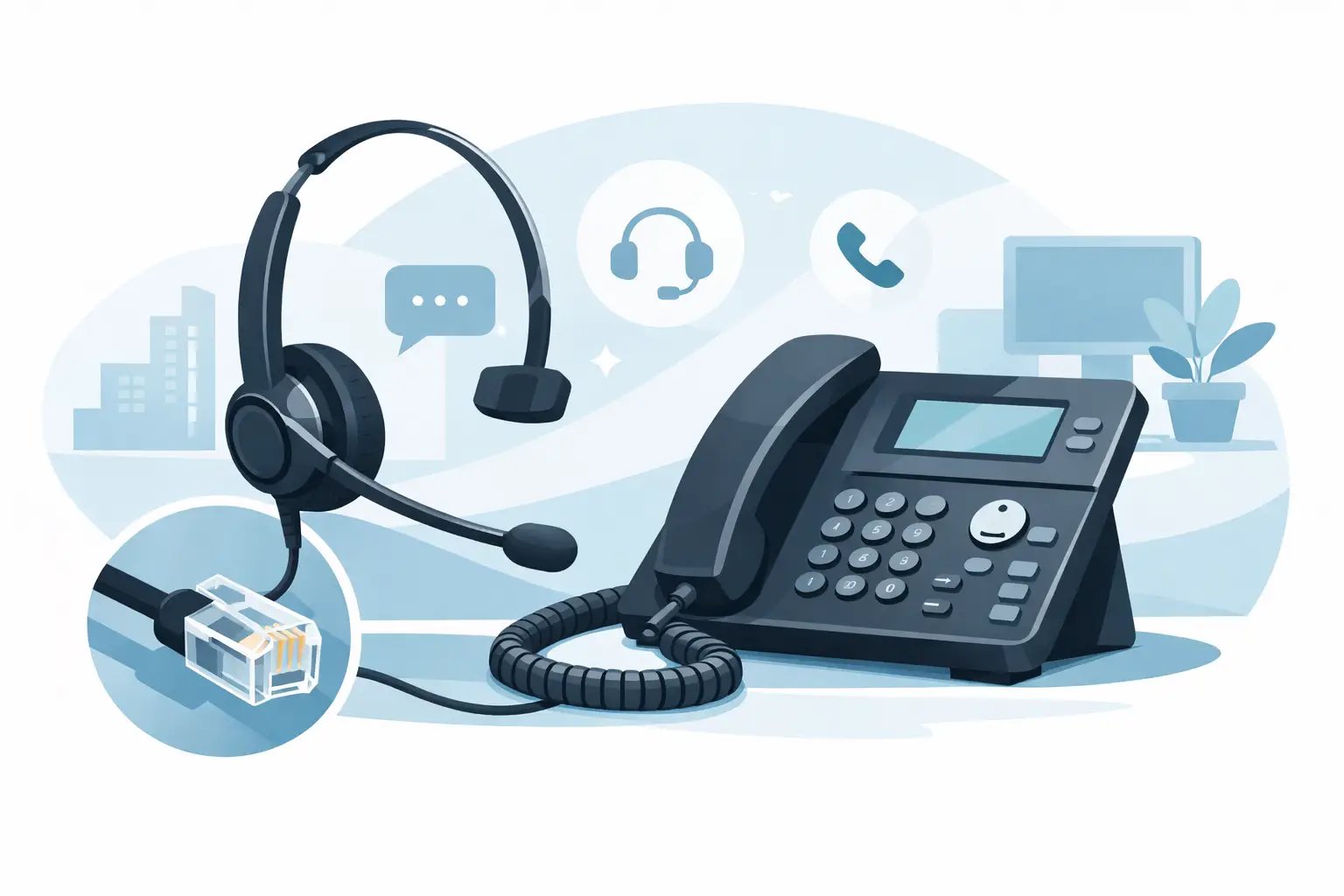
Choosing an RJ9 Headset for Office Phone with Mic
Posted by Tech Support @ Telephoneheadsets.net on 18th Oct 2026
Buying the wrong headset usually looks fine until the first call. The plug fits, but the audio is faint, the microphone sounds poor, or the call control simply does not behave as expected. If you are sourcing an rj9 headset for office phone with mic, the connection type is only the starting point. The real decision is compatibility with the specific desk phone and the way your team actually handles calls.
For office managers, IT buyers and contact centre supervisors, this is where time gets lost. A headset may be described as RJ9, RJ10 or RJ22 and still need the correct wiring arrangement, lead type or quick disconnect setup for a particular handset port. Getting this right first time matters because returns, downtime and user complaints quickly cost more than the headset itself.
What an RJ9 headset for office phone with mic actually is
An RJ9 headset is a wired headset designed to connect to the headset or handset interface on many business desk phones. In practical buying terms, people use RJ9 as the common name for the small telephone-style headset plug found on a wide range of office telephones. You may also see RJ10 and RJ22 used interchangeably in the market.
That overlap causes confusion. Buyers often assume that if the plug shape matches, any headset will work with any office phone. In reality, office phone manufacturers do not all wire headset ports in the same way. That is why model-specific compatibility matters far more than the label printed on the connector.
The "with mic" part is straightforward but still worth stating. These are call-handling headsets intended for two-way voice communication, not simple listening devices. For receptionist positions, service desks, sales teams and general office users, the microphone quality is just as important as earpiece comfort because poor outgoing audio creates immediate friction on every call.
Why compatibility matters more than the plug
The most common purchasing mistake is treating RJ9 as a universal standard. It is not universal in the way many buyers expect. Two desk phones may both accept an RJ9-style plug, but one may require a different pin configuration or a specific bottom lead to provide correct transmit and receive audio.
This is especially relevant across brands such as Avaya, Cisco, Mitel, Poly, Alcatel and Grandstream, where headset support can vary not only by manufacturer but by individual model range. Even within the same brand, older digital handsets and newer IP phones may behave differently.
If you are buying for more than one phone type across the business, avoid assuming one headset configuration will suit every desk. Standardising can reduce procurement complexity, but only if the lead and compatibility are genuinely consistent. In mixed estates, it is often better to match headsets by phone model rather than force a single solution onto every user.
How to choose the right RJ9 headset for office phone with mic
Start with the exact phone make and model. That is the anchor point for the whole decision. A headset selected around the desk phone model is far less risky than one chosen purely on price, appearance or a generic claim of compatibility.
Next, check whether the phone supports a dedicated headset port or whether the headset connects through the handset socket. This affects the required cable arrangement and can also influence how users answer and end calls. Some setups support electronic call control or a dedicated headset button, while others rely on manual operation.
Then consider the working environment. A quiet private office and a busy customer service floor need different headset characteristics. In quieter spaces, a standard microphone and mono headset may be perfectly adequate. In noisier departments, you will usually want stronger microphone noise reduction and often a duo headset to help users concentrate.
Comfort should not be treated as a soft factor. If the headset is worn for short internal calls, a lightweight basic design may be fine. If it is used for most of the day, headset weight, headband pressure, ear cushion material and wearing style become operational issues. Discomfort leads to poor adoption, and poor adoption means the original buying decision fails.
Mono or duo, light use or all-day use
For many office phones, the practical choice comes down to mono versus duo. A mono headset leaves one ear open, which suits reception desks, shared offices and roles where users need to remain aware of colleagues and surroundings. It is often the better fit for general administration and lower call volumes.
A duo headset covers both ears and is usually the stronger option for frequent call handling. It improves focus and can reduce distraction in busy offices or contact centres. The trade-off is that some users find duo models less suitable where constant face-to-face interaction is part of the role.
Usage time matters just as much. Light-use headsets can be cost-effective for occasional calling, but they may not deliver the long-term comfort or durability needed for heavy daily use. If your team spends hours on calls, look beyond the headline price. Materials, boom arm quality and replaceable wearing parts can make a noticeable difference over time.
Microphone performance and call quality
When buyers ask about sound quality, they often focus on what the wearer hears. For business telephony, what the caller hears is equally important. A poor microphone can make staff sound distant, muffled or inconsistent, even if incoming audio is acceptable.
For front-line call handling, look for a microphone designed to reduce surrounding office noise. This does not eliminate all background sound, but it can improve speech clarity and help maintain a more professional experience for customers and colleagues. In open-plan offices, that benefit is often more valuable than small differences in speaker performance.
There is also a trade-off between simplicity and flexibility. Some RJ9 headset setups are very straightforward, while others may use quick disconnect leads or amplifier-style accessories depending on the phone system and user needs. Simpler is usually better when you are equipping multiple desks, but only if the chosen setup delivers the required audio performance.
Common buying mistakes to avoid
One mistake is buying against the connector name rather than the phone model. As noted, RJ9 does not guarantee true plug-and-play compatibility across all business phones.
Another is overlooking call handling behaviour. If users expect to answer calls remotely, mute on the headset or move away from the desk, a basic wired RJ9 solution may not meet that expectation. In that case, you may need to review whether a different wired configuration or a wireless office headset is the better fit.
A third issue is treating every user role the same. The finance office, reception desk and customer support team may all use office phones, but they do not necessarily need the same headset. Matching specification to working pattern usually produces a better result than forcing a single model everywhere.
Finally, do not underestimate durability. In shared-desk environments or high-turnover teams, entry-level products can become expensive if they need replacing too often. For regular business use, build quality matters.
When an RJ9 office headset is the right choice
An RJ9 office headset is a sensible option when users work mainly from a compatible desk phone, need dependable wired audio and do not require USB connection to a PC. It is often well suited to fixed workstations, reception positions, general office telephony and structured call-handling environments where reliability matters more than mobility.
It may be less suitable if your teams split calls between desk phone, laptop and softphone platforms. In those cases, a USB or multi-connectivity headset can be the more practical choice. The right answer depends on the communications setup, not just the phone sitting on the desk.
That is why compatibility-led selection remains the safest route. A specialist supplier such as TelephoneHeadsets.net builds around phone brands and phone models because that reduces guesswork and helps buyers reach the correct endpoint faster.
A practical way to buy with less risk
If you are specifying headsets for one user, confirm the phone model, expected call volume and preferred wearing style before you buy. If you are buying for a team, add one more step and check whether all desks use the same telephone model or whether there are variations across departments.
That small amount of preparation usually prevents the most common failures - wrong lead, wrong fit, wrong use case. An rj9 headset for office phone with mic should make daily calling easier, not create another compatibility problem to solve. Start with the telephone model, buy for the actual environment, and you are far more likely to get a headset that works properly from day one.
A good headset purchase rarely feels dramatic. Calls are clear, users are comfortable, and nobody needs to think about the hardware again.