
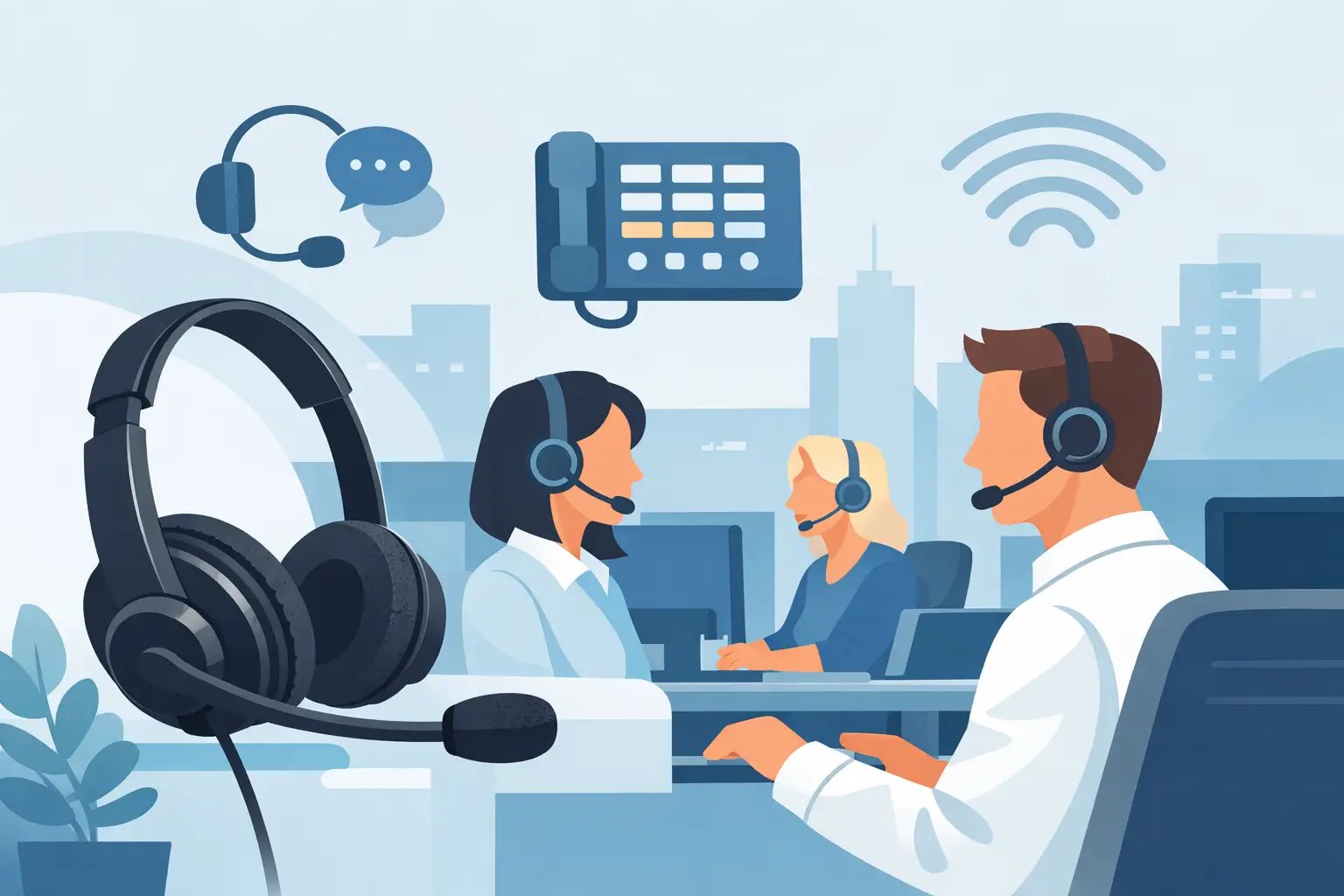
Choosing Switchboard Headsets for Busy Offices
Posted by Tech Support @ Telephoneheadsets.net on 18th Oct 2026
A busy reception cannot pause while a caller waits for someone to find a handset, transfer a call or check a diary. The right switchboard headsets give receptionists and call-handling teams both hands free while keeping speech clear across a demanding working day. The difficulty is that a headset is only useful when it is correctly matched to the telephone, console or softphone in use.
For buyers responsible for office telephony, the priority is not simply choosing a comfortable headset. It is identifying the connection type, the required controls and the working environment before ordering. A model that looks suitable can still be wrong if the plug, lead or electronic hook switch support does not match the phone system.
What switchboard headsets need to do
A switchboard position usually handles a different mix of calls from a standard desk extension. Receptionists may answer external calls, transfer them to multiple departments, place callers on hold and deal with visitors at the same time. Contact centre operators may spend most of the day on inbound or outbound calls, using a desk phone, PC application or both.
That makes reliable audio and practical call control essential. A headset should allow the user to hear names, numbers and quieter callers without repeatedly increasing the volume. Its microphone should reduce nearby office noise without making the speaker sound clipped or unnatural. It also needs to remain comfortable through long sessions, particularly where one person covers the switchboard for most of the day.
A headset does not automatically provide remote answer and end-call control. This depends on the telephone model, the headset type and, in many cases, a compatible electronic hook switch cable or handset lifter. Where calls are answered from the phone keypad or console, a wired headset may be all that is required. Where the user needs to move away from the desk, compatibility planning becomes more involved.
Start with the phone system, not the headset style
The most common ordering error is selecting a headset based on its appearance, then trying to make it fit the telephone afterwards. Start by recording the exact make and model of the device at the switchboard position. “Cisco phone”, “Avaya handset” or “VoIP system” is not usually enough information, as compatible leads and accessories can vary between models in the same range.
Check whether the user takes calls through a dedicated attendant console, a standard IP desk phone, a DECT phone or a computer-based communications platform. Also establish whether there is an existing headset port, a dedicated RJ9 socket, USB connectivity or a quick-disconnect lead already in place.
Desk phone connections
Many office desk phones use an RJ9 or RJ10-style headset socket. These plugs can look alike, but wiring arrangements and amplifier requirements may differ by manufacturer. A direct-connect headset designed for one phone family may not work correctly on another, even when the plug physically fits.
A common professional configuration uses a headset with a quick-disconnect connection and a separate bottom lead matched to the phone. This is particularly useful for organisations with mixed telephone estates. The headset can be standardised for users, while the lower connection lead is selected for the individual phone model. It also makes replacement easier if a lead is damaged or a desk phone is changed.
RJ11 is more often associated with telephone line connections and should not be assumed to be a standard headset connection. Always confirm the port specification rather than choosing by plug shape alone.
USB softphones and PC-based switchboards
Where the switchboard runs through Microsoft Teams, Skype-compatible software or another softphone application, a USB headset is often the more direct choice. USB models connect to a computer rather than the physical desk phone and may provide in-line controls for volume, mute and call handling.
The trade-off is that a USB headset is not normally a substitute for a headset connected to a separate desk phone. If reception staff use both systems, they may need a dual-connectivity solution or a clear process for handling calls on each platform. Before purchasing, confirm which device actually carries the live calls.
Cordless requirements
Cordless headsets suit roles where the user needs to step away from the console to greet visitors, collect paperwork or speak with colleagues. They can improve flexibility, but they introduce extra decisions around charging, wearing style, range and remote call control.
For a fixed, high-volume switchboard position, a wired headset is often the simpler and more cost-effective option. There is no battery to charge, no base station to position and fewer variables when diagnosing an issue. Cordless is justified when mobility genuinely improves the role, not simply because it appears more convenient.
Choosing mono or duo switchboard headsets
The choice between mono and duo wearing styles affects both concentration and awareness. A mono headset has one earpiece, leaving one ear open to colleagues, visitors and office activity. It is a practical choice for a front desk where face-to-face interaction is frequent.
A duo headset covers both ears and offers better focus in a noisy office or busy call-handling area. It can reduce the need to raise volume and help the user hear callers more clearly when there is conversation nearby. The downside is reduced awareness of the room, which may not suit a receptionist who needs to respond to people arriving at the desk.
There is no universal answer. A quiet corporate reception may benefit from a lightweight mono headset, while a shared service desk handling continuous calls may be better served by a noise-reducing duo model. Where teams perform the same role in different locations, assess the local environment rather than applying one specification everywhere.
Comfort is an operational requirement
For occasional calls, almost any correctly connected headset may be acceptable. For four to eight hours of regular use, fit becomes a procurement consideration. Headbands spread weight across the head and are generally dependable for intensive use. Convertible designs may offer earhook, headband or neckband options for users with specific preferences.
Look for adjustable headbands, replaceable ear cushions and a flexible microphone boom. A microphone positioned too far from the mouth can make the user sound quiet; positioned directly in front of the mouth, it can pick up breathing and plosive sounds. A movable boom lets each user achieve a more consistent position.
Hygiene also matters in shared positions. If several people cover reception across different shifts, use replaceable cushions and establish a simple cleaning routine. A shared headset that is technically compatible but uncomfortable or poorly maintained will quickly become underused.
Assess microphone performance against the office environment
Noise-cancelling microphones are designed to prioritise the speaker's voice and reduce surrounding office sound. They are valuable in open-plan offices, call centres and receptions located near printers, meeting areas or entrances. They do not remove every source of noise, and they cannot compensate for a microphone worn incorrectly, but they can materially improve caller experience.
In a quiet private office, a standard microphone may be sufficient. In louder surroundings, specify noise reduction as a requirement rather than an optional feature. Test with realistic call conditions where possible: colleague conversation, keyboard noise and reception traffic are more revealing than a quiet installation check.
Information to confirm before ordering
A short compatibility check prevents most avoidable returns and delays. Gather the following details before selecting switchboard headsets:
- The exact telephone, attendant console or software platform model.
- Whether calls are handled on a desk phone, computer, or both.
- The existing headset port and any current headset or connection lead.
- Whether answer and end-call control away from the desk is required.
- The user's typical call duration, office noise level and need to speak to visitors.
If an existing headset is being replaced, inspect its labels and the lower lead separately. The brand name on the earpiece alone may not identify the connection required. A photo of the phone ports and current cabling can also help a telecoms buyer verify the configuration before standardising an order.
Plan for rollout, spares and change
For several switchboard or reception positions, standardisation reduces support time. A common headset family gives users a consistent fit and familiar controls, while phone-specific leads accommodate different desk phone models. Keep a small number of approved replacement cushions, microphone booms or connection leads where call handling cannot stop.
However, do not standardise blindly. A reception desk with visitors, a noisy operations room and a private executive assistant's office may all require different wearing styles. The sensible approach is a controlled range: compatible products selected for each phone model and role, rather than a single headset issued to everyone.
When a phone system is being upgraded, revisit headset compatibility early in the project. A working analogue or IP phone setup may need different leads, USB devices or remote-control accessories after migration. Confirming this before installation avoids leaving call handlers dependent on handsets during the transition.
The best purchase decision is usually the one that makes the user's next call uneventful: clear audio, comfortable wear and the right connection from the first day. Start with the exact phone model and the real demands of the switchboard role, and the correct headset choice becomes far more straightforward.