
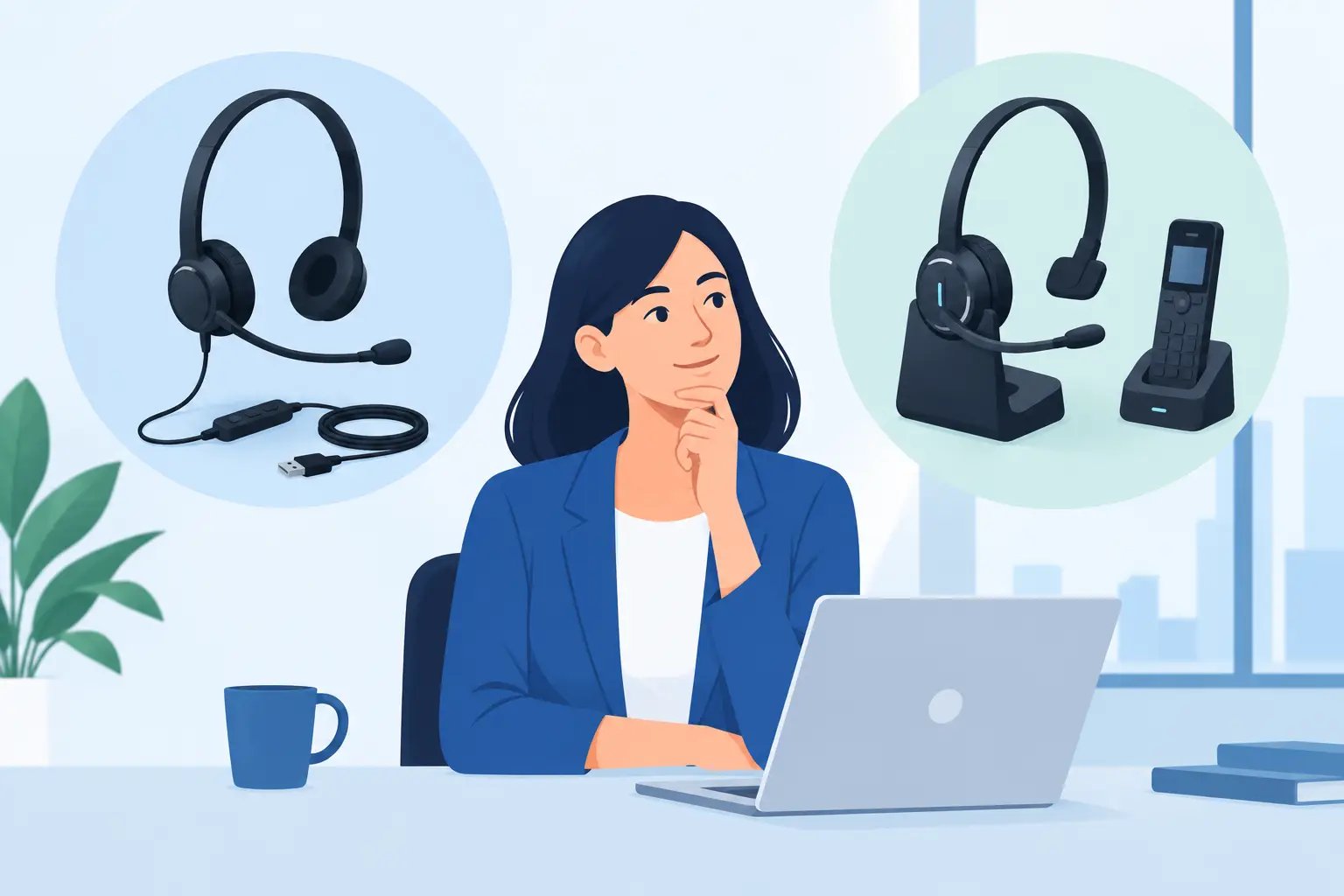
Corded or DECT Headset: Which Is Right for Work?
Posted by Tech Support @ Telephoneheadsets.net on 18th Oct 2026
A headset choice can affect every call an employee handles. A corded or DECT headset may look like a straightforward buying decision, but the wrong connection type, handset port or accessory can leave a desk phone unusable. The right option depends on where people work, how often they leave their desks and, above all, the telephone system already in place.
For busy offices and call centres, the priority is rarely a single feature. Buyers need dependable audio, a comfortable wearing style, practical call control and confirmed compatibility with the phone model or softphone platform. Start with the working environment, then check the connection requirements before selecting a headset.
Corded or DECT headset: the practical difference
A corded headset connects physically to a desk phone, computer or compatible adaptor. Depending on the equipment, it may use a Quick Disconnect lead, RJ9 connection, USB cable or a dedicated amplifier. It has no battery to charge and remains ready for the next call as long as the connected device is powered.
A DECT headset is wireless. It normally uses a base station connected to the desk phone, computer or both, while the user wears the headset and can move away from the desk during a call. DECT is designed for business voice communications and is different from a standard Bluetooth headset. In most office deployments, it provides greater range and more consistent call handling than consumer wireless products.
Neither category is automatically better. A fixed-position agent handling continuous customer calls usually benefits from the certainty and simplicity of corded equipment. A receptionist, manager, warehouse coordinator or office professional who regularly needs to collect paperwork, speak to colleagues or move between workstations may gain more from DECT mobility.
When a corded headset is the better business choice
Corded headsets remain the standard choice for many contact centres, service desks and high-volume calling teams. Their chief advantage is consistency. There is no charging routine, no wireless range to consider and no risk that a headset will need to be replaced halfway through a shift because the battery is flat.
This makes a corded model particularly suitable where users sit at an assigned desk for most of the day. It is also often the most cost-effective route when equipping a larger team. A wired headset can provide clear audio and all-day comfort without the additional cost of a wireless base station for each user.
The physical connection can also be easier to manage in controlled desk layouts. If employees use an RJ9 desk-phone headset port, a compatible corded solution can be installed with minimal desk space. USB corded headsets are equally practical for Microsoft Teams, Zoom, softphone and PC-based calling, provided the chosen model supports the organisation's platform requirements.
There are trade-offs. A cable limits movement, and users who frequently stand up while talking may find it restrictive. Cables also need sensible routing to avoid snagging on chairs, drawers or equipment. For fixed call handling, however, these limitations are generally minor compared with the benefit of uninterrupted operation.
Corded headsets work well for
A corded headset is a strong fit for dedicated call centre positions, customer service desks, finance teams processing calls from a fixed workstation and offices where budget predictability matters. It is also the sensible choice when users do not genuinely need to walk during conversations.
Mono headsets are useful where staff need to remain aware of colleagues or visitors. Duo headsets are better for concentration in busy call centre areas, particularly where background conversation can affect call quality and focus.
When a DECT headset is worth the investment
DECT headsets are designed for people whose work does not stay at one desk. The user can answer or continue a call while walking to a printer, checking stock, consulting a colleague or moving around a reception area. That freedom can remove the small but frequent interruptions that occur when staff must choose between ending a call and stepping away from the phone.
A DECT system consists of the headset and base station. The base may connect to a desk phone, a computer or both, depending on the model. Many business DECT headsets support remote answer and end controls, but this is not always included by default. A compatible electronic hook switch cable or handset lifter may be required for remote call control on a desk phone.
Battery management is the key operational consideration. Most modern DECT models are intended for a working day, but expected talk time, charging arrangements and shift patterns should be checked before purchase. In a multi-shift operation, spare headsets, charging plans or models with hot-swappable batteries may be relevant. Wireless convenience is valuable only if it remains available when the team needs it.
DECT also requires thoughtful deployment in larger premises. Range can vary with walls, metal shelving, building layout and radio activity. A single-user office installation is usually straightforward, while a large site with many wireless users may need a more deliberate assessment of location, density and coverage.
DECT headsets work well for
A DECT headset suits reception teams, supervisors, facilities staff, small office managers and professionals who split time between calls and practical tasks. It can also be appropriate for executives who want the option to move during long conversations without relying on a mobile phone.
For a user who spends the day at one desk, the extra cost may not produce a meaningful gain. For someone who regularly moves even a short distance, it can improve responsiveness and reduce missed calls.
Compatibility matters more than the headset category
The most common headset purchasing error is assuming that every RJ9 port, wireless base or headset lead works in the same way. Business phones use different pin configurations, headset ports and call-control methods. A headset that plugs in physically may still have poor audio, no microphone function or no remote answer capability if the connection is incorrect.
Before selecting either a corded or DECT headset, identify the exact telephone manufacturer and model. “Cisco phone” or “Avaya system” is not always enough, as compatibility can vary between models within the same brand. Confirm whether the user connects to a desk phone, a computer, a softphone application or more than one device.
For desk phones, establish whether there is a dedicated headset socket and what type of connection it uses. Some solutions require a specific bottom lead between the headset and phone. Others need an amplifier, a wireless base or an electronic hook switch cable to enable away-from-desk answer and end functions.
For PC calling, check the USB connection and the communications platform. A USB headset may be the most direct solution for a softphone-only user, while a dual-connectivity DECT system can be useful for staff switching between a desk phone and computer calls. The correct configuration should match the actual calling workflow rather than a theoretical list of features.
Consider the user, noise level and call volume
Connection type is only one part of the specification. A headset must also suit the person wearing it for several hours. Lightweight over-the-head models are common for regular business calling, while convertible designs may suit users who prefer an earhook or behind-the-neck fit. Comfort is personal, so standardising a team on one style should be balanced against individual needs where possible.
Noise level affects the choice between mono and duo designs. A mono headset keeps one ear open to the office, which can be helpful for reception or collaborative teams. A duo headset covers both ears and is often better for concentration in open-plan offices and call centres. Noise-cancelling microphones help reduce nearby speech and office noise transmitted to the caller, but they do not make a very noisy workspace silent.
Call volume should influence durability and support requirements. A headset used for occasional internal calls faces different demands from one used continuously in a customer-facing role. For intensive use, prioritise a business-grade model, replaceable consumables where available and a setup that can be supported consistently across the team.
A sensible buying process
Start with the phone model or communications platform, then decide whether the user needs to remain at the desk or move during calls. Next, confirm the required connection components and whether remote call control is needed. Only then narrow down wearing style, mono or duo design, microphone type and budget.
TelephoneHeadsets.net is structured around phone brands and models because that order reduces compatibility risk. Selecting a headset by appearance or price first can create avoidable returns, delays and frustrated users. Selecting by the existing telephone environment produces a far more reliable result.
The best headset is the one that fits the calls your team actually makes. Choose corded for dependable fixed-desk calling, choose DECT where mobility has a clear day-to-day purpose, and always verify the exact phone connection before placing an order.