
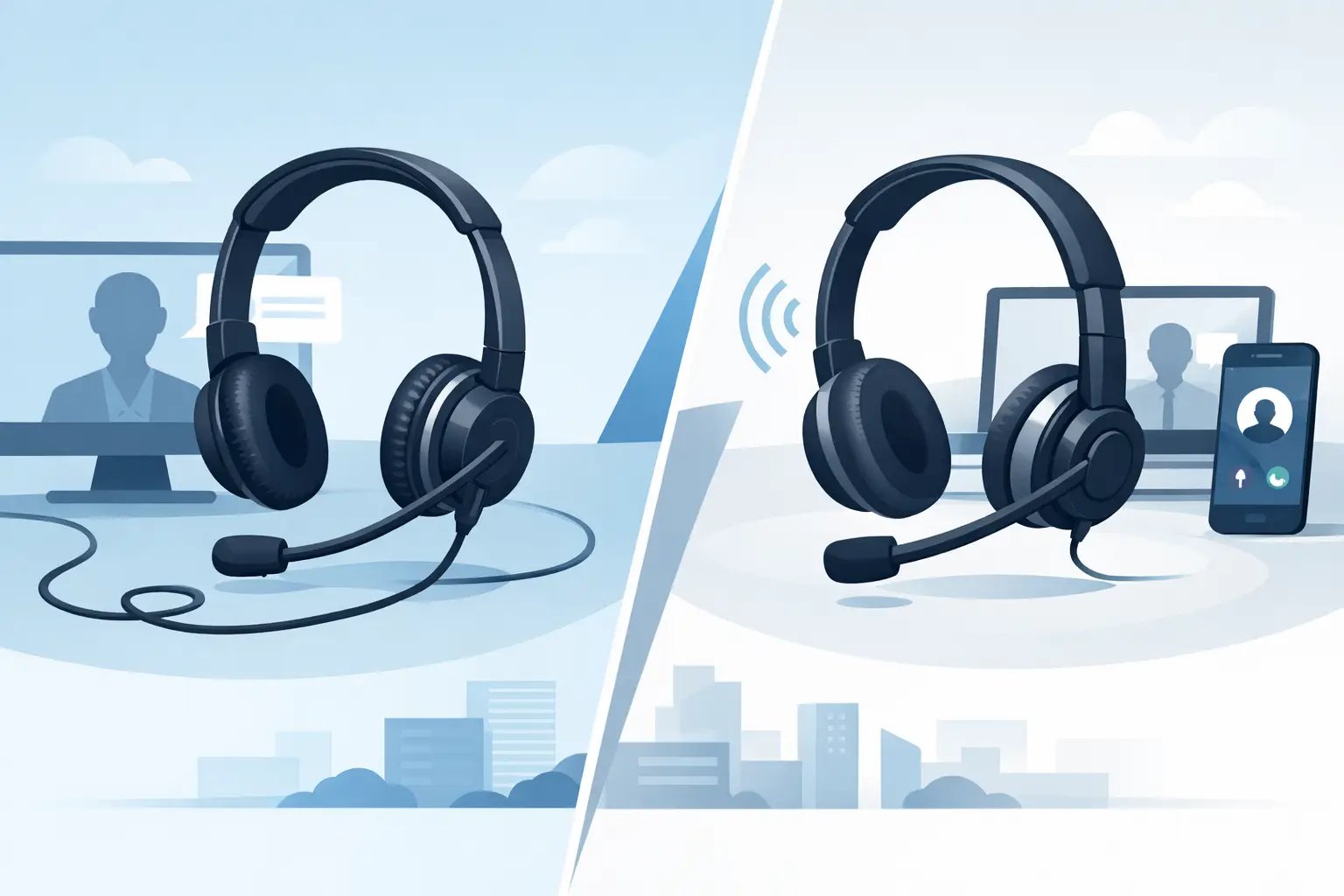
Corded vs Wireless Headsets for Business Calls
Posted by Tech Support @ Telephoneheadsets.net on 18th Oct 2026
A headset that does not match the phone system can create more disruption than a poor fit or unclear audio. When comparing corded vs wireless headsets, the first question is not which type is generally better. It is which connection, working pattern and call environment apply to your users.
For a fixed desk position handling consecutive calls, a corded model is often the most straightforward and cost-effective choice. For staff who need to move between desks, consult colleagues or collect paperwork while remaining available, a wireless headset may justify its higher initial cost. Both can work well in offices and call centres, provided the headset is compatible with the telephone, softphone or communications platform in use.
Corded vs wireless headsets: the practical difference
Corded headsets connect directly to a desk phone, adaptor, USB port or 3.5 mm socket, depending on the equipment. There is no battery to charge, no wireless range to consider and usually fewer components between the user and the call. This makes them particularly suitable for reception teams, contact centre agents and office users working in one location for most of the day.
Wireless headsets use a charging base, USB adaptor or Bluetooth connection. Business models may use DECT wireless technology, which is designed for dependable office communications over a greater range than typical Bluetooth. The user can leave their desk during a call, but must keep the headset charged and remain within its operating range.
The difference matters operationally. A cordless setup can improve responsiveness for a facilities manager or supervisor who is rarely seated. For a team of agents who remain at assigned workstations, wireless mobility may add cost and administration without improving call handling.
When a corded headset is the better choice
A corded headset is usually the sensible option where reliability, simplicity and budget control are the priorities. It is ready whenever the phone is ready. There is no risk that a user begins a shift with a depleted battery, and there are no charging stations to manage across a large team.
For high-volume calling, this consistency is valuable. Contact centre users can take calls continuously without arranging charging breaks or swapping headsets. Corded models also tend to be easier to issue, replace and standardise, especially when a business uses the same phone model across several desks.
Connection type remains critical. An RJ9 headset connection on one desk phone is not automatically interchangeable with another manufacturer’s handset port. Even where the plug looks the same, wiring can differ. Some corded headset solutions need a quick-disconnect lead and a separate telephone-specific adaptor, while others connect through USB to a PC or through a dedicated headset socket.
USB corded headsets are often a strong choice for Teams, Zoom, softphone and unified communications users. They can provide call control features when supported by the application and device configuration, while avoiding the battery management associated with wireless USB options.
Corded headsets do have an obvious limitation: the cable defines the working area. A user can turn to a filing cabinet or reach for a document, but cannot comfortably walk to another room. Cable routing also deserves attention. In busy shared desks, poorly placed leads can snag on chair arms, drawers or other equipment.
Where wireless headsets earn their cost
Wireless headsets are built for users whose work regularly takes them away from the screen or desk phone. A manager checking a stock room, a clinician moving around an office, or a receptionist supporting visitors may need to continue a live call while walking several metres from their workstation.
The productivity benefit is not simply freedom to walk around. It is the ability to avoid placing a caller on hold for small tasks that happen throughout the day. Where this occurs frequently, wireless can make calls feel more responsive and reduce interruptions to colleagues.
DECT wireless headsets are commonly preferred for professional desk-phone environments because they are intended for office use, typically offer a dedicated base and can provide good range. Bluetooth is convenient for laptop and mobile use, but range, call controls and connection behaviour vary by device. A Bluetooth headset that works well with a mobile phone is not necessarily the right solution for a busy desk-phone user.
Battery life must be treated as part of the specification, not an afterthought. Consider the length of a normal shift, whether users can return a headset to its dock between calls, and whether a spare battery or hot-swap option is needed. A headset rated for a full day may still fall short if it is used heavily for calls, music and video meetings without regular charging.
Wireless systems can also require more careful deployment in large offices. Multiple bases, physical obstructions, shared desk arrangements and local wireless conditions can affect practical range. For a small number of mobile users, this is usually easy to manage. For a large department, it is worth planning where bases will sit and how headsets will be allocated.
Compatibility comes before headset type
The most expensive wireless headset will not solve a compatibility problem, and a well-built corded headset can still be unsuitable if it has the wrong lead or adaptor. Start with the exact make and model of the telephone, then identify how the headset must connect.
For desk phones, check whether the device has a dedicated headset port, an RJ9 handset connection, USB capability or a requirement for a bottom cable or amplifier. If users need to answer and end calls away from the desk, establish whether the phone supports an electronic hook switch, often called EHS, or whether a mechanical handset lifter is required. Without one of these options, a wireless user may still need to return to the desk to answer a ringing call.
For PC-based calling, confirm the operating system, communications software and whether users need integrated answer, mute and volume controls. A standard USB audio device may provide sound, while a certified or supported model can offer more consistent call-control behaviour in the chosen platform.
It is also useful to separate telephone compatibility from wearing style. Mono headsets keep one ear free for conversations with colleagues and awareness of the office. Duo headsets provide greater focus and can help in noisy call centre settings. Either style can be corded or wireless, although product availability varies by connection type.
TelephoneHeadsets.net is structured around phone brands and models for precisely this reason: the phone model is often the quickest route to identifying the required connection and accessories.
Audio quality, noise control and comfort
Neither wired nor wireless automatically delivers better speech quality. A business-grade microphone, correct positioning and appropriate noise-cancelling design matter more. In a quiet private office, almost any suitable professional headset can perform well. In a busy call centre, microphone noise reduction and a stable boom position become much more significant.
Encourage users to position the microphone close to the corner of the mouth rather than directly in front of it. This helps maintain clear speech without breath noise. For teams processing sensitive calls, consistent microphone performance is a practical quality and compliance consideration, not merely a comfort feature.
Comfort should be judged against the length and intensity of use. A lightweight mono headset may suit someone taking intermittent calls, while a user wearing a headset for six or seven hours may prefer a padded duo model. Check headband adjustment, ear cushion material and whether left or right wearing is required. A comfortable headset is more likely to be worn correctly, which supports better call quality.
Cost, lifecycle and team management
Corded headsets normally have a lower purchase price and fewer parts requiring attention. They are well suited to standardised deployments, particularly where desks are fixed and phones are identical. Their lifecycle can be straightforward: replace cushions or leads where appropriate, then replace the headset when wear affects performance.
Wireless headsets cost more because they include batteries, charging hardware and radio technology. That does not make them poor value. The decision should reflect the value of mobility for the role. If a user saves several minutes each day by staying connected while completing routine tasks, the investment can be justified. If the headset never leaves the desk, it is harder to make that case.
Shared use needs separate consideration. In many call centres, corded headsets with replaceable hygiene accessories are easier to assign and maintain. Wireless models can be shared, but docks, pairing and battery condition add steps. For hybrid workers, a personal wireless USB or Bluetooth headset can be more practical, provided it is approved for the required systems.
Security-conscious organisations should also choose recognised business equipment and follow their internal policies for wireless devices, pairing and firmware updates. The headset is only one part of the communications environment, but it should fit the organisation’s technical standards.
Make the decision by role, not preference
Choose a corded headset for fixed-desk, high-call-volume work where predictable availability, lower cost and simple support matter most. Choose wireless for users who genuinely need to move during calls and have a compatible way to answer remotely. For computer calling, decide separately whether USB cable reliability or wireless flexibility better suits the role.
Before placing an order, record the exact phone model or calling platform, the required connection, whether remote answer is needed, and the user’s likely daily wearing time. Those four details will narrow the choice far more effectively than starting with a preference for wired or wireless.