
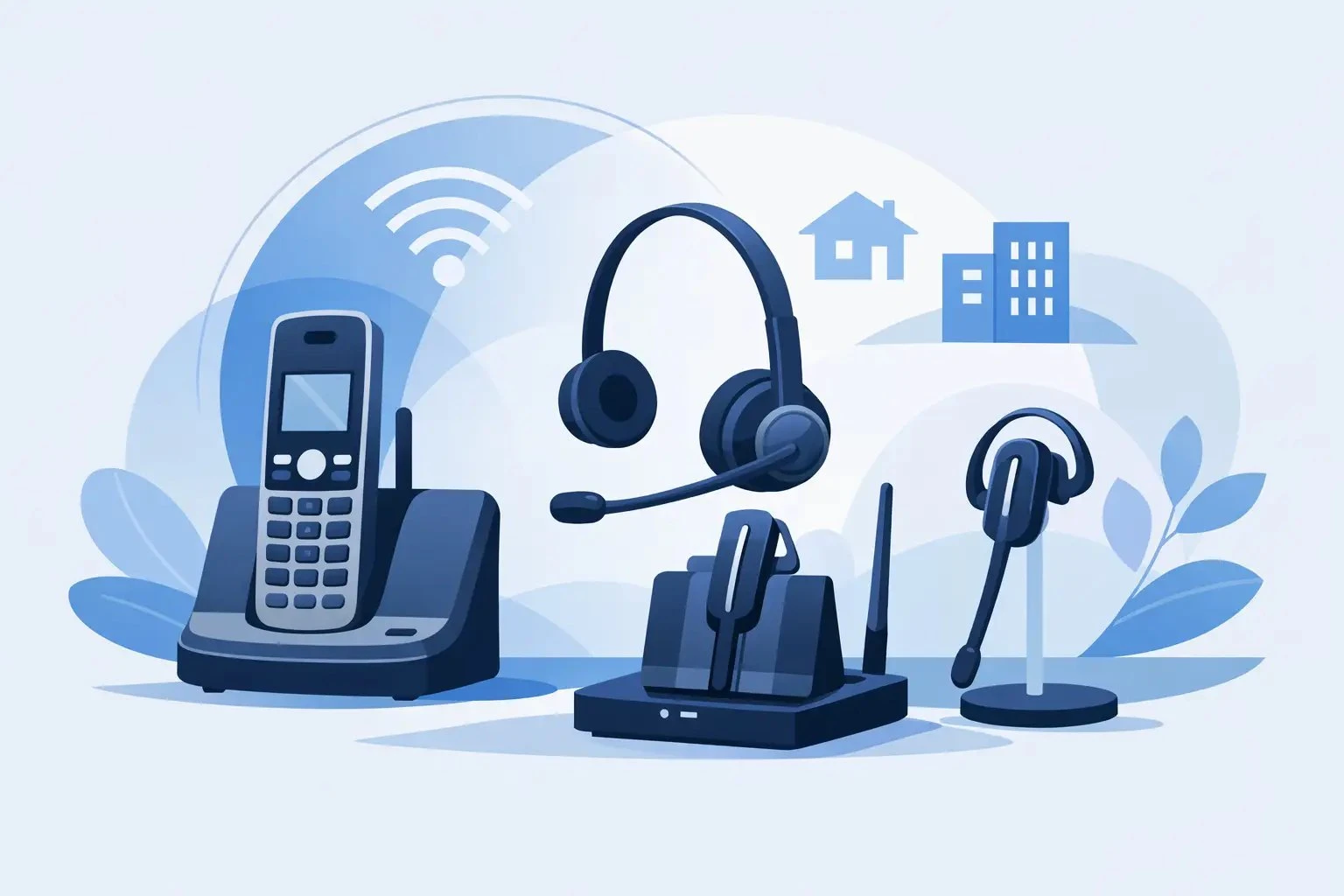
DECT Phone Headset Options Explained
Posted by Tech Support @ Telephoneheadsets.net on 18th Oct 2026
A DECT handset in one hand and a busy desk in front of you usually leads to the same question: which headset will actually work without adapters, guesswork or returns. That is why understanding dect phone headset options matters before you buy, especially if you are equipping multiple users or trying to standardise across different phone models.
Unlike a fixed desk phone, a DECT phone can vary widely by brand, base station design and headset connection. Two cordless handsets may look similar but support completely different headset types. One may take a 2.5mm wired headset, another may support Bluetooth, and another may offer no direct headset port on the handset at all. For business buyers, that difference affects cost, user comfort and whether the setup is practical for daily call handling.
What DECT phone headset options usually mean
When buyers ask about DECT phone headset options, they are usually trying to solve one of three problems. They need a headset for a cordless office handset, they need better call handling than the built-in speaker allows, or they need a hands-free option for staff who move around but still answer a high volume of calls.
The first thing to check is whether the headset connects to the handset itself or to the DECT base. In most business environments, the headset connects directly to the cordless handset. That connection point determines almost everything else, including headset style, cable type and whether call control buttons will work.
A common mistake is assuming any phone headset will fit any DECT handset. It will not. DECT describes the wireless phone technology, not the headset connection standard. Compatibility still comes down to the exact make and model.
The main types of DECT phone headset options
2.5mm wired headsets
Many DECT cordless handsets use a 2.5mm headset jack. This is one of the simplest and most cost-effective options for office users who want a straightforward wired connection. If the handset includes a 2.5mm port, setup is usually as simple as plugging in the correct headset.
This option suits reception desks, small offices and light to moderate call use. It also keeps procurement simple because there is no pairing process or battery charging to manage. The trade-off is mobility. You are still tethered to the handset, and cable strain can become an issue if users frequently stand up or move while on calls.
Bluetooth headsets
Some DECT phones support Bluetooth pairing directly from the handset. Where available, this gives users more freedom to move and often opens up a wider choice of wearing styles. Bluetooth can be a good fit for managers, supervisors and users who need occasional mobility around the office rather than full-time desk-based calling.
The detail that matters is Bluetooth support on the specific handset, not just on the wider phone range. Even within the same brand, some models include Bluetooth and others do not. Battery management is another practical consideration. Wireless convenience is useful, but only if users keep the headset charged and paired correctly.
RJ-style handset-specific solutions
Some buyers expect to use an RJ9 or RJ11 style business desk phone headset with a DECT phone. That may be possible in limited cases, but only if the phone or base station is designed for that type of connection. On most cordless handsets, this is not the standard route.
Where an RJ connection is available, it is essential to confirm pin configuration and compatibility rather than assuming all modular plugs are interchangeable. This is where model-based headset selection saves time and avoids mismatched stock.
Specialist or proprietary connections
Certain DECT phones use brand-specific headset sockets or support only manufacturer-approved accessories. This is more common in specialist enterprise cordless systems and some professional handsets used in healthcare, warehousing or larger site environments.
These setups can work very well once matched correctly, but they leave less room for substitution. If you are buying for these environments, exact phone model identification is not helpful - it is necessary.
How to choose between mono and duo
Headset connection is only half the decision. Wearing style matters just as much if the phone is used throughout the day.
A mono headset covers one ear and keeps the other ear open to the surrounding office. This works well for reception staff, general office users and anyone who needs to stay aware of colleagues or background activity. It tends to be the more flexible choice for mixed-use environments.
A duo headset covers both ears and gives better concentration in noisier spaces. If your DECT phones are used for regular customer conversations in a busy office, duo can be the better option. The trade-off is reduced awareness of the room, which some users dislike at front desks or shared counters.
There is no universal best choice. A quiet private office and a busy service team need different things, even if they use the same handset model.
Fit, comfort and daily use
Business buyers often focus on compatibility first and comfort second. That is understandable, but comfort affects adoption more than many teams expect. If a headset pinches, slips or feels heavy after an hour, staff will stop using it and switch back to the handset.
For lighter call use, an over-the-ear style may be enough. For regular daily calls, many users prefer an over-the-head design because it is more stable and usually more comfortable over longer periods. Neckband options can also suit users who wear glasses or prefer less pressure on the top of the head, although availability depends on the connection type.
Microphone positioning also matters. A proper boom microphone generally gives clearer call quality than compact consumer-style designs, especially in business environments where voice pickup needs to stay consistent.
Compatibility checks that save time
Start with the exact phone model
Brand alone is not enough. A Gigaset, Grandstream, Mitel or Avaya DECT handset may exist in several variants, each with different headset support. Always check the full model reference before selecting a headset.
Confirm the connection type
Look for a 2.5mm jack, Bluetooth support, modular headset port or manufacturer-specific accessory socket. If the phone documentation is unclear, inspect the handset and base physically before ordering in volume.
Check call control expectations
Some users only need audio. Others expect to answer and end calls from the headset itself. That feature is not guaranteed across DECT devices and headset types. If remote call control is required, it must be confirmed against the handset specification rather than assumed.
Consider the use case, not just the port
A technically compatible headset is not always the right operational fit. A wired 2.5mm headset may work perfectly, but if the user is constantly away from the desk, a Bluetooth-compatible handset may justify a different choice. Likewise, a lightweight mobile-style earpiece may pair successfully but still be the wrong tool for all-day office calling.
Buying for one user versus a whole team
If you are buying for an individual user, a close fit to their handset and working style is usually enough. When buying for a team, standardisation becomes more valuable. Mixed headset types create support issues, uneven user experience and more replacement complexity.
Where possible, group users by phone model and call pattern. If one department uses the same DECT handset for moderate call handling, it makes sense to choose a common headset platform. If another group uses mixed handsets across different sites, compatibility may need to take priority over standardisation.
This is where a compatibility-led supplier adds value. A catalogue arranged by phone brand and model reduces trial and error and helps buyers move from broad requirement to correct product more quickly. For businesses managing several handset types, that can prevent a lot of wasted time.
Common mistakes with DECT phone headset options
The most common error is buying on plug appearance alone. A small jack socket does not automatically mean any small-plug headset will work. The second is assuming consumer Bluetooth accessories will perform well for business telephony just because they pair.
Another frequent issue is overlooking how the handset is actually used. A headset selected for occasional convenience may not cope well with repeated daily calls. On the other hand, a premium heavy-duty option may be unnecessary for low-volume users. Matching the headset to the workload is just as important as matching it to the phone.
Choosing with less risk
The safest route is to start with the exact DECT phone model, identify the supported headset connection, and then narrow the choice by wearing style and usage level. That avoids the two biggest causes of poor purchases: compatibility assumptions and overbuying.
For buyers who want the shortest path to the right result, TelephoneHeadsets.net is built around that model-by-model approach. It is a practical way to reduce procurement risk, especially when the difference between a correct and incorrect headset can come down to one socket or one handset variant.
A good headset should make a DECT phone easier to use, not add another layer of uncertainty. If you begin with compatibility and finish with how the user actually works, the right choice usually becomes clear.