
Desk Phone or Softphone Headset Selection
Posted by Tech Support @ Telephoneheadsets.net on 18th Oct 2026
A desk phone or softphone headset is not a like-for-like choice. The right option depends first on where calls are handled: through a physical telephone on the desk, through software on a computer, or through both. Choosing on comfort or price alone can leave a team with headsets that cannot connect, miss call-control features, or require extra hardware that was not budgeted for.
For office managers, IT teams and contact centre buyers, the practical question is simple: what does each user need to answer, manage and end calls reliably? Start with the communications device, then confirm the connection method, compatibility requirements and working environment.
Desk Phone or Softphone Headset: The Core Difference
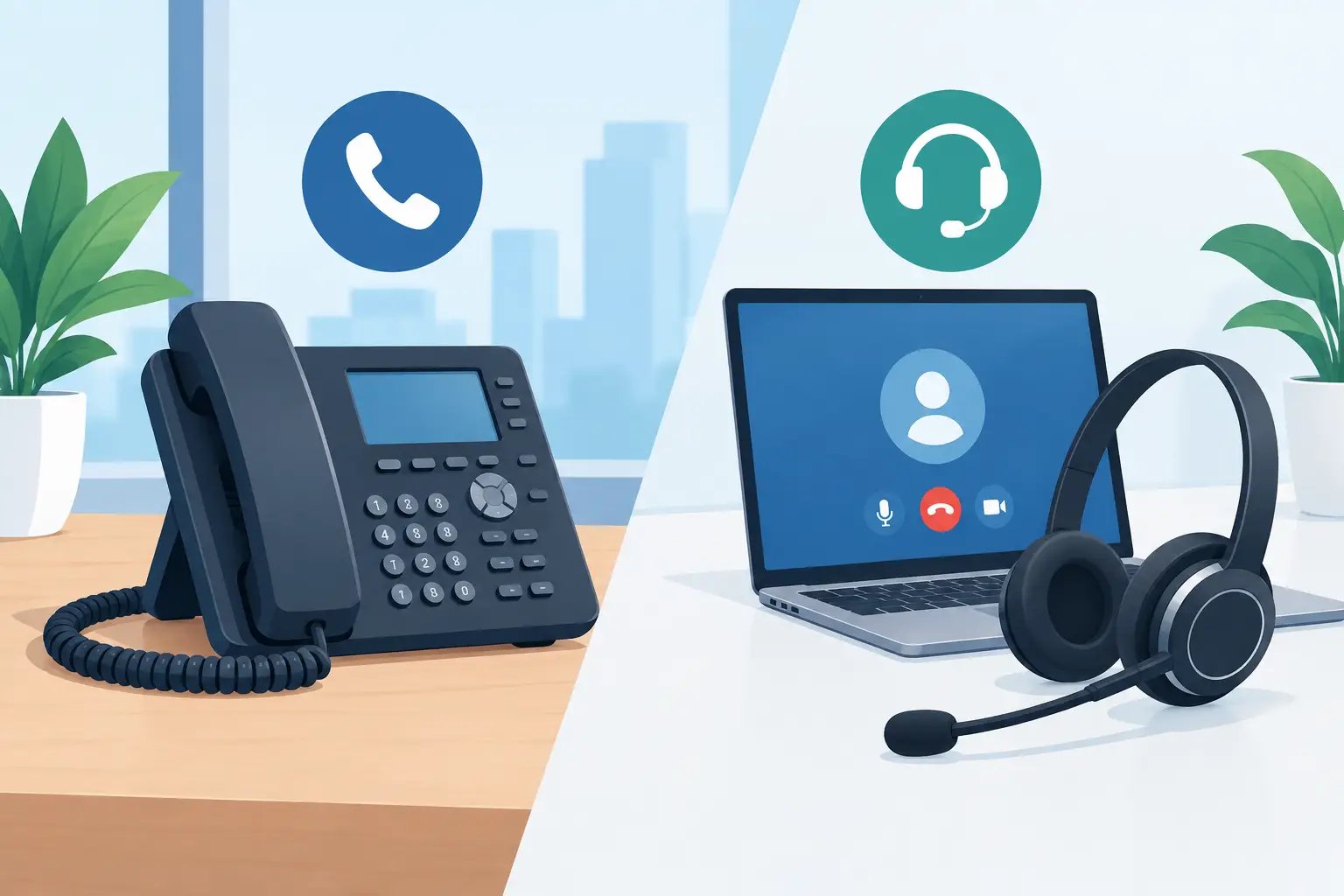
A desk phone headset is designed to work with a physical business telephone. This may be an IP phone, digital handset, DECT desk phone or a traditional office telephone with a compatible headset port. The headset usually connects through an RJ9 or dedicated headset socket, often using a specific bottom cable matched to the phone manufacturer and model.
A softphone headset connects to a computer, typically by USB. It is used with calling applications such as Microsoft Teams, Zoom, Skype, Webex, 3CX and other unified communications platforms. The computer becomes the call device, so the headset needs suitable USB connectivity and, where required, certified call controls for the software in use.
The distinction matters because an RJ9 headset for a Cisco or Avaya desk phone will not plug directly into a laptop USB port. Likewise, a USB headset cannot normally be connected to a desk telephone without a compatible adaptor or interface. A headset may look identical across product ranges while using a completely different connection system.
When a Desk Phone Headset Is the Better Fit
Choose a desk phone headset when staff make most calls on a fixed office telephone and need dependable, uncomplicated operation at the desk. This remains common in reception areas, customer service departments, healthcare administration, financial services and organisations using established on-premise telephony.
A wired desk phone headset is particularly suitable for users who stay at one workstation and need a consistent connection throughout the day. Mono headsets allow the wearer to hear colleagues or visitors nearby, while duo headsets provide greater concentration in shared offices and busy call-handling teams.
Compatibility is the deciding factor. Many office telephones use an RJ9 socket, but wiring standards vary between manufacturers and sometimes between phone series. A compatible quick-disconnect cable is often required between the headset and the telephone. Some setups also need an amplifier, electronic hookswitch cable or handset lifter to enable remote answer and end-call control.
Check the Exact Telephone Model
Buying by phone brand is a useful starting point, but exact model matching is safer. Two phones from the same manufacturer can have different headset ports, different pin wiring or different requirements for remote call control.
Before ordering, identify the manufacturer and full model number from the label underneath or behind the desk phone. Also check whether users need only audio, or whether they must answer calls away from the desk. For audio-only use, a compatible corded configuration may be all that is needed. For remote call handling, the phone may require additional control hardware.
When a Softphone Headset Makes More Sense
A softphone headset is generally the better choice for hybrid workers, laptop-based teams and organisations that have moved calling into a cloud communications platform. A USB headset connects directly to a PC or Mac and keeps the setup straightforward: plug it in, select it as the audio device and configure the calling application if necessary.
For contact centre and customer service teams, USB headsets can also support features such as answer/end buttons, mute controls and status indicators. Whether those controls work with a particular platform depends on the headset model, operating system and application certification. Basic audio will often work without additional configuration, but integrated call control should never be assumed.
USB-A remains widely used on desktop PCs and older laptops. USB-C is increasingly common on newer equipment. Confirm the ports available across the team before standardising on a headset model. Using adaptors can be practical, but it adds another component to manage and may not be ideal for a high-volume deployment.
Softphone Compatibility Is More Than the Connector
A USB plug tells you how the headset connects, not what it is designed to support. A headset may deliver clear microphone and speaker audio in most applications, yet lack certification for advanced controls in a specific softphone.
If Teams is the primary calling platform, look for a Teams-compatible or Teams-certified model where users need button control and visible status functionality. If the organisation uses several applications, prioritise reliable USB audio performance and test the chosen configuration with the main calling workflow before placing a larger order.
What If Users Have Both a Desk Phone and a Softphone?
This is where buying decisions become more detailed. Many organisations retain desk phones for office calling while using Teams or another softphone for internal meetings and remote collaboration. A single headset may support both devices, but only with the correct switching hardware or a purpose-built multi-device solution.
Do not assume that a standard USB headset can be moved between a phone and computer by changing cables. The headset interface, cable type and call-control requirements all need to be assessed together. In some cases, two separate headsets are the simpler and more cost-effective option, especially where users do not switch constantly between devices.
For users who genuinely need both, define the priority. Is the desk phone still handling customer calls? Does the computer run the main softphone? Must the user answer either device without removing the headset? Those answers determine whether a dual-connectivity configuration is justified.
Choosing the Right Headset Type for the Job
Once the call device is confirmed, select the format around the user’s working conditions. The main decisions are usually wearing style, one or two earpieces, wired or wireless operation, and microphone noise reduction.
Mono headsets suit reception, office administration and roles where employees need awareness of their surroundings. Duo headsets are often the stronger choice for contact centres, open-plan offices and focused call work, as they reduce surrounding distraction and help users hear callers clearly.
Wired headsets are dependable, economical and well suited to fixed desks. They avoid charging requirements and are easy to standardise across a large team. Wireless headsets provide freedom to move, but buyers need to consider battery life, desk-phone compatibility, charging routines and the extra hardware required for remote call control.
Microphone quality should be assessed against the environment, not just the product specification. A quiet private office has different requirements from a busy service desk. Noise-cancelling microphones can improve caller clarity, but they cannot remove every nearby conversation or poor room acoustic.
A Practical Pre-Purchase Check
Before approving a headset order, confirm these details with the person responsible for the phones or software:
- the exact desk phone make and model, or the softphone application in use;
- the connection available: RJ9, USB-A, USB-C, DECT or another interface;
- whether answer/end-call control away from the desk is required;
- whether the user needs a mono or duo headset, and wired or wireless operation;
- the number of users and whether all workstations are configured in the same way.
This short check prevents the most common purchasing issue: ordering a technically good headset that is wrong for the installed system. It also helps procurement teams compare complete solutions rather than comparing only headset prices. A lower-cost headset may require a specific cable, adaptor or remote-answer accessory, while a different model may already meet the full requirement.
Avoiding Compatibility Gaps Across a Team
Standardisation can reduce support work, but only when the underlying equipment is genuinely consistent. A site may have several generations of phones, a mix of USB-A and USB-C computers, or different softphone licences across departments. In that situation, one headset configuration may not fit every user.
Create a simple inventory before ordering in volume. Group users by phone model or software setup, then match a compatible headset configuration to each group. This is usually faster than resolving returns, missing cables and desk-side setup problems after delivery.
TelephoneHeadsets.net approaches selection around phone brands and exact models for this reason: the headset is only one part of the working call setup. The connection path and any required accessories matter just as much.
A headset should make calls easier to handle, not create another technical exception for IT to solve. Confirm the device, match the connection, and choose the wearing style around the user’s actual day. That approach gives each team member a setup they can use confidently from their first call.