
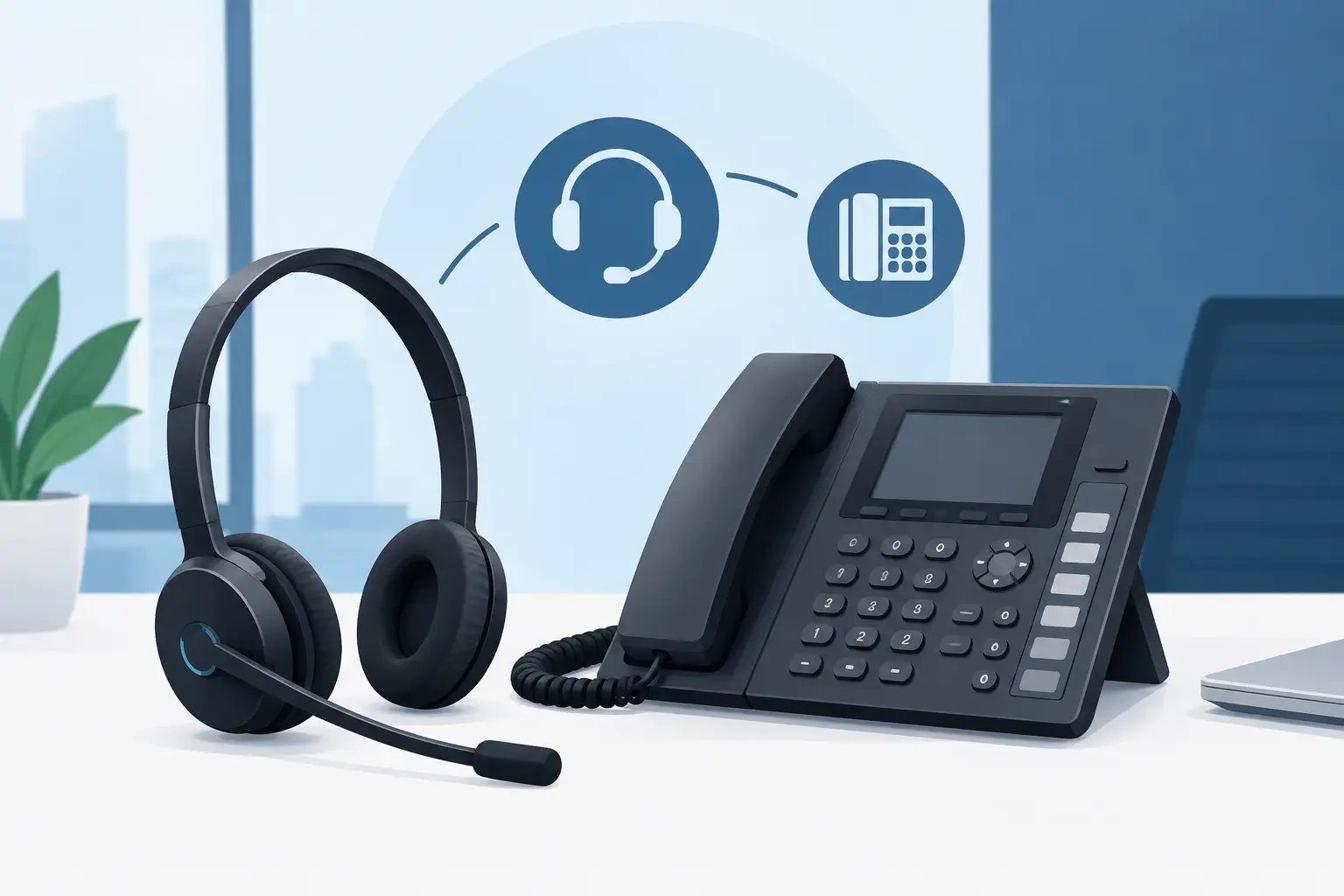
Gigaset Headset Compatibility for Business Phones
Posted by Tech Support @ Telephoneheadsets.net on 18th Oct 2026
A headset can physically plug into a Gigaset phone and still be the wrong purchase. Gigaset headset compatibility depends on the exact telephone model, the port being used, and whether users need only audio or also remote answer and end-call control. Checking those details before ordering avoids the common problems of no microphone audio, incorrect connector wiring, or a wireless headset that cannot control calls.
For an office buying one replacement headset or equipping a full team, the starting point is always the phone model printed on the base or underside of the handset. “Gigaset” identifies the manufacturer, but it does not identify the connection standard used by every desk phone, DECT handset or business IP device in the range.
Why Gigaset headset compatibility is model-specific
Gigaset produces several types of business telephone. Some are traditional desk phones with a dedicated headset socket. Others are IP desk phones connected to a business network. DECT systems may use wireless handsets registered to a base station, while some installations handle calls through a computer softphone rather than through the physical telephone.
These setups support different headset routes. A corded telephone headset normally connects to a dedicated headset port or, where appropriate, through the handset connection with a compatible adaptor. A USB headset connects to a computer, not usually to the telephone itself. A wireless DECT headset may need a base unit, a suitable connection lead, and potentially an electronic hook switch or handset lifter for remote call control.
The distinction matters because a headset marked as suitable for business phones is not automatically suitable for every Gigaset phone. Connector shape alone is not a reliable compatibility check. RJ-style plugs can have different wiring arrangements, and a handset socket is not necessarily the same as a headset socket.
Start with the connection you actually need
Before selecting a headset style, establish where the call audio originates. This immediately narrows the suitable options and prevents a USB product being ordered for a desk-phone-only user.
Headset port on a Gigaset desk phone
Many business desk phones provide a dedicated headset connection. In this case, a compatible mono or duo corded headset can be a practical choice for reception, administration and regular office calling. The headset may connect directly, or it may require the correct quick-disconnect lead or adaptor between the headset and phone.
A dedicated headset port is normally the cleanest option because it is intended to support headset audio independently of the handset. However, the port type and pin assignment still need confirming against the exact Gigaset model. Do not assume that a lead supplied for another phone brand will work correctly.
Handset-port connection
Where there is no separate headset socket, certain wired solutions connect between the telephone base and its handset. This can be useful for occasional users or older equipment, but it involves more compromise. The handset may need to remain connected, and answer/end-call control may still be performed on the phone.
The correct adaptor is essential here. Symptoms of an incompatible connection include weak or absent microphone transmission, distorted sound, or audio heard only on one side of the conversation.
USB connection for PC calling
If staff make calls through Microsoft Teams, a browser-based calling platform, a hosted softphone or another computer application, a USB headset is generally the relevant category. The Gigaset desk phone may be present on the desk but may not be part of the headset connection at all.
This is particularly common where users have moved to hybrid communications. Ask whether calls are answered on the Gigaset handset, on a PC application, or on both. A USB headset is selected for the computer environment and software requirements, whereas a telephone headset is selected for the physical phone model.
Wireless headset connection
Wireless headsets suit users who need to move around a workstation, consult colleagues, or access nearby files while remaining on a call. For Gigaset desk-phone use, the wireless base normally connects to the phone using a model-appropriate lead. Remote call control is a separate question.
Without an electronic hook switch or compatible handset lifter, users can hear and speak through the wireless headset but may need to press the answer button on the telephone manually. That may be acceptable for a low-volume office. It is usually less suitable for reception desks, customer service teams and frequent call handlers.
Audio compatibility and call control are different checks
A buying decision often goes wrong because “compatible” is treated as one feature. In practice, there are two separate tests.
First, confirm audio compatibility. The headset must provide working speaker and microphone audio through the intended Gigaset phone connection. Second, confirm call-control compatibility. This covers answering, ending and, on some systems, muting calls from the headset itself.
A corded headset connected to a dedicated port may provide reliable audio but require the user to answer using a key on the telephone. A wireless system with the right hook-switch accessory can add remote answer/end functionality. Neither arrangement is universally better. The right choice depends on call volume, user movement and how much time is lost reaching for the phone during each call.
For shared desks, consider the daily operating routine as well. A quick-disconnect corded headset can make it easier for staff to leave the desk while retaining the installed phone lead. A wireless headset can be convenient, but its base requires power and desk space, and users need to remember charging procedures.
Choosing mono, duo and noise-cancelling options
Once the connection has been confirmed, headset design should match the working environment. Mono headsets leave one ear open, which suits reception staff and office users who must speak with colleagues in person. Duo headsets cover both ears and are often better for focused work, busy offices and regular customer conversations.
Noise-cancelling microphones reduce unwanted background sound reaching the caller. They are especially valuable where several people take calls in the same room. They do not remove all surrounding noise, and they should not be confused with active noise cancellation in the earpieces, but they can make voice transmission clearer in a busy setting.
Comfort is also a procurement consideration, not a cosmetic preference. For users wearing a headset for most of the day, check the wearing style, adjustable headband, ear cushioning and microphone boom position. A lower-cost headset that staff remove after an hour will not support effective call handling.
A practical Gigaset compatibility check before ordering
Collecting a few details from the user or site administrator will usually produce a clear answer. Record the exact Gigaset model number rather than only the product family. Establish whether the headset will connect to the desk phone, a computer, or both. Then decide whether remote answer/end capability is required.
For a larger purchase, check these points for each user group:
- the full Gigaset phone model and whether it is a desk, IP or DECT device;
- the available port, including any existing handset or headset connection;
- the preferred headset type: corded, USB or wireless;
- whether remote call control is required or manual answering is acceptable; and
- the working environment, including background noise, desk sharing and all-day use.
This approach is more reliable than choosing by brand name or by plug appearance. It also makes it easier to standardise equipment across a department while allowing exceptions for reception, managers or staff using PC softphones.
Common compatibility mistakes to avoid
The first mistake is ordering a USB headset for a user who only makes calls through a Gigaset desk phone. USB headsets are excellent for computer calling, but they need a host device and supported software. They do not replace a telephone-specific headset connection unless the organisation’s calling platform is running on the computer.
The second is reusing a lead from a different telephone brand. Even where the connector fits, microphone and speaker paths may be wired differently. Use a lead specified for the headset and Gigaset phone combination.
The third is expecting wireless remote control without the required accessory. If answering calls from the headset is essential, confirm that the relevant Gigaset model supports the appropriate electronic hook switch or that a handset lifter is suitable. Do this before selecting the wireless headset system, not after installation.
Finally, avoid treating DECT telephone handsets and DECT wireless headsets as interchangeable. They may use similar wireless terminology, but they are different products with different registration, base-station and connection requirements.
TelephoneHeadsets.net approaches selection by matching the headset category and connection lead to the specific telephone model, rather than relying on a broad manufacturer claim. That is the safest route when a purchase needs to work first time.
The useful next step is simple: take a clear note of the Gigaset model, the call platform and the level of call control users expect. With those three details confirmed, selecting the appropriate headset becomes a controlled compatibility decision rather than a costly trial-and-error exercise.