
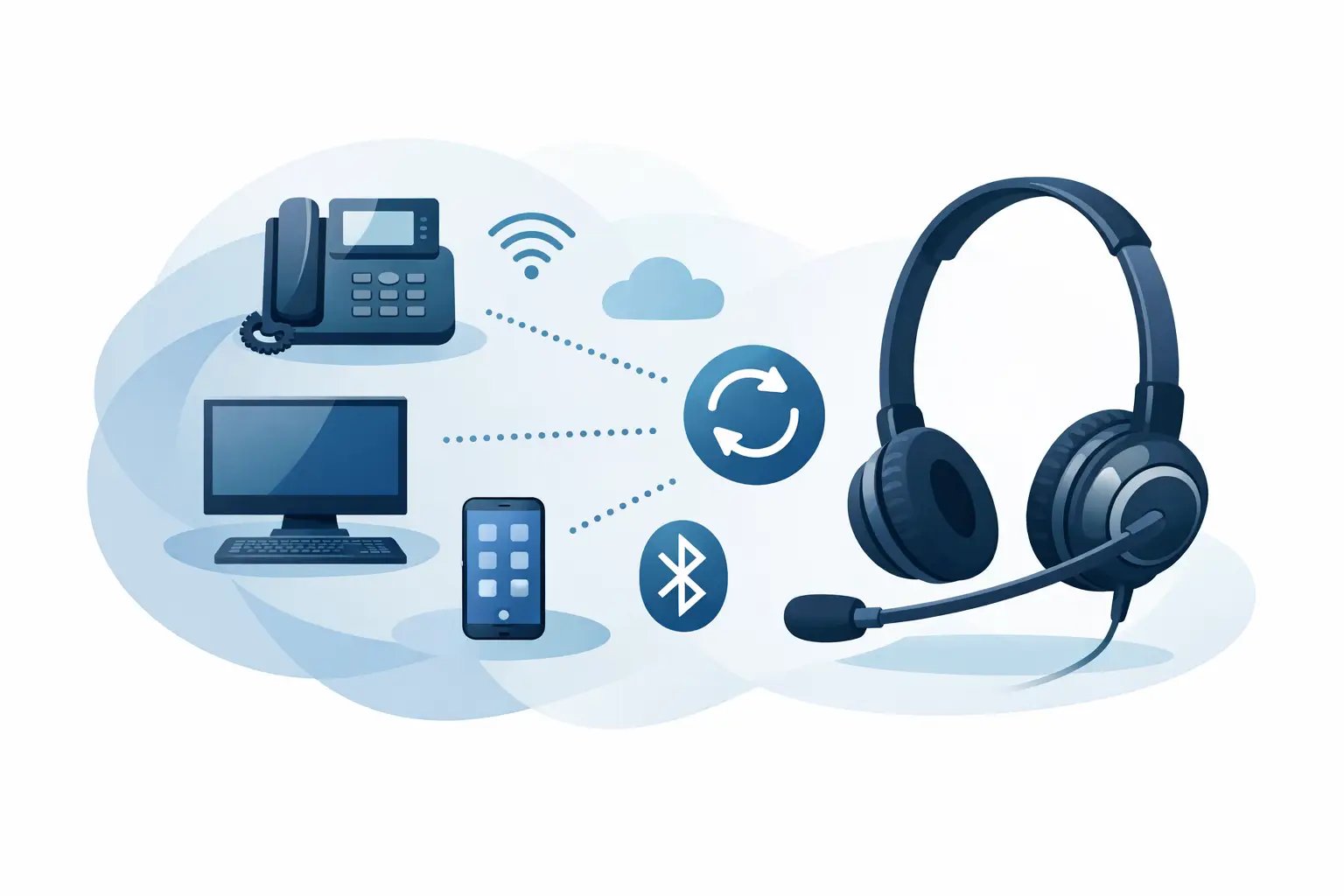
Grandstream Headset Compatibility Explained
Posted by Tech Support @ Telephoneheadsets.net on 18th Oct 2026
A headset that fits the socket is not automatically the right headset for the phone. Grandstream headset compatibility depends on the exact telephone model, its headset port wiring, whether the user works on a desk phone or PC, and the call-control features required. Checking those details before ordering prevents the familiar problems of low volume, no microphone audio, or a headset that cannot answer calls as expected.
For offices replacing several headsets, model-level checking matters even more. Grandstream has produced a broad range of IP phones, including GXP, GRP and GXV series models, and connections can differ between generations. A suitable choice should be based on the phone in front of the user, not the Grandstream brand name alone.
What determines Grandstream headset compatibility?
The primary question is how the headset connects. Most Grandstream desk phones intended for business use have a dedicated headset connection, commonly an RJ9 or RJ11-style modular port. However, plug shape is only one part of compatibility. Telephone headset cords may use different wiring arrangements, so a standard modular lead is not a guarantee of microphone and speaker operation.
A compatible wired headset normally uses the correct direct-connect cord for that Grandstream model or family. This is often the most straightforward option for reception desks, customer service teams and regular office users who need a dependable, fixed-position setup. Mono headsets suit users who need to remain aware of colleagues and visitors; duo headsets provide greater concentration where nearby conversation or office noise is a factor.
USB introduces a separate decision. A USB headset is usually selected for use with a computer, softphone or video meeting platform. Some Grandstream phones include USB ports, but that does not mean every USB headset will operate as a telephone headset on that device. The phone's firmware and supported USB audio functions determine whether this is possible. Where a member of staff handles calls through a PC rather than the desk phone, a USB headset is generally the more appropriate route.
Wireless headsets need the closest attention. They commonly connect through a base station and may require a compatible electronic hook switch, handset lifter or specific cable. Audio may work through the base, while remote answer and end-call control requires an additional compatibility solution. These are separate requirements and should not be treated as the same thing.
Check the exact Grandstream phone model first
Look at the model number printed on the front or underside of the telephone. It may be a GXP2130, GRP2614, GXV3350 or another similarly named model. Record the full model, including any suffix, before comparing headsets. This is more reliable than identifying the phone by its appearance or by the number of programmable keys.
Then establish how the user takes calls. A receptionist who spends most of the day on the desk phone has different needs from a hybrid worker who uses a softphone through a laptop. A contact centre may require noise-cancelling microphones, replaceable foam cushions and quick disconnect capability, while an occasional caller may simply need a comfortable corded mono headset.
Before purchase, confirm these four points:
- The precise Grandstream telephone model and, where relevant, firmware environment.
- Whether the headset connects to the desk phone, a computer, or both.
- The required connection type: direct RJ9/RJ11-style cord, USB, or wireless base station.
- Whether remote call answering and ending is required, rather than audio only.
This small amount of checking avoids ordering a headset designed for a different brand's wiring standard or a USB product intended solely for computer use.
RJ9, RJ11 and headset ports: why the distinction matters
RJ9 and RJ11 are often used loosely when describing small modular telephone plugs. For headset buying, the useful question is not simply which label applies, but whether the headset cord is specified for the Grandstream phone model. The connector may physically fit while the transmit and receive pairs do not match the telephone's pin-out.
Symptoms of an incorrect cord include hearing the caller but being unable to speak, very quiet microphone output, intermittent audio, or no sound in either direction. Changing headset volume settings will not correct a wiring mismatch. The correct compatible bottom cord or direct-connect lead is the proper fix.
This is also relevant when reusing existing headsets. A headset with a quick-disconnect top section can often be retained when telephones are changed, provided the correct replacement bottom cord is available. That can reduce replacement cost across a larger installation, although ageing microphone booms, worn ear cushions and damaged cables should still be assessed honestly.
Choosing the right headset type for the job
For straightforward desk-phone calling, a wired RJ9-compatible headset offers the fewest variables. It does not need charging, has no wireless pairing process and is well suited to fixed desks. For high-call-volume roles, choose a business-grade model with an adjustable headband, noise-cancelling microphone and easily replaceable wearing parts.
A wireless DECT headset is better suited to users who need to move away from the desk - for example, managers, supervisors, warehouse office staff or reception teams. The trade-off is that battery charging, base placement and call-control compatibility all need consideration. If users expect to answer a ringing Grandstream phone away from their desk, confirm the relevant EHS cable or lifter is available for the exact phone and headset combination.
For laptop-led communications, USB headsets are usually the practical choice. They are designed for softphone calls, conferencing and unified communications applications, often with inline controls for mute and volume. They should not be selected merely because the desk phone has a USB socket. Keep the desk-phone and computer use cases separate unless the chosen solution is explicitly designed to support both.
There is also a practical choice between mono and duo wearing styles. Mono is lighter and keeps the user aware of their surroundings. Duo gives stronger focus and is often preferred for busy customer service environments. Neither is universally better; the working environment should decide it.
Do you need remote call control?
Many buyers assume a wireless headset will answer a Grandstream call automatically when the headset button is pressed. In reality, basic audio connection and remote call control are different levels of compatibility. Without an EHS solution or mechanical handset lifter, the user may still need to press the telephone's headset key or lift the handset to answer.
For some offices, that is perfectly acceptable. A user who stays at the desk may only need wireless audio and the freedom to stand up during calls. For a reception desk or senior user moving around an office, remote answer and end-call functionality can be essential. Confirm this requirement at the start, because it affects the headset, base station and any required accessory.
The same principle applies to mute status and ring alerts. Depending on the telephone and headset system, indicator lights or button functions may not integrate fully. Select on the basis of the functions users genuinely need rather than paying for features that the phone setup cannot use.
Common ordering mistakes to avoid
The most frequent error is ordering by brand only. “A Grandstream headset” is too broad a description for a compatibility-sensitive purchase. The exact phone model, connection method and desired call handling determine the suitable product.
Another common error is confusing a handset port with a headset port. Headset connections are usually marked with a headset symbol, while the handset socket is intended for the supplied receiver. Moving a headset lead between these ports will not establish compatibility and can create misleading test results.
It is also worth checking whether the user already has a headset amplifier, wireless base or quick-disconnect system. Adding a new headset top to an older system may be economical, but only if the existing base and cord support the Grandstream telephone. Where equipment history is unclear, a complete matched solution is often the lower-risk choice.
TelephoneHeadsets.net approaches Grandstream selection by phone model and headset connection, helping business buyers narrow the choice before equipment reaches site. That is particularly useful when purchasing for mixed estates where a GXP phone, a GRP phone and PC users may all require different headset configurations.
A better way to specify your order
When requesting or placing an order, provide the full Grandstream model number, the number of users, whether each user needs wired or wireless operation, and whether remote answer/end-call control is required. Include whether users take calls only on the desk phone or also through a computer. This turns a vague headset request into a specification that can be checked properly.
For multi-user purchases, test one compatible configuration with a representative user before standardising across the site. Confirm microphone clarity, receive volume, comfort over a full shift and the expected answer/end-call behaviour. A short pilot is especially valuable for wireless installations and mixed phone estates.
The right Grandstream headset is the one that matches the telephone, the connection and the way the person actually works - giving users clear calls without introducing unnecessary adapters, workarounds or returns.