
Choosing a Headset Amplifier for Office Phones
Posted by Tech Support @ Telephoneheadsets.net on 18th Oct 2026
A headset that plugs in but delivers low volume, poor microphone transmission or no dial tone is usually a compatibility issue, not a headset fault. A headset amplifier for office phones can solve the problem on certain desk phone installations, but it is not a universal requirement. The right choice depends on the handset port, the headset connection, the telephone model and the controls your users need during calls.
For office managers, IT teams and contact centre buyers, the key is to identify the phone system before ordering. An amplifier may be the correct part of the setup, or a direct-connect lead, USB headset or electronic hook switch cable may be more suitable.
What a Headset Amplifier Does
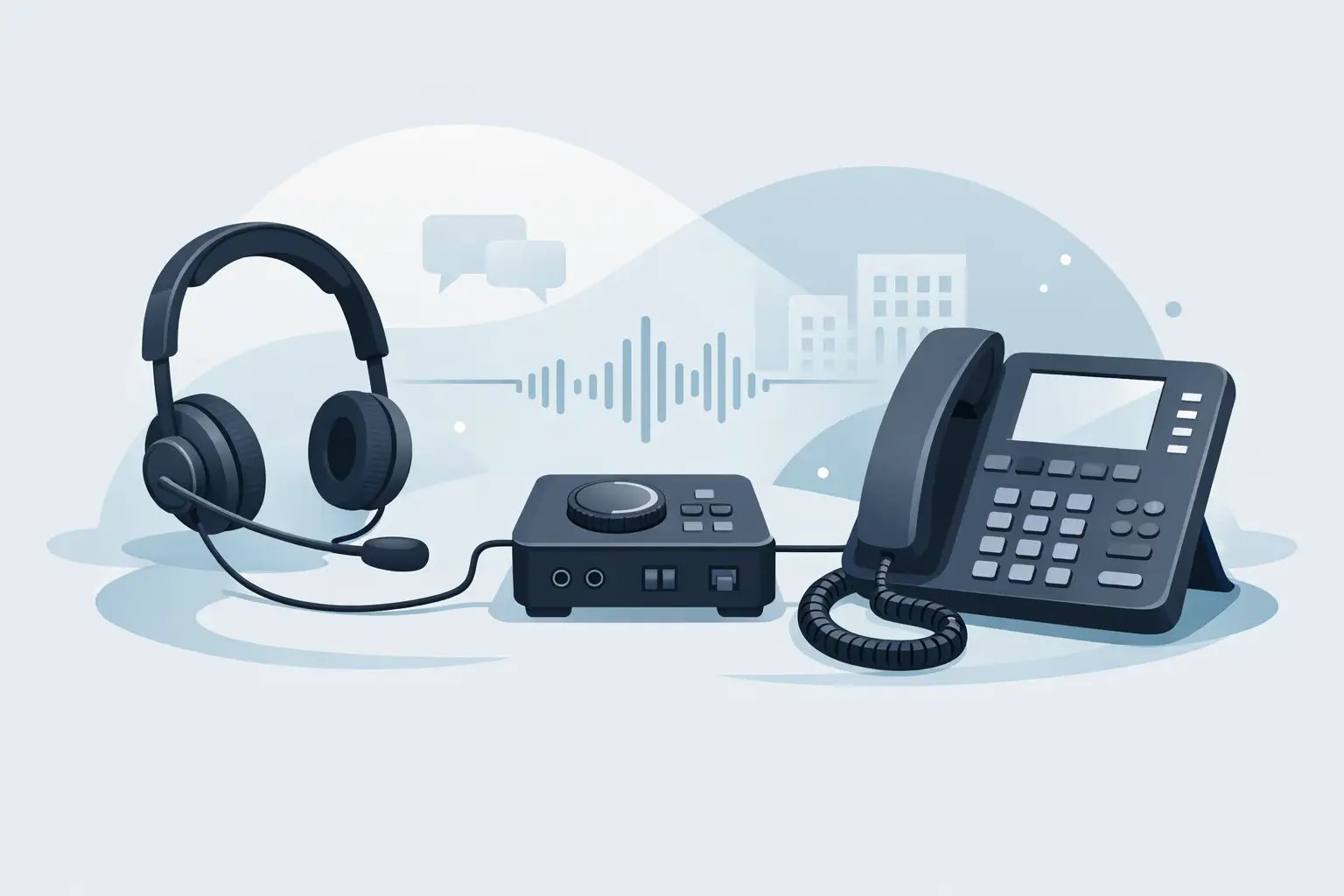
A headset amplifier sits between a compatible corded headset and a desk phone. It provides the interface between the telephone's handset connection and the headset, while giving the user practical call controls such as receive volume, microphone volume and mute. Many models also include a switch between the headset and handset, so the user can move between the two without disconnecting anything.
This type of amplifier is most commonly used with professional corded headsets that have a Quick Disconnect connection. The headset connects to the amplifier, and the amplifier connects to the phone's handset port with the correct telephone lead. The Quick Disconnect allows a user to leave their desk briefly without removing the headset from their head.
Amplifiers have traditionally been common in offices with analogue or older digital desk phones. They can still be useful where adjustable audio levels, dependable mute control or handset/headset switching are required. However, many newer IP phones and business handsets support a headset through a dedicated port or a model-specific direct-connect cable. In those cases, an amplifier may add cost and complexity without delivering a meaningful benefit.
When You Need a Headset Amplifier for Office Phones
An amplifier is worth considering when a compatible direct lead does not provide adequate audio control, when users need a physical mute button, or when the telephone setup requires an interface to balance transmit and receive levels. It can also be a sensible standardisation choice for a group of users operating similar legacy phones.
The phone itself remains the deciding factor. Two telephones from the same manufacturer can use different wiring arrangements, even if their handset sockets look identical. A plug that physically fits may still produce faint audio, excessive microphone volume or no speech path at all.
A headset amplifier is often suitable for these situations:
- A corded Quick Disconnect headset is being connected to an analogue or digital desk phone through the handset socket.
- Users need accessible volume and mute controls at their desk rather than relying on phone menus.
- The phone has no dedicated headset socket, or its headset socket does not support the selected headset directly.
- A business needs a replaceable interface between existing headsets and compatible desk phones.
It is less likely to be needed for a USB headset connected to a PC, laptop or softphone application. USB headsets contain their own audio interface and are designed for computer-based calls. Likewise, a wireless DECT headset base normally connects to a desk phone through its own phone cable and does not use a separate corded headset amplifier.
Check the Phone Connection Before Choosing
Start with the exact make and model of the telephone, not just the phone brand. Check whether the phone has a dedicated headset port, a handset port, a USB port or a proprietary accessory socket. This tells you which headset category and connection method to investigate.
The handset port is often an RJ9 or RJ10-style connection. It is smaller than the RJ11 socket commonly associated with a telephone line. Although these modular connectors can appear similar, they are not interchangeable simply because they fit. RJ11 is generally used for line connections, while headset and handset connections commonly use RJ9-type plugs. Wiring can also differ between manufacturers and phone models.
If the phone has a dedicated headset socket, a direct-connect headset lead may be the cleanest option. This removes the need for a desktop amplifier and reduces the number of components in the chain. The trade-off is that available controls may be limited, depending on the phone and headset.
If the headset will be used with a computer-based calling platform, select a USB headset or an appropriate USB audio solution instead. Attempting to use an analogue phone amplifier with a USB-only communications setup will not provide the required connection or call control.
Direct Connect, Amplifier or USB?
A direct-connect lead is normally best when the desk phone has a compatible headset port and the user needs a straightforward wired setup. It is compact, economical and simple to replace, but offers fewer adjustment options than an amplifier.
An amplifier is better where the telephone uses the handset socket, audio levels need adjustment or users require dedicated mute and handset/headset switching. It adds a small desktop unit and requires the correct phone-specific cable, so compatibility must be confirmed carefully.
A USB headset is intended for Teams, Zoom, softphones and other computer calling environments. It is not a substitute for a desk-phone headset unless the organisation's calls are handled through a PC rather than the physical telephone.
Wireless headset systems need separate consideration. A wireless base may connect to the desk phone and can support remote answer/end functions when the correct electronic hook switch accessory is available. An amplifier is not usually part of that arrangement.
Audio Controls That Matter in Daily Use
The most useful amplifier controls are not necessarily the most numerous. Receive volume lets the user set a comfortable listening level, while microphone volume helps ensure callers can hear them clearly without distortion. A mute function is particularly valuable in customer service, administration and shared-office roles where staff need to speak to a colleague or check information during a live call.
Some amplifiers also offer tone adjustment or compatibility settings. These can help match the interface to the phone's wiring and audio characteristics. They should not be treated as a substitute for selecting the right lead. If the wrong connection cable is used, changing a switch may not correct the underlying issue.
For teams, consider the physical layout as well. A clearly marked mute button is easier to use than a small control hidden under a desk. A visible status indicator can reduce accidental speaking while muted, although the exact features available vary by amplifier model.
Avoid Common Compatibility Mistakes
The most expensive mistake is ordering from a connector description alone. “RJ9 compatible” does not confirm that a headset or amplifier will work correctly with every RJ9-equipped phone. Buyers should match the headset system to the precise telephone model and, where applicable, the required connection lead.
It is also worth confirming how calls are answered and ended. A standard wired amplifier gives the user audio and mute control, but it does not usually answer a call remotely. The user will normally press the answer button on the telephone. If remote call answer/end is required, a wireless headset system with a compatible lifter or electronic hook switch may be the appropriate route.
Shared desk environments need another layer of planning. Quick Disconnect headsets can make it easier for each user to have their own headset while an amplifier remains at the workstation. This supports hygiene and simplifies changeovers, provided all headsets use the same compatible connection standard.
Finally, do not overlook the headset itself. Mono headsets suit users who need to remain aware of nearby colleagues, while duo headsets can help concentration in busy offices. Noise-cancelling microphones are useful where background conversation is a regular problem, but they do not remove all ambient noise. The headset style should match the role as well as the phone connection.
A Practical Buying Process
Record the telephone manufacturer and exact model number first. Then establish whether calls are made on that desk phone, through a computer, or through both. Next, decide whether users require only a basic wired headset or need volume adjustment, mute, handset switching and Quick Disconnect convenience.
For a desk-phone installation, identify whether the phone has a dedicated headset port or whether the setup must use the handset port. If it uses the handset port, confirm the correct amplifier and connection lead for that model. For larger orders, test one complete setup before rolling it out across the office. A short compatibility check can prevent the disruption of replacing multiple unsuitable units.
TelephoneHeadsets.net is structured around phone brands and specific models because this detail matters. Selecting by exact compatibility is faster than trying to diagnose a mismatch after equipment has arrived.
The best headset setup is rarely the one with the most components. It is the one that gives each user clear audio, reliable microphone performance and the right controls for the calls they handle, while matching the telephone already on their desk.