
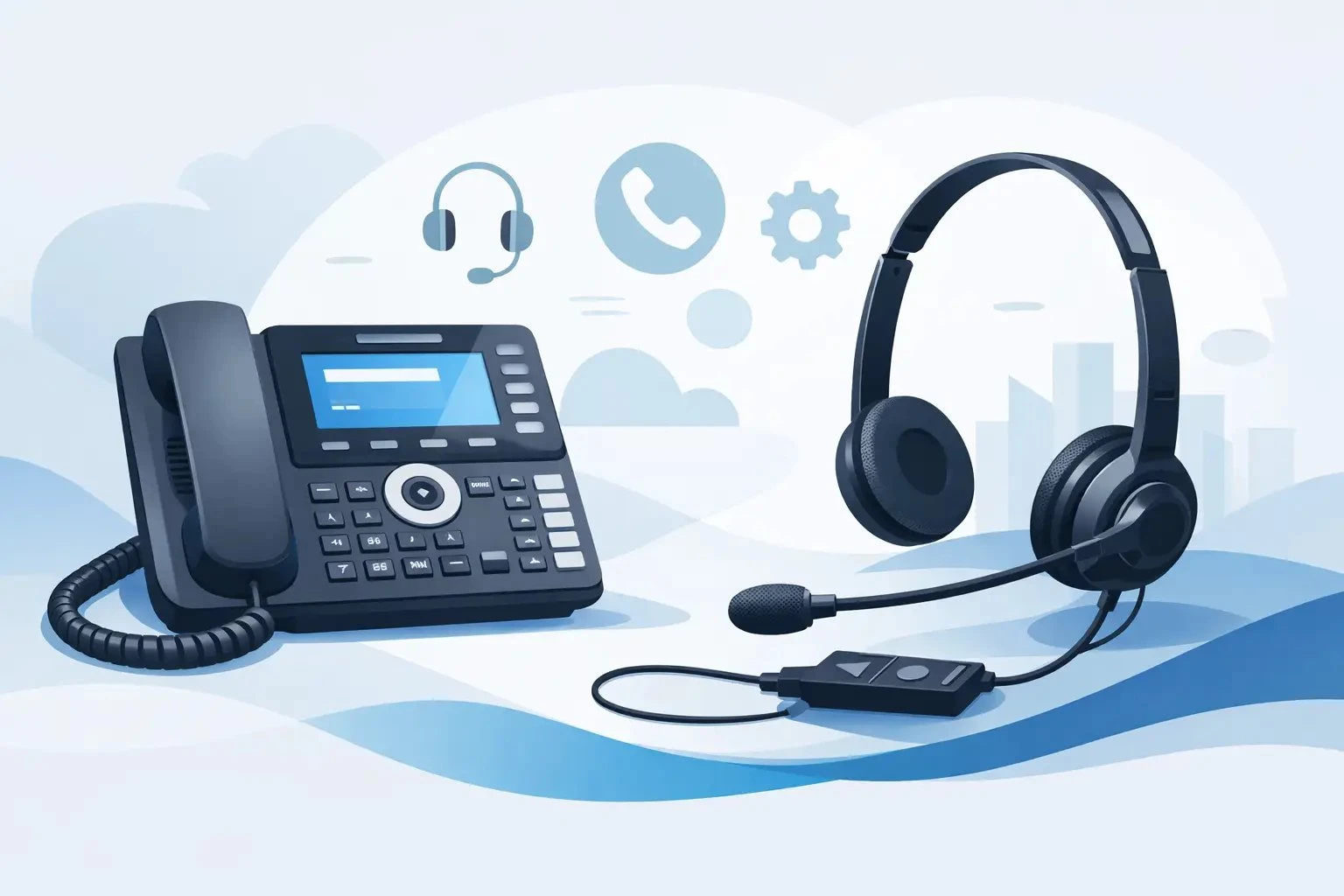
Choosing a Headset for Alcatel Office Phone
Posted by Tech Support @ Telephoneheadsets.net on 18th Oct 2026
If you are buying a headset for Alcatel office phone use, the biggest risk is not sound quality or comfort. It is ordering a headset that physically fits the phone but does not work properly with call control, microphone levels or remote answering. With Alcatel handsets, compatibility needs checking at phone model level, not just brand level.
That matters in offices where one wrong order can hold up a team rollout, create returns and leave users back on the handset. Alcatel desk phones are common in professional environments, but the correct headset depends on how that phone is built, which socket it uses and whether you need simple audio only or full remote call handling.
Why a headset for Alcatel office phone systems needs careful matching
Alcatel phones are not all wired the same way. Some use a standard headset socket, some require an RJ9 connection with the correct pin arrangement, and some support electronic hook switch with a dedicated adapter. On paper, two phones can look similar. In practice, one may support straightforward plug-and-play headset use while the other needs an additional lead or setup change.
This is where buyers often lose time. A generic headset may claim wide compatibility, but business telephony is rarely that simple. Office managers and IT buyers usually need confidence that the headset will work with the exact Alcatel model already on desks, not with a broad brand category.
For contact handling teams, the details matter even more. If agents need to answer calls away from the desk phone, wireless plus EHS support may be essential. If the role is mainly internal calls with light daily usage, a corded headset with an inline quick disconnect may be the better value option.
Start with the phone model, not the headset
The simplest way to choose correctly is to identify the exact Alcatel phone model first. Do not start with preferred wearing style or budget. Those matter, but only after the connection type and compatibility path are confirmed.
Check the label under the phone or within the system inventory. Alcatel-Lucent desk phones can vary across digital, IP and enterprise handsets, and the correct headset route may differ between ranges. Once the phone model is known, you can narrow the choice to the right connector, cable and any accessories needed for call control.
If your estate includes multiple Alcatel models, treat them separately unless you have already confirmed they share the same headset interface. Standardising one headset across mixed devices can work, but only when the cabling and feature support line up properly.
The key compatibility points to check
A headset for Alcatel office phone environments is usually selected around four practical checks. First is the physical connection - typically RJ9, occasionally another dedicated headset port, or a setup that uses an amplifier or adapter. Second is wiring compatibility, because not every telephone headset lead is pinned the same way.
Third is call control. If users only need to speak and hear, a basic wired connection may be enough. If they need to answer and end calls away from the desk, you may need EHS or a handset lifter, depending on the phone and headset series. Fourth is usage pattern - all-day calling, occasional office use or shared hot-desk deployment each point towards different headset types.
Corded or wireless for an Alcatel office phone?
For many offices, this is the next decision after compatibility is confirmed. Both options can be right. It depends on user movement, budget and call volume.
Corded headsets are usually the safer starting point for fixed desk users. They are cost-effective, straightforward to deploy and avoid battery management. In a finance office, reception desk or general admin setting where users stay seated during calls, corded models are often the most practical fit.
Wireless headsets are better suited to users who need mobility during calls. Team leaders, supervisors, busy reception staff and managers often prefer the freedom to move around their workspace. The trade-off is that wireless setups can require more compatibility checks, especially if remote call answering is part of the requirement.
Where buyers go wrong is assuming wireless always means better. It does not. In a high-volume environment with tightly managed desks, a reliable corded headset may be easier to support and cheaper to replace across larger numbers.
Mono or duo headset choice
This decision is less technical but still important for day-to-day usability. Mono headsets cover one ear and leave the other open to the office. They suit users who need awareness of colleagues, visitors or general room activity. Reception and mixed-task office roles often favour mono designs.
Duo headsets cover both ears and reduce surrounding distraction. In customer service, reservations, helpdesk and focused call handling roles, duo models usually improve concentration and make speech clearer in busier offices. If the environment is noisy, duo is normally the stronger choice.
There is a trade-off. Some users find duo headsets more immersive and productive. Others prefer the lighter feel and greater awareness of mono. For a larger rollout, it is worth matching headset style to job role rather than forcing one format on every user.
Do you need EHS or remote answer support?
This is one of the most common questions when selecting an Alcatel-compatible headset. EHS, or electronic hook switch, allows users to answer and end calls from the headset itself when they are away from the desk phone. That is especially useful with wireless headsets.
Not every Alcatel phone supports EHS in the same way, and not every headset base works with every Alcatel model. Some combinations require a specific EHS lead. Others may use a mechanical handset lifter instead. Some desk phones support headset audio perfectly well but do not provide full remote call control without extra hardware.
For procurement teams, this is where careful specification saves hassle. If remote answer is not needed, the setup can be simpler and less expensive. If it is needed, confirm it before ordering rather than treating it as an optional extra to solve later.
Audio quality is only part of the picture
Buyers often ask for the best sounding headset, but in office telephony, the best headset is the one that works reliably with the phone and the user’s daily routine. Wideband audio, microphone noise reduction and wearing comfort are all worthwhile, yet they only matter after compatibility is sorted.
A well-matched business headset should deliver clear speech, dependable microphone performance and easy daily handling. For shared environments, durability and simple hygiene management may be just as important as premium audio. For individual users on long shifts, headband comfort and low clamping force can make a real difference over the week.
This is why specialist headset suppliers tend to organise products by phone brand and model rather than by generic features alone. It reduces trial and error and gives buyers a clearer route to the correct product first time.
Common buying mistakes with Alcatel headsets
The first mistake is buying by connector name only. An RJ9 plug does not automatically mean full compatibility. Wiring and phone behaviour still need checking.
The second is assuming a USB headset can replace a telephone headset on a desk phone. USB headsets are suitable for softphones, laptops and unified communications platforms, but a desk phone usually needs a dedicated telephony connection unless the phone itself specifically supports USB audio.
The third is overlooking accessories. A wireless headset may need an EHS cable. A corded headset may need the correct bottom lead. Missing these small items is a common cause of returns.
The fourth is treating every user the same. A call-heavy service team, a managing director and a shared reception point rarely need identical headset setups.
A practical way to buy the right headset for Alcatel office phone use
The most reliable buying process is simple. Identify the exact phone model. Confirm whether users need corded or wireless. Decide if mono or duo suits the working environment. Then check whether remote answer is required and whether an EHS lead or other accessory is needed.
From there, you can compare suitable headset families rather than the whole market. That saves time and reduces the chance of ordering something that looks right but behaves incorrectly once installed.
For organisations buying at scale, compatibility-led selection is the safer route. It helps standardise support, reduces user complaints and avoids wasting budget on unsuitable stock. That practical approach is exactly why specialist suppliers such as TelephoneHeadsets.net focus on phone-brand and phone-model matching rather than generic headset browsing.
When you are choosing a headset for an Alcatel office phone, the fastest route is rarely the broadest search. It is the accurate one - starting with the phone, then matching the headset to the job the user actually does.