
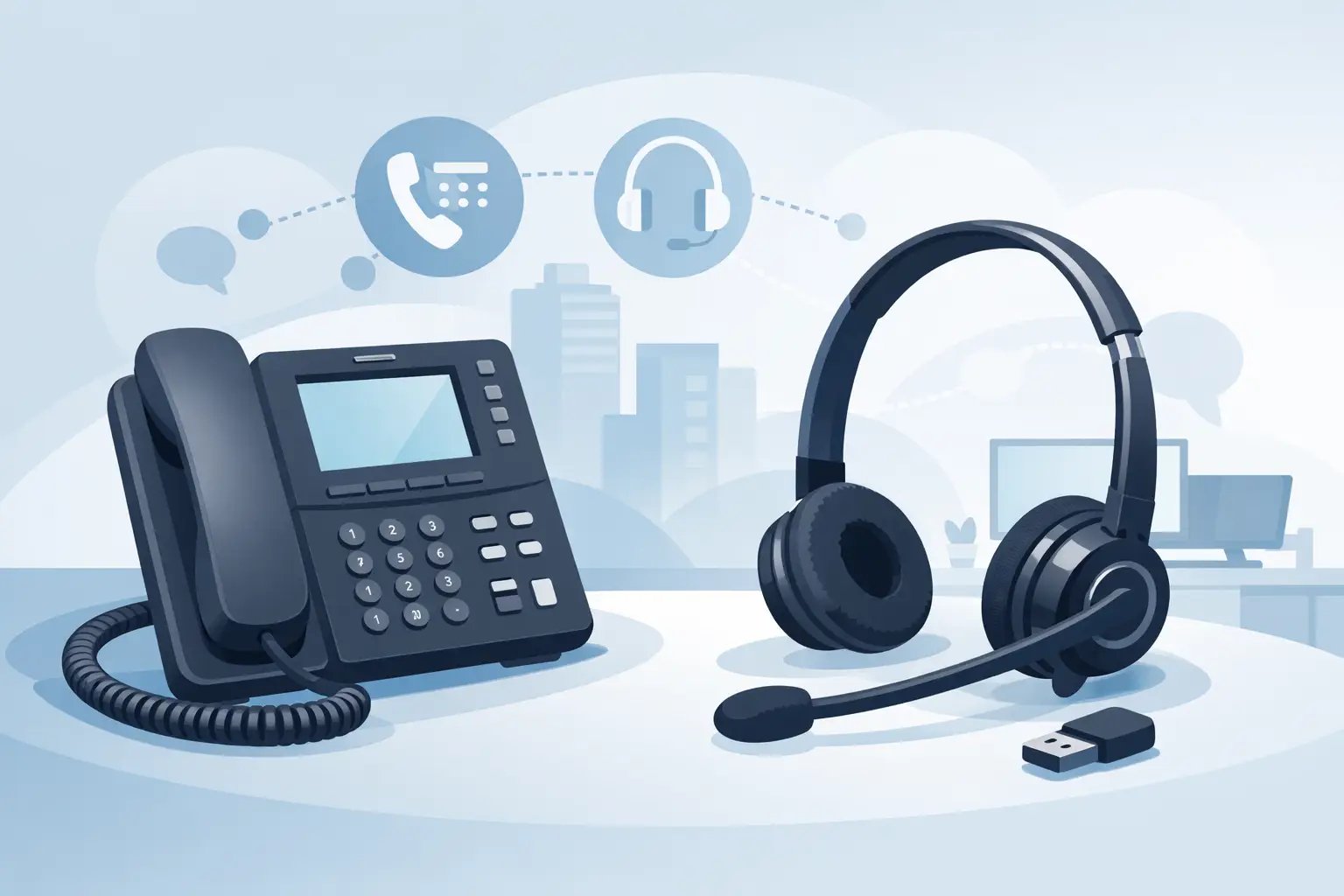
Choosing a Headset for Avaya Phone Systems
Posted by Tech Support @ Telephoneheadsets.net on 18th Oct 2026
Buying a headset for Avaya phone setups usually goes wrong in one of two places: the connection is wrong, or the call control features do not work as expected. That is why choosing by brand alone is rarely enough. With Avaya, the exact phone model, the port type and the way your team answers calls all matter.
For a single user, a poor match is frustrating. For an office or customer service team, it becomes a support issue, a returns issue and a productivity issue. The safest approach is to treat headset selection as a compatibility exercise first and a comfort choice second.
Why a headset for Avaya phone is not one-size-fits-all
Avaya phones are used across a wide range of business environments, from straightforward desk phone installations to more complex UC and softphone deployments. Some models support a direct RJ connection for a corded headset. Others are better suited to wireless headsets through an EHS cable or a handset lifter. In some cases, users are not connecting to the desk phone at all, but to Avaya software on a PC via USB.
That variation matters because two headsets that look almost identical can behave very differently depending on the endpoint. One may provide simple audio only. Another may support remote answer and end, mute synchronisation or easier volume control. If your buyer assumes that any headset labelled “Avaya compatible” will do the job, that is where avoidable mistakes start.
Start with the Avaya device, not the headset
The fastest way to narrow the options is to identify exactly what the headset will connect to. In practice, there are three common starting points.
Avaya desk phones with a dedicated headset socket
Many Avaya desk phones support corded business headsets through a dedicated headset port. This is often the simplest route for offices that want reliability, straightforward deployment and no battery charging. A corded mono headset is common for reception, admin and users who still need to hear colleagues nearby. A duo version suits noisier offices or staff handling a high volume of calls.
The key point is that the plug type and wiring matter. Not every RJ9 or similar-looking headset lead is pinned the same way across all phone brands. Avaya compatibility is not just about the shape of the connector. It is about whether the headset has the correct wiring and, in some cases, whether a bottom lead or adapter is required.
Avaya phones used with wireless headsets
Wireless is often the better fit for managers, supervisors and users who move about while on calls. It also suits desks where staff need to step away to reach filing, printers or shared workspaces. But with wireless on Avaya, buyers need to check more than audio compatibility.
If remote answer and end is important, the phone may need an EHS cable that is specific to the phone series and the wireless headset base. Without that, the headset can still carry audio, but the user may need to answer calls manually at the phone unless a handset lifter is fitted. That may be acceptable in some offices and a deal-breaker in others.
Avaya softphone or UC applications on PC
Some organisations say they need a headset for Avaya phone, but the actual use case is Avaya Workplace or another telephony application running on a computer. In that case, a USB headset is usually the right category, not a traditional desk phone headset.
This changes the buying criteria. Connection is simpler, but software integration, device management and all-day wear become more important. If users spend most of the day on a PC with occasional calls, a USB headset often gives a cleaner and more manageable setup than trying to work through a desk phone handset port.
Corded, wireless or USB - which is right?
The best format depends on the working pattern.
Corded headsets remain the most dependable choice for fixed desks. They are cost-effective, easy to deploy at scale and avoid charging routines. If a team is largely desk-based and answers calls continuously, a corded headset often makes the most sense.
Wireless headsets suit users who value mobility more than lowest cost. They reduce cable clutter and can improve comfort for people who do not want to feel tethered to the phone all day. The trade-off is higher upfront spend and the need to confirm charging, range and remote call control compatibility.
USB headsets are the practical choice where Avaya calling is PC-based. They are also easier for hybrid users who move between desks or work partly from home. The trade-off here is that they are only the right answer if the call path is through the computer rather than directly through the desk phone.
The connection details that matter most
This is the area where buyers save the most time by being precise.
RJ9 and direct-connect compatibility
Many desk phone headsets for Avaya connect via RJ9. That sounds simple until you discover that connector shape does not guarantee correct operation. Different brands can use different pin configurations, and some headsets need a model-specific lead. If the sound is too quiet, too loud or not present in one direction, the issue is often the connection standard rather than the headset itself.
Quick disconnect leads
In office environments, many corded professional headsets use a quick disconnect cable between the headset top and the phone bottom lead. This is useful because the headset itself can stay the same while the lead is changed for the correct phone family. For buyers managing mixed estates or replacing older equipment, that modular approach can reduce waste and simplify future moves.
EHS cables and remote call control
For wireless users, EHS support is one of the most valuable features to confirm before purchase. It allows the user to answer and end calls from the headset while away from the desk. However, EHS is not universal. It depends on the exact Avaya phone model, firmware in some cases, and the wireless headset system being used. Where EHS is not available, a mechanical lifter may be the fallback, but it is less tidy and not always the preferred option.
Comfort and working style still matter
Once compatibility is confirmed, comfort should drive the final choice. A headset worn for six hours a day needs a different fit from one used for occasional internal calls.
Mono headsets are practical where users need to stay aware of the office around them. They suit front-of-house roles, shared offices and teams that speak frequently with colleagues while taking calls. Duo headsets are better where concentration matters more, particularly in busier call handling environments.
Wearing style matters as well. Traditional over-the-head designs are the safest option for all-day use. Convertible styles can be helpful for lighter use or for users with strong personal preferences, but they are not always the best fit for high-volume calling.
Microphone quality should not be treated as a minor detail. In customer-facing roles, a decent noise-cancelling microphone often has more practical value than premium speaker specifications. If callers struggle to hear the user clearly, the rest of the feature set matters much less.
Common buying mistakes with Avaya headsets
The most common mistake is buying on connector appearance alone. An RJ plug may fit physically and still not work correctly with the phone.
The second is assuming all wireless models support remote answering. Many do, but only with the right base station and, where required, the correct EHS accessory.
Another frequent issue is buying for the person rather than the environment. A lightweight single-ear headset may look convenient, but it can be the wrong choice for a noisy office. Equally, a heavy-duty duo model may be unnecessary for a quiet private office with low call volume.
There is also the question of future changes. If the business may move users from desk phones to PC telephony, it can be worth considering whether standardising on a platform with flexible accessories or multiple connection options will make later transitions easier.
How to choose the right headset for Avaya phone users
A practical buying process is straightforward. First, identify the exact Avaya model or application being used. Second, decide whether the user needs corded desk phone, wireless desk phone or USB connectivity. Third, confirm whether features such as remote answer and end are essential or simply desirable. Then choose the wearing style based on how long the headset will be worn and how noisy the workspace is.
For larger rollouts, test one or two units before full deployment. That small step often prevents a much larger compatibility problem. It also lets managers confirm that audio levels, comfort and call handling work properly in the real office environment.
This is where a specialist supplier adds value. A compatibility-led range, organised by phone brand and model, cuts out much of the guesswork that causes delays and returns. TelephoneHeadsets.net is built around that exact approach, which is often the difference between buying quickly and buying twice.
Avaya systems are reliable business tools, but the right headset choice depends on more than the logo on the phone. Get the model, connection and working style right first, and the rest of the decision becomes much easier.