
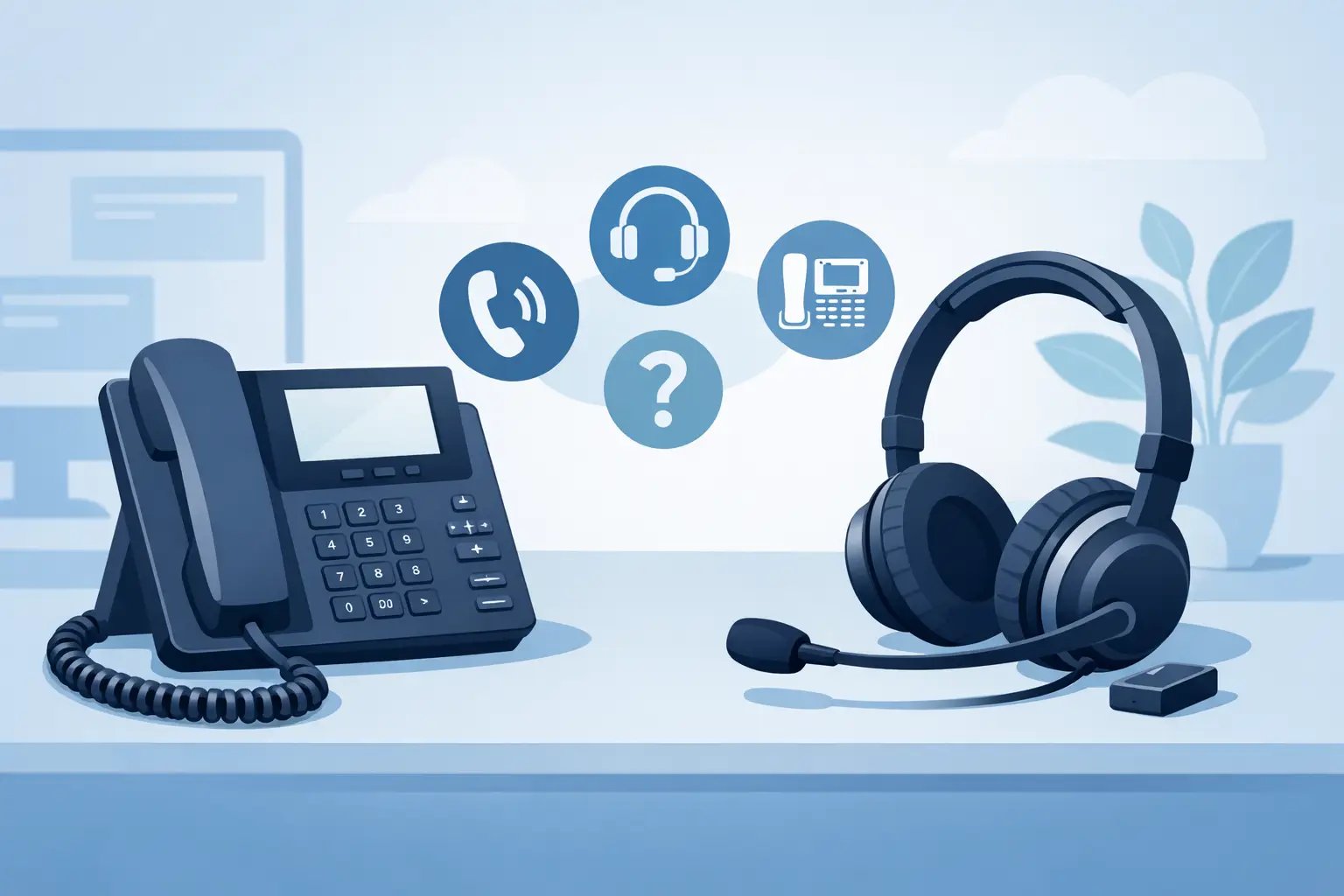
How to Choose a Headset for a Desk Phone
Posted by Tech Support @ Telephoneheadsets.net on 18th Oct 2026
If you are working out how to choose a headset for a desk phone, the quickest way to get it wrong is to start with comfort or price before you confirm compatibility. A headset that feels right on paper is no use if it will not connect properly to your telephone, needs an amplifier you do not have, or misses key call control features your team relies on.
For most business buyers, the job is not simply to pick a headset. It is to match a headset to a specific phone model, user role and working pattern. That is why the best buying process starts with the telephone itself and then narrows down connection type, headset style and day-to-day use.
Start with the desk phone model
The first question is always which desk phone you are connecting to. Brand matters, but model matters more. Two handsets from the same manufacturer can use different headset ports, different pin layouts or different electronic hook switch options.
If you only check that your phone is, for example, a Cisco or Avaya model, you may still end up with the wrong lead or an incomplete setup. A compatibility-led approach is safer. Confirm the exact make and model number from the label underneath the phone or from the system inventory, then match the headset and cable to that device.
This is especially important in larger offices where phones have been replaced in stages. One department may use older RJ9-equipped handsets while another has newer IP phones with USB support. Buying one headset type for everyone can create unnecessary returns and deployment delays.
How to choose a headset for a desk phone by connection type
Once the phone model is confirmed, connection type is the next filter. This is where most purchasing mistakes happen.
RJ9 and RJ11 are not the same thing
Many traditional desk phones use an RJ9 headset socket. This is common on business telephones and is often the most direct route to a wired headset. However, not every RJ9 setup is wired the same way. Some phones require a specific bottom lead or compatibility cable because the pin configuration varies between manufacturers.
RJ11 is different and is more commonly associated with telephone line connections rather than standard headset ports. If a buyer assumes the plugs are interchangeable because they look similar, the result is usually a headset that does not work as expected.
USB works well, but only on the right phones
Some modern desk phones and unified communications endpoints support USB headsets directly. This can simplify deployment and broaden your headset choices, but only if the phone firmware and hardware support USB audio devices properly.
USB is often a good fit where users may move between desk phone and softphone environments, or where a business is gradually shifting away from traditional telephony. Still, a USB headset is not a universal answer. Many desk phones do not support it at all.
Do you need an amplifier or adapter?
Older telephones, and some compatibility-sensitive models, may require an amplifier, adapter cable or training lead. This depends on both the phone and the headset family you choose.
That extra component is not necessarily a problem, but it should be identified at the buying stage. If you are equipping multiple users, missing one required adapter can stall a full rollout.
Decide whether mono or duo suits the job
After compatibility, the next practical decision is whether users need a mono headset or a duo headset.
A mono headset covers one ear and leaves the other open to the office. This suits reception desks, admin teams and users who need to hear colleagues, visitors or announcements while on calls. It is often the more flexible option in shared office spaces where awareness matters.
A duo headset covers both ears and gives better concentration in noisier environments. For contact centres, busy sales floors and support teams handling a high volume of calls, duo designs usually improve focus and reduce listening fatigue. The trade-off is reduced awareness of the surrounding workspace.
There is no universal best choice here. If the user takes occasional calls while carrying out broader office tasks, mono is often enough. If calls are constant and clarity is critical, duo is usually the better fit.
Consider wearing style and shift length
A headset that is technically compatible can still become the wrong purchase if users find it uncomfortable after two hours.
Headband styles are the standard choice for all-day business use because they are stable and generally distribute weight well. They suit most office and call handling roles and tend to be the lowest-risk option when buying for a wider team.
Over-the-ear styles can work well for lighter use or for users who dislike a full headband, but they are often more personal in fit. What feels secure to one user may feel awkward to another. If you are standardising across departments, headband designs are usually easier to manage.
For long shifts, pay close attention to padding, clamping force and overall weight. A headset used for six hours a day needs a different level of comfort from one used for a handful of short internal calls.
Check microphone performance against the environment
Microphone quality matters most where background noise is part of the working day. A quiet private office does not place the same demand on a headset mic as a shared customer service floor.
Noise-cancelling microphones are often the better choice for business telephony because they help reduce surrounding conversation and office noise reaching the caller. That said, not all noise-cancelling performance is equal, and no microphone can fully remove a very loud environment.
It also helps to think about speaking style. Some users speak steadily into the microphone and stay at their desk. Others move around, turn away from the screen or shift posture throughout the day. In those cases, a stable boom position becomes more important.
Think about call control before you buy
One of the most overlooked parts of how to choose a headset for a desk phone is call handling. Buyers often confirm audio compatibility but forget to check how the user answers or ends calls.
If the user is happy to lift the handset or press buttons on the phone each time, a straightforward wired setup may be enough. If they need remote answer and end functionality, especially in busy call handling roles, you may need electronic hook switch support or a handset lifter depending on the phone model.
This is where exact phone compatibility becomes critical again. Remote call control is highly device-specific. A headset may carry audio perfectly well while still lacking the call control features your team expects.
Match the headset to the user, not just the phone
Two users with the same desk phone may still need different headset types.
A receptionist managing calls, visitors and internal queries may benefit from a mono wired headset with clear voice pickup and easy awareness of the room. A contact centre adviser taking continuous customer calls may need a duo headset with stronger noise reduction and better long-wear comfort. An office manager who alternates between a desk phone and a computer may prefer a solution that fits both environments, provided compatibility is confirmed.
That is why product selection should account for call volume, workspace noise, mobility, wearing preference and whether the headset is for individual use or pooled use. Buying purely to a price point usually creates issues later.
Avoid the most common buying mistakes
Most incorrect purchases come from a small set of avoidable assumptions. The first is assuming all desk phone headset sockets are standard. They are not. The second is treating plug shape as proof of compatibility. It is not. The third is choosing based on headset brand alone without checking the bottom lead, adapter or phone-specific support.
Another common mistake is underestimating usage. A lower-cost headset can be perfectly suitable for occasional office calls, but it may not hold up as well in an intensive call handling environment. The cheaper option is not always the lower-cost option once replacement cycles and user dissatisfaction are factored in.
For businesses buying at scale, pilot testing with one or two users can help where requirements are mixed. But where the phone model is already known, a compatibility-led supplier such as TelephoneHeadsets.net can usually remove much of that trial and error from the process.
A simple way to make the right choice
If you need a practical buying sequence, keep it in this order: identify the exact desk phone model, confirm the correct connection method, check whether any adapter or call control accessory is required, then choose the headset style that suits the user’s call pattern and working environment.
That order matters because compatibility should always come before preference. Once the technical fit is right, choosing between mono or duo, wired or USB, and lighter or heavier use becomes much simpler.
A good desk phone headset should not feel like a gamble. When the phone model, connection and user role are all considered together, the right choice is usually clear.