
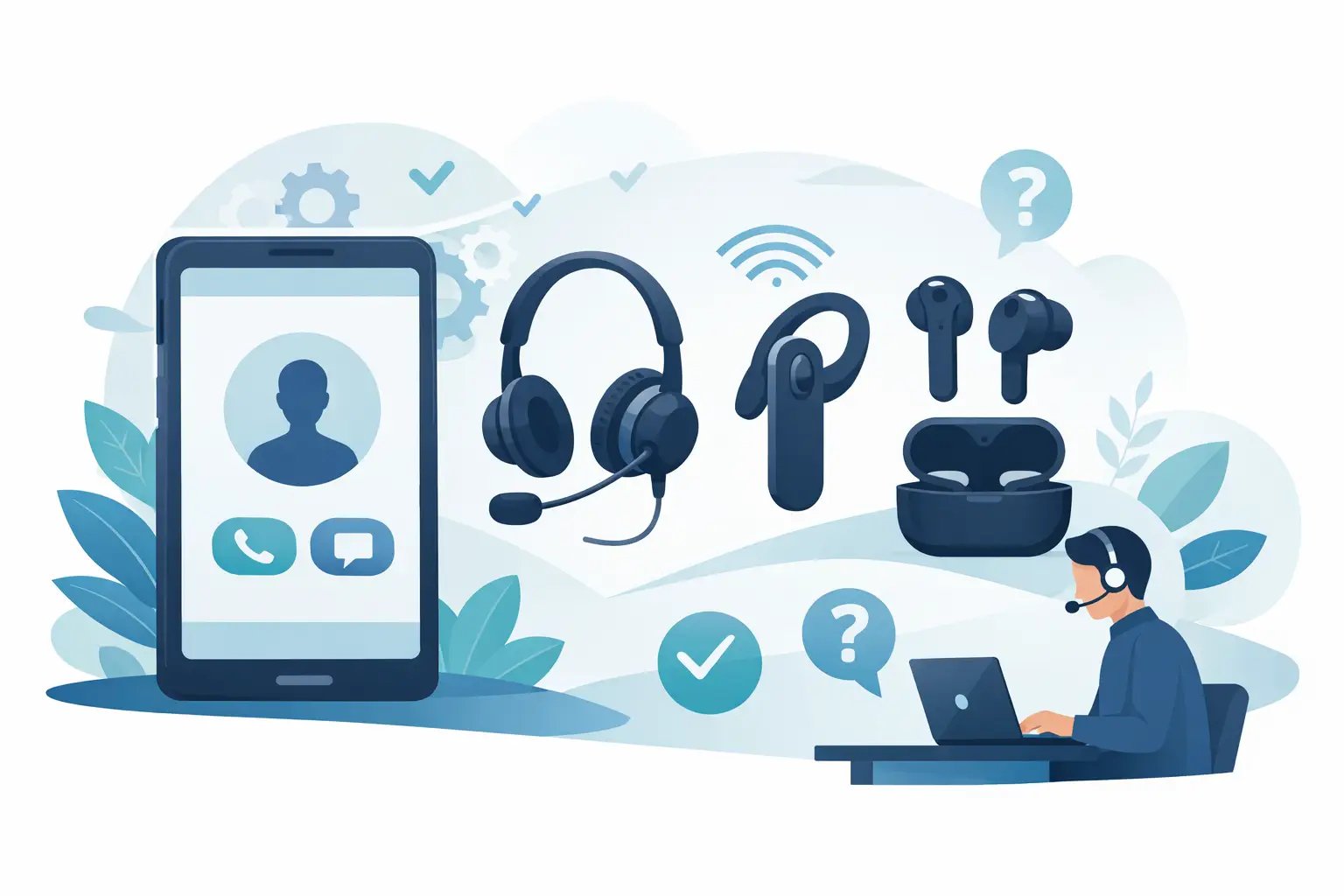
How to Choose Phone Headset Options
Posted by Tech Support @ Telephoneheadsets.net on 18th Oct 2026
A headset that looks right on paper can still be wrong for your phone system, your call volume or the way your team works. That is why knowing how to choose phone headset options properly matters before you place an order. In most business environments, the biggest mistake is not sound quality - it is buying a headset with the wrong connection, the wrong wearing style or the wrong feature set for the job.
For office managers, IT buyers and contact centre teams, the fastest way to get this right is to start with compatibility, then narrow by use case. A headset for an Avaya desk phone, for example, may need a different lead or amplifier than one for a Cisco IP phone or a USB-based softphone setup. Once the connection is correct, the remaining choices become much easier.
How to choose phone headset by connection type
The first decision is always the connection. If this is wrong, nothing else matters.
For traditional desk phones, you will usually be looking at RJ9 or RJ11 style connectivity, although the exact headset port and pin arrangement can vary by manufacturer and model. This is where buyers often get caught out. Two desk phones may appear similar but still require different headset cables, bottom leads or accessories. If you are purchasing for a known telephone model, select by exact phone brand and model wherever possible rather than by headset appearance alone.
If your team uses a PC-based telephony platform, Microsoft Teams phone system, Skype-compatible software, or another softphone application, USB is often the better route. USB headsets are simpler in these environments because the connection is standardised at the computer end, and call control features are usually clearer. They also suit hybrid users who spend part of the day on calls and part on general desktop work.
DECT and wireless office phones add another layer. Some will support direct wired headset connection, while others may need an electronic hook switch, handset lifter or brand-specific adaptor to provide remote call answer functionality. If remote answer is important, check that separately rather than assuming all wireless-compatible headsets offer it.
Start with the phone model, not the headset
Buyers often begin by comparing mono versus duo, noise cancelling versus standard, or wired versus wireless. Those are valid questions, but they come second. The more reliable method is to identify the exact telephone or communications platform first.
That means checking the make and model of the desk phone, the telephony application in use, and whether users need direct plug-in connection or additional call control. In larger estates, this also means confirming whether all handsets on site are actually the same. Mixed deployments are common, especially in businesses that have expanded over time or merged systems.
A compatibility-led approach reduces returns, avoids delays and helps standardise procurement. This is the reason specialist suppliers structure products around phone brands and models. It is a more accurate way to buy than filtering by general consumer-style features.
Wearing style should match call intensity
Once compatibility is confirmed, think about how the headset will be worn across the day.
For light to moderate office use, many buyers prefer a mono headset. It leaves one ear open, which helps users stay aware of colleagues, visitors and the office environment. In reception, admin and general office roles, that is often the most practical option.
For heavier call handling, a duo headset usually makes more sense. It blocks more surrounding noise, helps concentration and can reduce listening fatigue in busy teams. In customer service departments and call centres, duo models are often the more productive choice because they create a more controlled listening environment.
There is a trade-off. Mono headsets support awareness, while duo headsets support focus. Neither is automatically better. The right choice depends on how much time users spend on calls and how noisy the workplace is.
Microphone performance matters more than many buyers expect
If your callers struggle to hear staff clearly, the issue is often the microphone rather than the earpiece. A business headset should be judged on how well it transmits speech in real working conditions.
Noise cancelling microphones are usually worth prioritising in shared offices, open-plan teams and contact centres. They do not remove all background sound, but they can reduce the level of surrounding noise picked up during calls. That improves call clarity for the person on the other end, which is critical in sales, support and service roles.
In quieter private offices, a standard microphone may be perfectly adequate. Not every user needs the same level of microphone isolation. If you are buying at volume, it can make sense to segment by role rather than issue one headset type to every employee.
Comfort is not a soft issue
A headset worn for six hours a day has to be comfortable. If it is not, users will stop wearing it properly, shift it out of position or revert to the handset. At that point, the technical specification becomes irrelevant.
Headband pressure, ear cushion material and overall weight all affect comfort. So does wearing style. Some users strongly prefer over-the-head models because they feel secure and consistent. Others are comfortable with lighter options for shorter use. Where possible, match the headset design to the expected call duration and frequency, not just the budget.
In procurement terms, comfort affects adoption. A slightly cheaper headset that staff dislike can cost more over time if it leads to replacement requests or inconsistent use.
Wired or wireless depends on the role
Wired headsets remain the right choice for many business users. They are reliable, straightforward and typically more cost-effective when deploying across desks at scale. For fixed-position staff working at a desk phone or PC throughout the day, wired models are often the simplest answer.
Wireless headsets suit users who need to move while staying on calls - supervisors, managers, warehouse-linked office staff or multitasking teams who regularly step away from the desk. The benefit is flexibility, but there are practical points to weigh up. Battery management, wireless range, desk density and compatibility with remote answer accessories all need consideration.
If users rarely leave their workstation, wireless may add cost without much operational benefit. If they move constantly, wired may become restrictive very quickly.
Features to check before you buy
Not every business headset needs advanced features, but some can make a real difference depending on the setup.
Inline call controls are useful for USB users who need quick access to answer, mute and volume. Busy lights can help in shared environments where interruptions are a problem. Wideband audio can improve speech clarity, provided the phone system supports it. Quick disconnect leads are valuable where headsets are shared, replaced regularly or used with training accessories.
For desk phone users, amplifier compatibility can also matter, particularly on older systems or where users need volume adjustment beyond what the phone itself provides. Again, this comes back to the phone model. The same headset may perform differently depending on the bottom lead or interface used.
How to choose phone headset options for teams
Single-user purchases are usually straightforward. Team rollouts need more discipline.
Start by grouping users by phone model and work pattern. A finance office using one desk phone range may need a different solution from a support team on USB softphones. Then check whether standardising on one headset family is realistic, or whether two or three approved combinations would deliver better fit across departments.
It is also worth deciding which features are mandatory and which are optional. Compatibility is mandatory. Clear speech is mandatory. Beyond that, features such as wireless mobility or dual-ear wearing style may depend on the role. This keeps procurement focused and avoids over-specifying every position.
For buyers managing multiple handset brands, a specialist compatibility catalogue is often the quickest route. TelephoneHeadsets.net, for example, is built around phone-brand and phone-model selection because that reflects how business buyers actually reduce risk.
Common mistakes that cause returns
Most headset buying errors follow a familiar pattern. The buyer selects by appearance, assumes one plug type fits all desk phones, overlooks the exact handset model, or chooses wireless without checking remote answer support. Another common issue is buying for individual preference without considering the acoustic conditions of the office.
There is also a tendency to treat all business users as if they work the same way. They do not. A receptionist, an accounts administrator and a contact centre adviser may all use telephony, but their headset requirements can differ significantly.
The practical answer is to check the device first, the role second and the preferred wearing style third. In that order, most poor-fit purchases can be avoided.
Choosing well is usually less about finding the most advanced headset and more about matching the headset to the exact phone, the call environment and the user’s daily routine. Get those three things right, and the buying process becomes much more straightforward.