
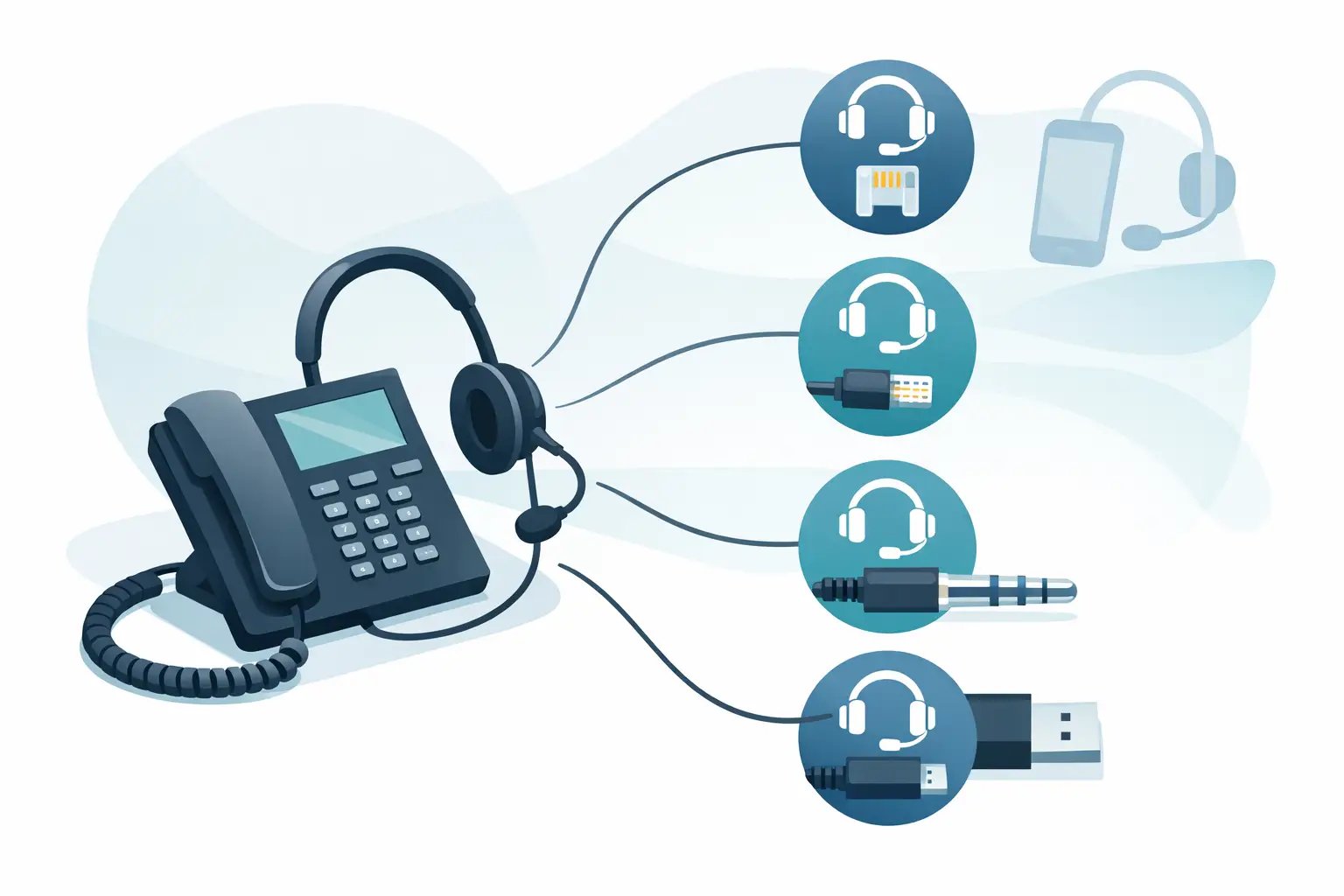
How to Identify Phone Headset Port Connections
Posted by Tech Support @ Telephoneheadsets.net on 18th Oct 2026
A headset that physically plugs in is not always a headset that will work. The quickest way to avoid an unsuitable purchase is to know how to identify phone headset port connections before choosing a cord, adaptor or headset. On business desk phones, the socket shape is only one part of the compatibility check. Wiring, phone model, headset type and call-control requirements can all affect the result.
For office managers and IT buyers fitting out several desks, this matters even more. A wrong connection can mean poor audio, no microphone transmission, or a headset that cannot answer and end calls correctly. Start with the phone itself, then confirm the exact model and intended way of working.
Start with the phone model, not the socket alone
Turn the phone over and look for the manufacturer name and model number on the base label. This is usually more reliable than identifying a port by sight, particularly on IP and digital handsets where several small modular sockets may look alike.
Record the full model code, including any suffix. For example, two phones in the same product family can use different headset arrangements, even where their casings are similar. Also note whether the user needs a wired headset for direct connection, a USB headset for computer calling, or a wireless system with remote answer capability.
Once the model is known, check the markings beside the sockets and the phone documentation. Labels such as HEADSET, HANDSET, AUX, USB or PC provide useful evidence. If there is no dedicated headset marking, do not assume the handset socket is interchangeable.
How to identify phone headset port types
Business telephones use several common connection types. Identifying the physical connector helps narrow down the options, but it should be followed by a compatibility check against the phone model.
RJ9 or 4P4C headset socket
The most common wired business-phone headset connection is often called RJ9, RJ10, RJ22 or 4P4C. These names are frequently used for the same small, four-position modular plug. It is narrower than an RJ11 telephone line plug and normally has four metal contacts.
A dedicated RJ9 headset port may be labelled with a headset symbol. Some phones instead require the headset to connect through the handset socket using a compatible quick-disconnect lead or an adaptor. Although the plug size may fit, the wiring arrangement can differ between phone manufacturers. That is why a generic RJ9 cord is not automatically suitable for every Avaya, Cisco, Mitel, Grandstream or Alcatel desk phone.
A practical check is to count the contacts and compare the plug width with a standard telephone line connector. RJ9 is compact, while RJ11 and RJ45 are visibly wider. Never force a plug into a socket that appears similar.
RJ11 and RJ45 sockets
RJ11 is commonly used for telephone lines or certain analogue connections. It is wider than RJ9 and may have two, four or six contacts. In most office-phone installations, an RJ11 port is not the usual location for a standard headset. It may be a line input, extension connection or wall connection instead.
RJ45 is wider again and normally used for Ethernet network cables on IP phones. It has eight contacts and is often marked LAN, NETWORK, PC or similar. An RJ45 port is not a headset port. Connecting a headset lead to it will not work and could damage the connector if force is used.
The key point is simple: connector size helps rule out unsuitable ports, but the label and phone model determine the intended function.
USB headset port
Many modern IP phones and office systems include a USB-A port, usually rectangular, on the rear or side of the handset. This can support a USB corded headset, but only if the phone firmware and manufacturer support USB audio devices. A USB port may also be intended solely for charging, expansion modules or storage.
Look for a USB symbol, headset icon or wording in the phone specification confirming USB headset support. A USB headset designed for Microsoft Teams, Zoom or other computer softphone platforms may work perfectly on a laptop but not necessarily on a desk phone's USB socket.
If calls are handled through a PC application rather than the physical handset, choose the headset around the computer and communications platform. In that case, the phone's ports may be irrelevant to the headset connection.
3.5 mm and 2.5 mm jack sockets
Some compact business phones, cordless handsets and older telephone models use round 3.5 mm or 2.5 mm headset jacks. A 3.5 mm socket is the more familiar size used on many consumer audio devices, while 2.5 mm is smaller. Measure carefully if there is any doubt.
These sockets can be deceptively straightforward. A standard mobile-phone headset may physically fit a 3.5 mm socket but use a different pole arrangement, resulting in microphone or audio problems. Check whether the phone requires a dedicated telephone headset with a specific pin configuration rather than a general-purpose stereo headset.
Do not confuse the handset port with a headset port
Many desk phones have a handset socket on the underside. It often accepts a small four-contact modular plug and can look identical to an RJ9 headset connection. However, its job is to connect the supplied handset, not necessarily an external headset.
Some wired headset systems are designed to use this socket with the correct bottom lead. The original handset then connects to a port on the headset amplifier, switch or adaptor. Other systems connect directly to a dedicated headset port and leave the handset wiring untouched.
This distinction affects both installation and day-to-day use. If the headset replaces the handset path, users may need to lift the handset or use a mechanical lifter to answer calls. A dedicated headset port may support the phone's headset button, depending on the model and configuration.
Check for proprietary connections and electronic hook switch support
Not every business telephone follows the same connection standard. Some enterprise models use manufacturer-specific ports, modular adaptors or dedicated accessory sockets. Certain cordless DECT and conference devices also require a model-specific lead or base-station connection.
There is a second issue beyond audio: electronic hook switch, often shortened to EHS. EHS lets a compatible wireless headset answer and end a call remotely using the headset controls. The headset may provide audio without EHS, but the user might still need to press the answer button on the phone.
For reception, contact centre and high-call-volume roles, that difference is operationally significant. Confirm whether the phone supports EHS, whether an additional cable is required and whether the chosen headset family is compatible. A headset port alone does not guarantee remote call control.
Use a simple verification process before ordering
Before selecting a headset, work through the following checks:
- Identify the telephone manufacturer and complete model number from the base label.
- Locate the port labels and note whether the phone has HEADSET, HANDSET, USB or a round headset jack.
- Confirm whether calls are taken on the desk phone, through a computer softphone, or both.
- Decide whether the user needs mono or duo wearing style, wired or wireless operation, and remote answer control.
- Match the headset or connection lead to the exact phone model, rather than selecting by plug shape alone.
For multi-user deployments, test one complete configuration before ordering for every desk. This is particularly useful where a site has mixed phone generations, replacement handsets or different firmware versions.
When a photograph helps, and when it does not
A clear photograph of the rear and underside of the phone can help identify an unlabelled socket. Include the model label and show the ports at close range. It is useful supporting information when comparing leads or asking for compatibility advice.
However, a photograph cannot confirm internal wiring, firmware support or EHS capability. Treat it as a visual check, not final proof. The manufacturer and model number remain the most dependable starting point.
TelephoneHeadsets.net organises headset choices around specific phone brands and models because this approach removes much of the uncertainty created by similar-looking connections. It is faster and safer than attempting to match a headset from connector appearance alone.
A few minutes spent checking the model number, port function and call-control requirement can prevent a return, a desk-side installation problem and a user left without reliable audio. When the connection is unclear, pause before ordering and verify the phone model first - the right headset begins with the right compatibility information.