
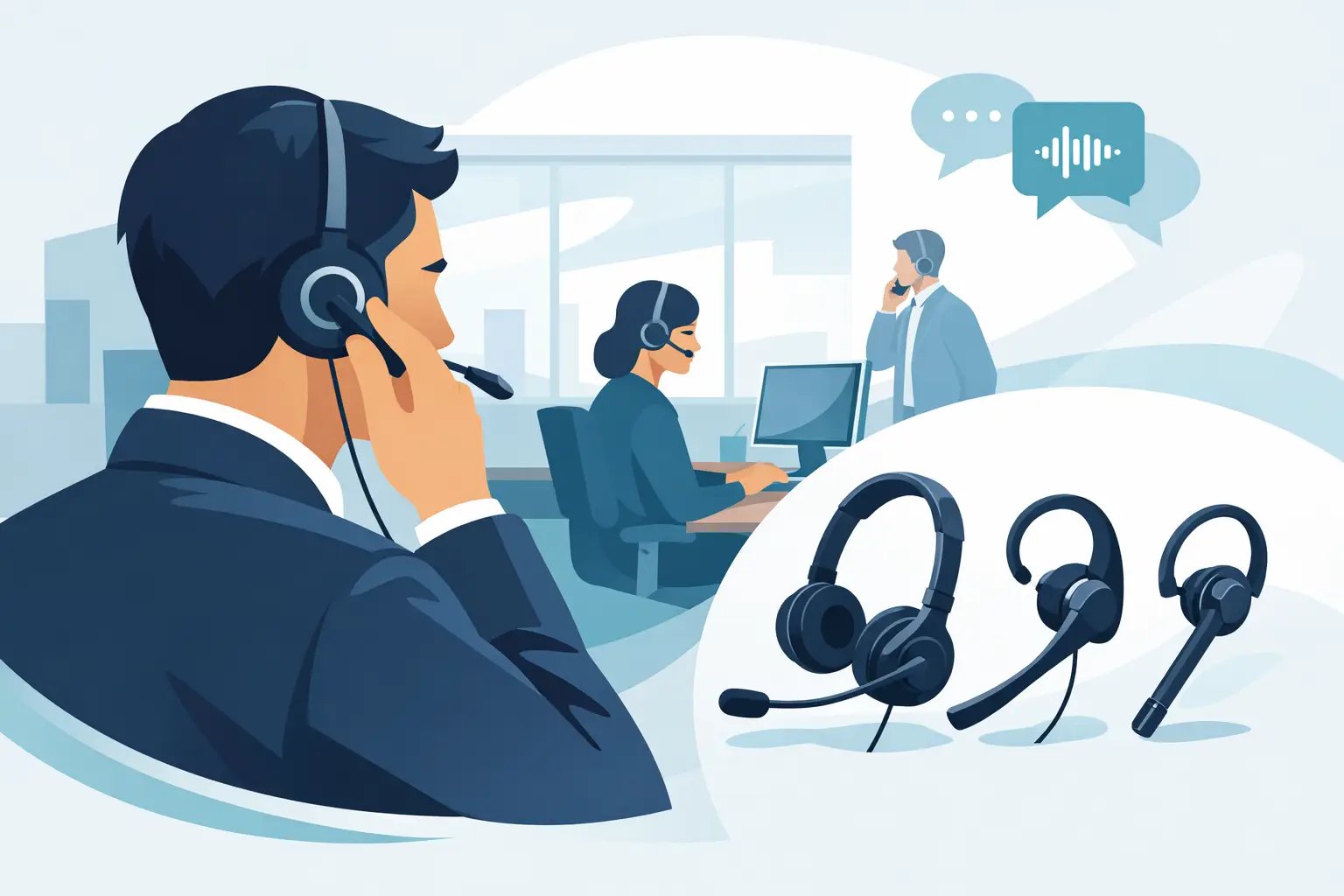
How to Select Mono Headsets for Office Calls
Posted by Tech Support @ Telephoneheadsets.net on 18th Oct 2026
A mono headset may look like a straightforward purchase, but the wrong connector, lead or compatibility requirement can leave a perfectly good headset unusable with your telephone. For business buyers, knowing how to select mono headsets starts with the communications equipment already in use - not with the headset style.
Mono headsets have one earpiece, leaving the other ear free for colleagues, visitors, supervisors and activity in the office. They are widely used for reception, administration, customer service and office-based call handling where users need to stay aware of their surroundings. The right choice balances telephone compatibility, daily comfort and the way each employee handles calls.
Start with the telephone or communications platform
The most reliable way to choose a mono headset is to identify the exact make and model of the device it will connect to. A headset designed for a USB computer connection is not automatically suitable for a desk phone. Equally, an RJ9 headset lead that fits one handset port may not provide the correct wiring for another telephone brand.
Check the label on the underside or rear of the desk phone and record the manufacturer and full model number. This is particularly important in offices with similar-looking phones from Avaya, Cisco, Mitel, Alcatel, Gigaset, Grandstream or other business telephony suppliers. Small differences between models can affect which quick-disconnect lead, amplifier or electronic hook switch arrangement is needed.
For employees using Microsoft Teams, Zoom, a hosted VoIP service or another computer calling application, establish whether they make calls through a PC, Mac, laptop or desk phone. A USB mono headset is usually the direct option for computer-based calling. A traditional telephone headset may instead need a compatible bottom cable or connection lead specific to the desk phone.
Avoid ordering based only on the plug shape. The connector is one part of the decision; the wiring standard and supported call-control features matter just as much.
Choose the right mono headset connection
Most business mono headsets fall into three practical connection categories. The suitable category depends on the calling device and whether users need advanced call control.
RJ9 and quick-disconnect headsets for desk phones
Many corded business headsets connect to a desk phone through an RJ9-style headset port or through a quick-disconnect cable. A quick-disconnect design lets staff step away from the desk without removing the headset, while the lead remains connected to the telephone setup.
However, the headset and cable are often separate components. The headset may be compatible with several telephone systems, but only when paired with the correct connection lead. This is why selecting by phone brand and model is safer than treating all modular plugs as interchangeable.
Some desk phones also require a handset lifter, electronic hook switch cable or dedicated adapter for remote answer and end-call control. If the user only needs audio and is happy to press the telephone buttons manually, this may not be necessary. For reception teams and busy call handlers, remote call control can be worth specifying from the outset.
USB mono headsets for softphones
USB mono headsets are intended for computer calling and are often the simplest option for users who work primarily in softphone applications. They connect directly to a USB-A or USB-C port, depending on the model and computer setup.
Consider certification where the business relies on a particular platform. A headset certified for Microsoft Teams, for example, may offer dedicated controls and more predictable integration. Certification is useful, but it does not replace checking the computer connection and the software environment used by the employee.
USB is also a sensible choice for hybrid workers who take calls from a laptop rather than a fixed desk telephone. In this case, cable length, portability and a durable microphone boom may be more relevant than telephone-specific accessories.
Headsets used with amplifiers or adapters
An amplifier or adapter can be appropriate where a telephone has no direct headset port, where several connection types must be managed, or where volume and compatibility settings need additional control. This approach can extend the use of existing headsets, but it adds another component to install and support.
For a single standard desk-phone estate, a direct compatible cable is generally the cleaner option. For mixed legacy equipment, an adapter may provide the flexibility needed, provided every phone model has been checked first.
Match the headset to the working environment
A mono design is not automatically the best choice for every role. It works particularly well where situational awareness matters. A receptionist may need to hear a visitor approaching the desk; an office administrator may need to respond to a colleague while remaining on a call; a supervisor may need to monitor the room.
In a noisy contact centre, a duo headset with speakers over both ears can offer greater concentration and better perceived call clarity. That said, a mono headset with an effective noise-cancelling microphone can still be suitable for moderate office noise. The key distinction is that microphone noise reduction helps the caller hear the user more clearly. It does not fully block surrounding sound for the wearer.
Think about whether the role involves occasional calls, several hours of continuous calling or back-to-back customer conversations. A headset used for ten minutes a day can tolerate more compromise than one worn for an entire shift.
Assess comfort before features
Comfort affects adoption, call quality and staff productivity. If a headset feels heavy, creates pressure or will not stay correctly positioned, users are more likely to hold the handset instead. That defeats the purpose of purchasing a business headset.
Look at the wearing styles available. Over-the-head headbands are often the most stable choice for full-day users. Convertible models may offer earhook, headband and behind-the-neck options for teams with varied preferences. An earhook can be discreet and light, although some users find it less secure during frequent movement.
Pay attention to these practical details:
- Adjustable headbands and microphone booms help different users achieve a consistent fit.
- Replaceable ear cushions support hygiene and extend the useful life of shared or heavily used equipment.
- A flexible boom allows the microphone to sit close to the corner of the mouth, rather than directly in front of it.
- Lightweight construction matters most for reception, sales and service staff who wear the headset for long periods.
Trialling one or two models with regular users can be worthwhile before fitting out a larger team. Procurement teams may prefer a standardised model, but feedback from high-volume call handlers will reveal whether that standard is genuinely practical.
Check microphone performance and acoustic protection
For external callers, microphone placement and noise reduction have a major effect on perceived professionalism. Choose a headset with a noise-cancelling microphone when staff work near colleagues, printers, air conditioning or general office activity. It reduces unwanted background sound transmitted from the user’s side of the call.
Acoustic protection is another business requirement, particularly for employees who spend much of the day on the telephone. Features that manage sudden loud sounds and help control sustained audio exposure support a more comfortable working environment. Exact protection technologies vary by manufacturer, so compare the specification rather than assuming all business headsets deliver the same level of protection.
Wideband audio can improve speech clarity when the telephone system and network support it. It is useful for customer-facing calls, but it should be considered after basic compatibility. A high-specification audio feature has little value if the headset cannot connect correctly to the telephone.
Consider call control and workflow
The physical method of answering calls changes the ideal configuration. A user who remains seated beside a desk phone can work effectively with a straightforward corded mono headset and manual telephone controls. A user who regularly moves to files, stock shelves or another workstation may benefit from quick disconnect capability or a different headset category altogether.
For teams handling high call volumes, ask whether they need to answer, end or mute calls from the headset. With compatible USB headsets, these functions may be built in. With desk phones, they can depend on a compatible electronic hook switch cable, lifter or phone-specific accessory.
Do not assume remote call control works simply because the headset has buttons. The headset, phone model, accessory and phone configuration must support the function as a complete setup.
Standardise carefully across a team
Standardisation can simplify purchasing, spares, training and replacement. It is especially useful when a department has the same desk phone model or uses one softphone platform. Keep a record of the phone model, headset model, cable or adapter part and any call-control accessory used at each workstation.
Where the organisation has a mixed phone estate, standardise the headset family where possible, then assign the appropriate compatible lead to each telephone model. This can reduce variation for users without ignoring the technical differences between phones.
Before placing a larger order, confirm the exact setup for a representative workstation. Test incoming and outgoing audio, microphone quality, volume adjustment, mute operation and any answer or end-call function required. A short compatibility check prevents the cost and disruption of replacing equipment across multiple desks.
TelephoneHeadsets.net approaches mono headset selection around the phone or communications platform because that is where most purchasing errors begin. Once the connection is confirmed, choosing the preferred wearing style, microphone specification and call-control option becomes far more straightforward.
The best mono headset is not necessarily the one with the longest feature list. It is the model that connects correctly, remains comfortable through the working day and lets the user hear both the caller and the office when their role requires it.