
IP Phone Headset Adapter Buying Guide
Posted by Tech Support @ Telephoneheadsets.net on 18th Oct 2026
Buy the wrong ip phone headset adapter and the problem usually looks deceptively simple. The headset fits, the phone powers up, and yet you get no dial tone, weak transmit volume, or audio only on one side. In most office environments, that is not a headset fault at all. It is a compatibility issue between the phone’s headset port, the headset’s plug type, and sometimes the wiring standard used by the handset manufacturer.
For business buyers, that matters because headset procurement is rarely about one item in isolation. You may be equipping a reception desk, a small office, or a full contact centre floor where one incorrect adapter creates delays, returns, and avoidable support time. The adapter is often the part that decides whether a wired headset works first time or becomes a trial-and-error purchase.
What an IP phone headset adapter actually does
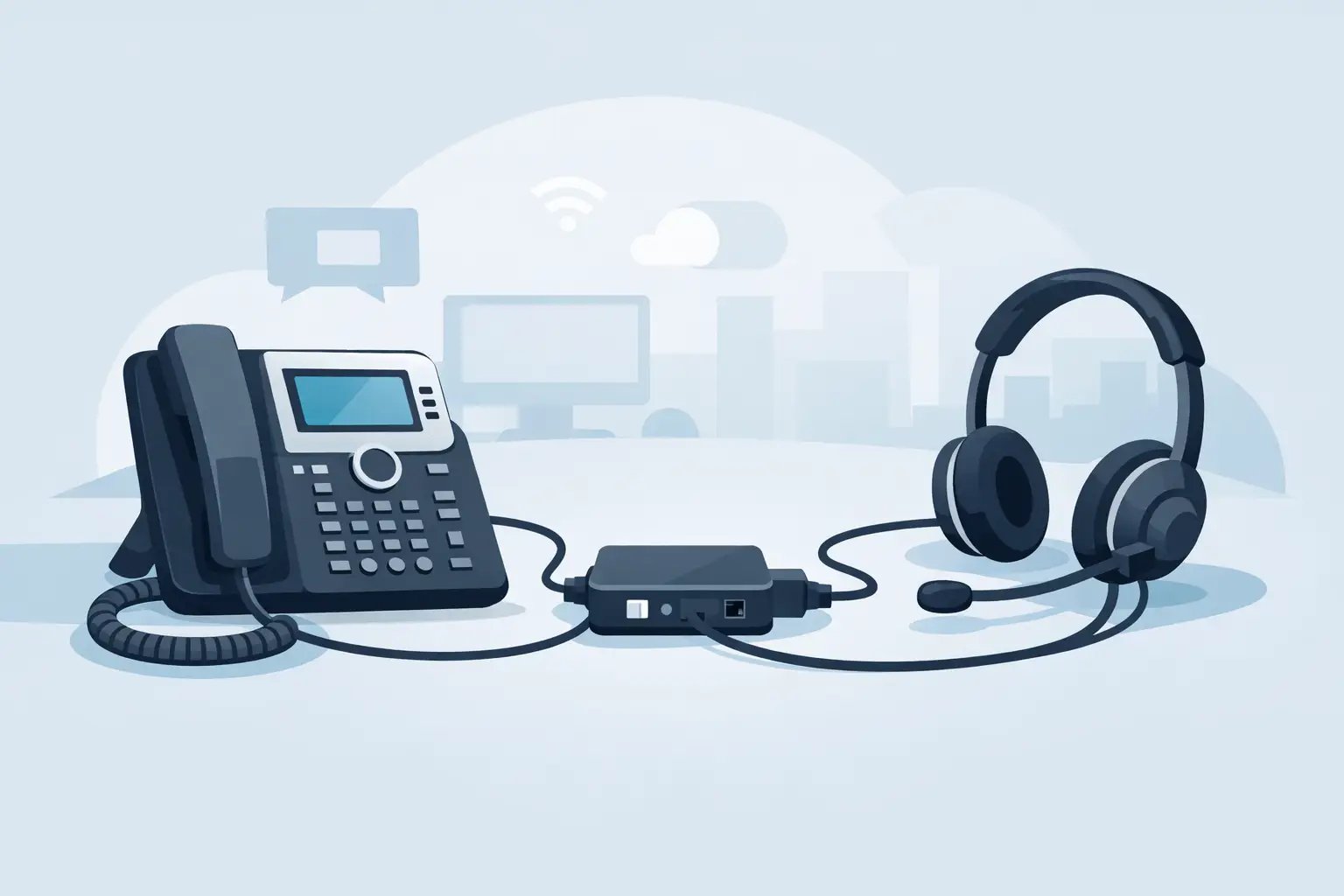
An IP phone headset adapter is the connection piece that allows a headset to work correctly with a compatible desk phone. In practice, that can mean a simple plug converter, a wired compatibility lead, or an amplified adapter that adjusts microphone and speaker levels.
Not every IP phone needs one. Some models have a dedicated headset socket that accepts a standard direct-connect headset lead. Others use a handset port, require a specific pin-out, or need an intermediate amplifier because the phone does not provide the right audio level on its own. The term covers several different products, which is why buyers often end up comparing unlike-for-like options.
The first point to get right is that plug shape alone is not enough. Two connectors may both look like RJ9-style telephone plugs and still be wired differently. That is why a headset can physically connect and still fail to function properly.
Why compatibility is rarely universal
In consumer electronics, buyers are used to fairly standard connections. Business telephony is different. Desk phones from Avaya, Cisco, Mitel, Alcatel, Grandstream, Gigaset and others do not always follow the same wiring arrangement for headset use, even when the socket appears identical.
That means one IP phone headset adapter may be correct for one phone series and completely unsuitable for another. Some phones also vary within the same brand. Older handsets may rely on a different pin configuration from newer VoIP models, and entry-level office phones do not always behave the same way as operator or attendant consoles.
The practical takeaway is simple: buy by exact phone make and model wherever possible. Buying by connector type alone is where most mistakes happen.
The main types of IP phone headset adapter
A basic direct-connect adapter is the simplest option. It is usually a short lead or converter that matches the headset plug and wiring to the phone’s headset or handset socket. This is common where the phone supports passive headset connection and does not need volume correction.
An amplified adapter sits between the phone and headset and adds call control or level adjustment. These are useful where the phone’s native headset audio is too quiet, where microphone gain needs boosting, or where users want clearer volume management on the desk. In some cases, an amplifier is not optional. Without it, audio may be present but too low for practical use.
There are also training and supervisor-style adapters, though these are more specialised. They allow dual-headset connection for monitoring or coaching, but they are not the normal starting point for office buyers trying to connect one user to one IP phone.
When you need an adapter and when you do not
If your phone has a dedicated headset port and your chosen headset is listed as directly compatible with that exact model, you may not need an additional adapter at all. Many business headsets are supplied with the correct quick disconnect lead or direct-connect bottom cable for known phone families.
If the phone has only a handset socket, or if the headset you want uses a different connection standard from the phone, an adapter becomes more likely. The same applies if users report low receive volume, poor outgoing speech level, or intermittent audio after connection.
This is where procurement teams often save time by checking the full connection path rather than only the headset. A proper compatibility match should account for the phone model, the socket being used, the headset termination, and whether amplification is required.
How to choose the right ip phone headset adapter
Start with the exact telephone model. Not the brand, not the series if there are multiple variants, and not a visual match from memory. The model number matters because compatibility can change across what looks like the same product family.
Next, confirm how the headset is meant to connect. Some office headsets terminate in RJ9, some in USB, and many professional models use a quick disconnect connection that relies on a separate bottom lead matched to the phone. If you skip this step, you can end up buying an adapter that fits the phone but not the headset.
Then check whether the phone supports passive headset use or requires amplification. This is especially relevant in older digital or hybrid office environments where audio levels are less forgiving. If a user needs stronger volume control at desk level, an amplified adapter may still be the better option even if a passive lead technically works.
Finally, think about user behaviour. A headset for occasional reception use may be fine with a simple direct connection. A high-call-volume team handling customer enquiries all day may benefit from an adapter with clearer controls, mute access, or more stable audio balancing.
Common problems caused by the wrong adapter
The most common fault is no audio in one or both directions. That usually points to incompatible wiring rather than a defective phone. Another regular issue is very low microphone output, where callers struggle to hear the user even though incoming audio sounds acceptable.
Some mismatched adapters produce crackling, inconsistent connection, or one-sided sound because the electrical pairing is wrong for the phone. In a busy office, that tends to get misdiagnosed as a faulty headset and can trigger unnecessary returns.
There is also a softer but expensive problem: inconsistent user experience across the same site. If one department receives the correct adapter and another receives a generic alternative, support tickets rise because call quality varies desk to desk. Standardising by exact model avoids that.
Why generic adapters can be a false economy
A low-cost adapter may look attractive when buying in volume, especially if it claims broad compatibility. The issue is that telephony hardware is rarely that forgiving. Generic options may work on some phones, partly work on others, and fail outright on models with different pin assignments.
For a single user, that may be an inconvenience. For IT and telecom buyers managing multiple handsets, it turns into extra testing, reordering, and user downtime. The real cost is not the adapter price. It is the time spent proving why a headset is not functioning as expected.
That is why compatibility-led purchasing tends to be more efficient. A specialist supplier such as TelephoneHeadsets.net approaches the category by phone brand and exact model, which reduces guesswork and narrows the adapter choice to what is known to work.
IP phone headset adapter checks before placing an order
Before ordering, verify four things: the phone brand and model, whether you are using the handset port or headset port, the headset connection type, and whether users need an amplifier. Those details solve most compatibility questions before the order reaches your basket.
It also helps to check whether you are replacing an existing working setup or creating a new one. If replacing, the current cable or adapter part can often confirm wiring type. If building a new setup, the safe route is to match the headset and adapter as a complete compatible combination rather than sourcing pieces separately.
If the environment includes mixed phone estates, do not assume one adapter will cover everything. It is often more accurate to split the order by handset model than to force a single universal part across the whole estate.
The best buying approach for offices and call handling teams
For small offices, the quickest route is usually to buy by exact phone model and choose a direct-connect headset package where available. That keeps setup straightforward and reduces variables.
For larger teams, it is worth treating the adapter as part of the telephony standard rather than a minor accessory. Once one compatible combination is confirmed for each phone model, future purchasing becomes much simpler. You reduce returns, simplify support, and keep replacement stock consistent.
That is especially useful in customer service and contact centre environments where headset uptime matters. Users notice poor audio immediately, but they rarely know whether the cause is the headset, the phone, or the adapter. Good compatibility planning removes that uncertainty before it reaches the desk.
If you are choosing an ip phone headset adapter, the sensible move is not to ask which one is best in general. Ask which one is correct for your specific phone and headset combination. That is the difference between a purchase that works on arrival and one that creates another support task.