
Mono vs Duo Headset: Which Is Right for Calls?
Posted by Tech Support @ Telephoneheadsets.net on 18th Oct 2026
A mono vs duo headset decision affects more than wearing comfort. It determines how well staff can hear callers in a busy office, whether they can remain aware of colleagues nearby, and how suitable the headset is for long periods of call handling. The right choice depends on the role, the working environment and, crucially, the telephone or communications platform being used.
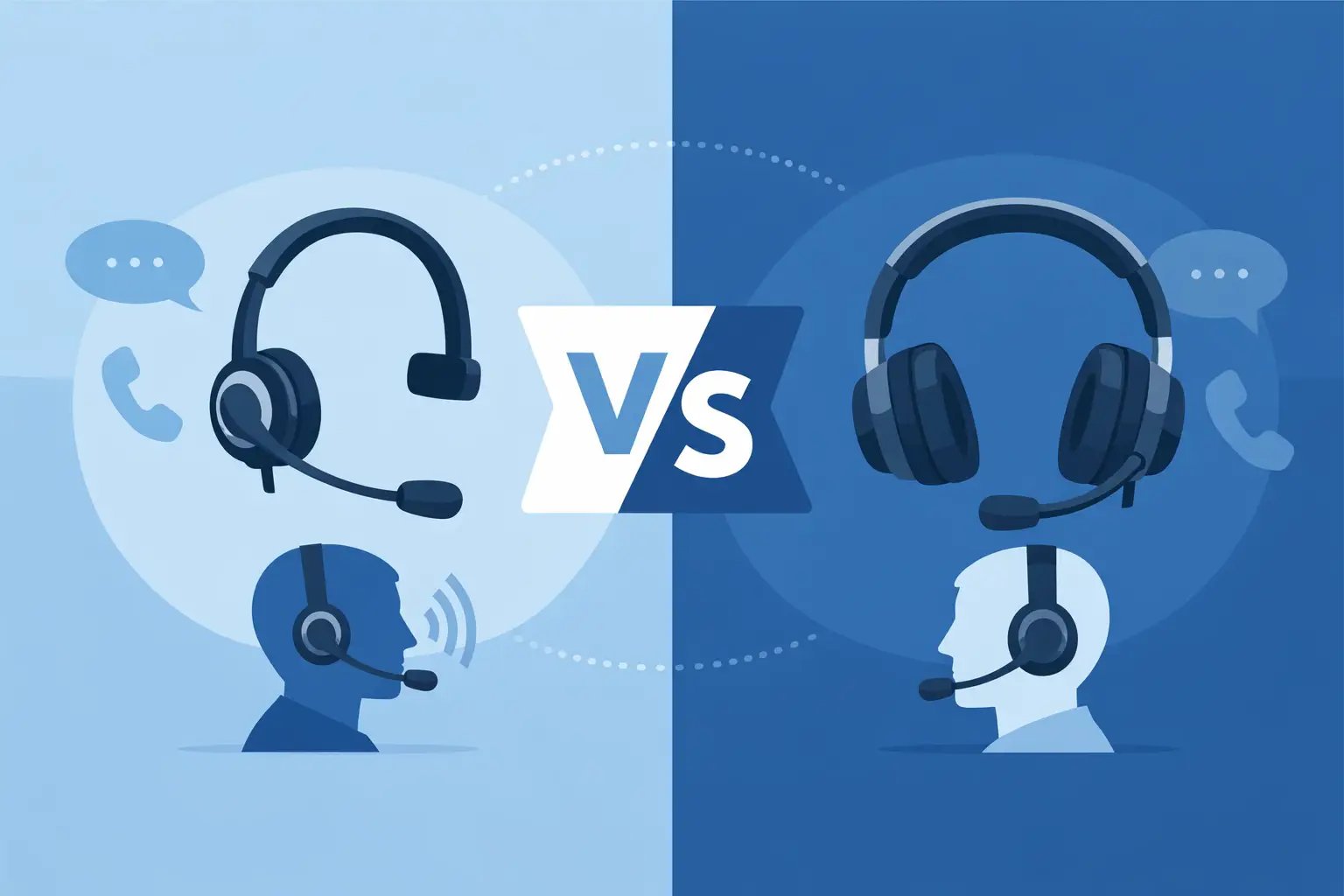
A mono headset has one earpiece, leaving one ear open to the room. A duo headset has two earpieces and provides sound to both ears. Neither is automatically better. The practical question is whether the user needs awareness of their surroundings or greater concentration on every call.
Mono vs duo headset: the core difference
The most visible difference is simple: mono headsets are single-sided, while duo headsets cover both ears. In a business setting, however, the difference is usually about concentration, acoustic isolation and how people work with colleagues.
A mono headset is often the preferred option for reception desks, shared offices and roles where users need to speak to visitors or colleagues while on calls. With one ear free, the wearer can follow nearby conversation without removing the headset. This can make handovers and quick questions easier, particularly in smaller offices.
A duo headset is designed for users who need to concentrate on the caller. Two earpieces reduce the effect of surrounding office noise and can make speech easier to follow when calls are lengthy, detailed or frequent. Contact centre agents, sales teams and staff working in open-plan offices often benefit from this added focus.
Neither design necessarily changes microphone quality. Mono and duo models may use the same boom microphone technology, including noise-cancelling microphones intended to reduce nearby speech and background sounds picked up from the user’s side of the call. The number of earpieces affects what the wearer hears, not automatically what the caller hears.
When a mono headset is the better fit
Mono headsets suit work that combines telephone use with regular face-to-face communication. A receptionist may need to greet a visitor while speaking with a caller. An office administrator may need to answer a colleague’s question without interrupting a call. In these situations, keeping one ear open is useful rather than distracting.
They can also feel less enclosed for users who only take occasional calls or who prefer to remain aware of activity around them. For a quiet office with moderate call volumes, a comfortable mono headset can be an efficient and practical choice.
There are limits. If the office is noisy, the open ear can make it harder for the wearer to focus. The user may turn up the volume to compensate, which is not ideal over a full working day. A mono design may also be less suitable where accuracy matters, such as handling account details, orders, technical support or sensitive customer conversations.
When a duo headset is the better fit
Duo headsets are normally the stronger option for call-intensive work. By delivering audio to both ears, they help users concentrate on the caller and reduce distraction from nearby conversations. They are particularly useful in contact centres, busy customer service teams and open-plan offices where several people may be on calls at once.
A duo model can also improve perceived call clarity without requiring excessive volume. The background office remains audible to some degree with many on-ear designs, but it is less dominant. This can reduce listening fatigue when staff spend several hours each day on the telephone.
For hybrid staff using a USB headset with softphone applications, a duo design is often preferred for video meetings as well as calls. It helps users hear multiple participants more clearly and keeps attention on the meeting when working from a busy home or shared workspace.
The trade-off is reduced awareness of the room. A user may miss a colleague speaking beside them, a visitor arriving at a desk, or an announcement in the office. This is not a problem for every role, but it should be considered before standardising one headset type across a whole team.
Compare the working environment, not just the headset
The best way to choose is to assess how each person actually handles calls. A quiet private office and a high-volume service desk have very different requirements, even when both use the same telephone model.
| Working situation | Usually the better choice | Reason | |---|---|---| | Reception, front desk or office coordination | Mono | Maintains awareness of visitors and colleagues | | Quiet office with occasional calls | Mono | Comfortable and practical for mixed duties | | Open-plan office with frequent calls | Duo | Reduces distraction and aids concentration | | Contact centre or customer service team | Duo | Supports sustained listening and call accuracy | | Home working with household noise | Duo | Helps separate call audio from the surrounding environment | | Supervisors who move between calls and staff support | Depends on the role | Mono supports interaction; duo supports focused call review |
Comfort should also be assessed at team level. Some users prefer the lighter feel of a single-ear design, while others find two earpieces more balanced and secure. Headband adjustment, ear cushion material, headset weight and the ability to wear the microphone on either side can matter as much as mono or duo configuration during a full shift.
Connection and compatibility come first
Choosing mono or duo is only one part of the purchase. A headset must also be compatible with the exact desk phone, DECT handset, PC or softphone platform in use. A headset that looks correct may still require a specific bottom lead, adapter, amplifier or USB connection to work properly.
For desk telephones, check the phone manufacturer and exact model before ordering. Some systems use a dedicated headset socket, while others require a compatible RJ9 or RJ11 connection, a quick-disconnect lead or an electronic hook switch arrangement for remote call answering. Pin wiring is not universal across telephone brands, so two plugs that look similar may not operate correctly together.
For computer-based calling, USB headsets are usually the straightforward option. They connect directly to a PC or compatible device and are commonly used with softphone platforms and video meeting software. A mono USB headset may suit staff who need to interact with the room, while a duo USB headset is often better for concentrated calls and meetings.
Wireless models require the same care. The base unit, handset lifter or electronic hook switch must support the phone system if users need remote answer and end-call control. Do not assume that a mono or duo headset package includes every part needed for a particular telephone.
TelephoneHeadsets.net organises headset options by phone brand and model to reduce this risk. Starting with the telephone model is usually faster and more reliable than choosing a headset style first and trying to identify the correct lead afterwards.
Do not confuse noise-cancelling with two earpieces
A frequent buying mistake is assuming a duo headset is automatically noise-cancelling. These are separate features. Duo refers to the two-ear listening design. Noise-cancelling normally describes the microphone’s ability to reduce ambient sound transmitted to the caller.
For staff in busy offices, both features can be valuable: a duo headset helps the user hear the caller, while a noise-cancelling microphone helps the caller hear the user. However, performance varies by model and environment. Very loud background noise, such as machinery or a crowded public area, may still affect calls even with a specialist microphone.
Also consider hearing protection features, particularly for staff who take calls continuously. Many business headsets include acoustic limiting or sound protection designed to help manage sudden loud audio peaks. For contact centre procurement, this should be reviewed alongside fit, microphone type and connection compatibility.
A practical purchasing approach
For a small team, avoid selecting one style solely because it is the least expensive or because it works for one person. Start by grouping users according to their role and working environment. Reception and office coordination may need mono headsets, while customer service and sales teams may need duo versions.
Then confirm the device each group uses. Record the exact phone model, whether users need remote answering, and whether calls are made through desk phones, PCs or both. This prevents the common problem of ordering a compatible headset body but an incorrect connection lead.
Where possible, trial one mono and one duo option with representative users before a larger rollout. Ask staff about comfort after a full shift, their ability to hear callers, nearby noise levels and whether they need to speak regularly with colleagues while wearing the headset. Their answers will usually make the choice clear.
A mono headset is ideal when the work requires awareness of the office. A duo headset is the better tool when the work requires concentrated listening. Match that need to the exact telephone connection, and the headset becomes a reliable part of the call-handling setup rather than another compatibility problem to solve.