
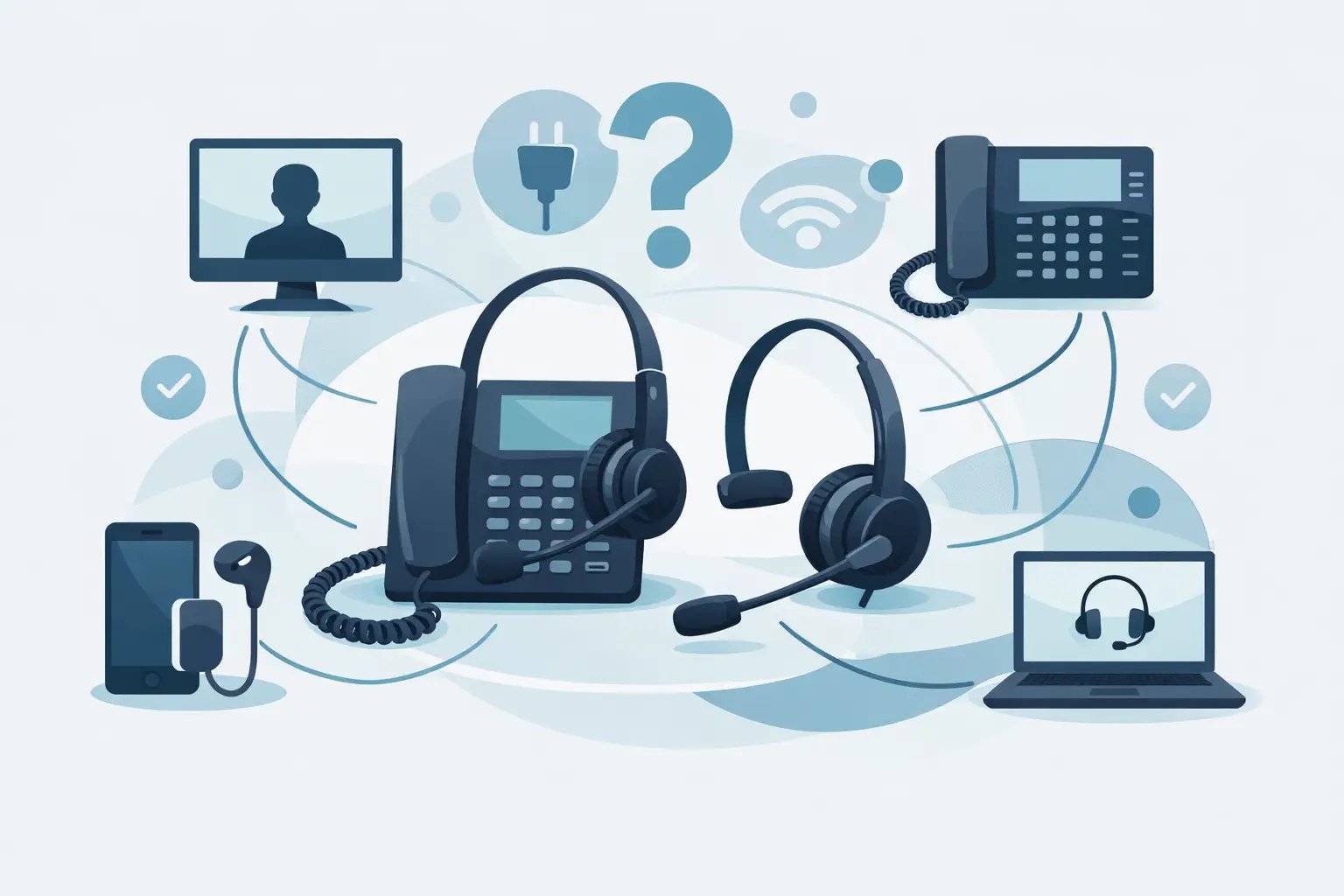
Office Phone Headset Compatibility Guide
Posted by Tech Support @ Telephoneheadsets.net on 18th Oct 2026
Buying the wrong headset for a desk phone usually comes down to one simple issue: the plug fits, but the setup does not. This office phone headset compatibility guide is designed to help you avoid that problem by narrowing compatibility down to the details that actually matter - phone model, connection type, call control requirements and how the headset will be used day to day.
For most business buyers, compatibility is not a vague technical concern. It affects whether a headset gives dial tone, whether the microphone level is correct, whether remote answer works and whether users can move straight into calls without adaptor guesswork. A headset that looks right on paper can still be the wrong choice if the phone wiring standard, port type or feature requirement does not match.
What office phone headset compatibility really means
Compatibility is often treated as if it were only about the connector on the end of the cable. In practice, it is broader than that. A compatible office phone headset needs to connect physically to the phone, transmit and receive audio at the correct levels and, where required, support features such as mute, volume control or electronic hook switch operation.
That is why two phones with similar-looking headset sockets may not work in the same way. One model may accept a direct RJ9 wired headset, while another may need a specific bottom lead, amplifier or USB connection through a softphone environment. Some handsets also support remote call answering, but only with a matching EHS cable and a compatible wireless base.
For office managers and IT buyers, the key point is this: compatibility is model-specific more often than brand-specific. Buying by manufacturer alone can still leave room for error.
Start with the phone model, not the headset
The fastest way to reduce procurement risk is to identify the exact telephone model before looking at headset options. Brand-level assumptions are where many orders go wrong. Cisco, Avaya, Mitel, Alcatel and Gigaset all have ranges with different headset ports and accessory requirements across product generations.
A desk phone may offer a dedicated headset socket, a handset port only, USB connectivity, or a combination of these. Those options lead to very different headset choices. If your users need a simple corded headset for call handling at a fixed desk, an RJ9 solution may be the cleanest route. If the phone is part of a hybrid UC setup, a USB headset may be more appropriate than a traditional telephone headset, even if a desk phone is still present.
In practical terms, model checking should include the make, full model number, whether the phone has a headset button, and whether remote answer is required. If teams are hot-desking or handling high call volumes, that usage pattern matters as much as the hardware.
The main connection types explained
RJ9 and RJ11 are not interchangeable by default
RJ9 is one of the most common connection types for office desk phone headsets, but it is also one of the most misunderstood. Many business phones use an RJ9-style headset port or handset port, yet pin configurations can vary. That means a headset with the correct physical plug may still require a specific connection lead to work properly.
RJ11 is often mentioned alongside RJ9, but it is not simply an alternative version of the same thing. It is used in different telephony applications and should not be treated as a universal substitute. Buyers who rely only on connector appearance can easily end up with audio issues or no operation at all.
USB is common in modern office environments
USB headsets suit users working through PC-based telephony, softphones and unified communications platforms. They can also be the better fit where desk phones are no longer the primary calling device. If staff are placing calls through Teams, Skype or another software platform, USB compatibility matters more than the desk phone socket.
That said, some office environments are mixed. A user may have an IP phone on the desk and also handle calls via laptop. In that case, dual-connectivity or clearly separated device use should be planned in advance. The right answer depends on where the call audio actually lives.
Wireless setups often need an extra compatibility layer
Wireless office headsets add another decision point because the base station must be compatible with the phone, and remote call control may require an EHS lead or handset lifter. Buyers sometimes focus on the headset itself and overlook the accessories needed to make answering and ending calls work properly.
If users are happy pressing the answer button on the desk phone manually, the setup can be simpler. If they expect full remote answer from the headset while away from the desk, compatibility becomes more exact and more model-dependent.
Office phone headset compatibility guide for common buying scenarios
A small office replacing a few old corded handsets usually needs a different approach from a contact centre equipping fifty agents. In lower-volume environments, a straightforward mono or duo corded headset with the correct direct-connect lead may be enough. The priority is usually reliability, speech clarity and getting the right plug and wiring for the phone.
For higher-volume customer service teams, comfort and consistency start to matter just as much. If agents spend most of the day on calls, the wrong wearing style or poor microphone tuning will create fatigue even if the headset is technically compatible. Here, buyers should treat compatibility as the first filter, not the only filter.
Hybrid workplaces introduce another layer. If one user takes calls from a desk phone, laptop and mobile, a single-purpose desk phone headset may no longer be the most efficient choice. In those cases, it is worth deciding whether the phone remains the main endpoint or whether headset selection should revolve around the wider communications setup.
Common reasons compatibility issues happen
The most frequent mistake is assuming all headset ports work the same way. They do not. Different manufacturers and product lines can use different pin arrangements, audio levels and accessory support.
The second issue is confusion between handset port connection and dedicated headset port connection. Some phones support direct headset use through a dedicated socket and headset button. Others need an adaptor or amplifier if connecting through the handset port. Without that distinction, even an otherwise suitable headset can fail in use.
The third issue is buying around price alone. Low-cost options can look interchangeable, but if they do not match the phone model or required bottom lead, any saving disappears once returns and downtime are factored in. For business buyers, the cost of a wrong headset is usually higher than the price difference between options.
How to check compatibility before ordering
A reliable buying process starts with the exact phone model and the intended use case. Check whether the user needs corded or wireless, whether they require one ear or two, and whether they need to answer calls remotely from the headset.
Next, confirm the connection path. Is the headset going into a dedicated headset port, a handset port, a USB port or a PC? This sounds obvious, but many office environments contain a mix of desk phones and software calling, and the headset is often ordered before that is clarified.
Then look at feature expectations. Audio only is one level of compatibility. Remote answer, mute synchronisation and hook switch functionality are another. If those features matter, the supporting cable or accessory should be treated as part of the solution rather than an optional extra.
Finally, buy from a supplier that organises headset options by phone brand and exact model. That model-led approach removes much of the guesswork and is often the quickest route to a correct result. It is the reason specialist suppliers such as TelephoneHeadsets.net are useful to procurement teams handling varied telephony estates.
When adaptors and bottom leads are required
Not every compatible headset connects directly out of the box. Some desk phones need a specific quick disconnect lead, training cable, amplifier or EHS cable. This is especially common where headset families are designed to work across multiple telephone systems by changing the connection lead rather than the headset itself.
That flexibility is useful, but it also means compatibility should be assessed as a complete configuration. A headset may be compatible with a phone only when paired with the correct lead. Without that lead, the product may appear faulty even though the issue is simply an incomplete setup.
For buyers managing larger rollouts, standardising these accessory choices across teams can save time later. It reduces support queries and makes replacements easier when staff move desks or departments.
Choosing the right compatible headset after compatibility is confirmed
Once compatibility is settled, selection becomes more practical. Mono headsets suit users who need to stay aware of the office around them. Duo headsets are better where concentration and background noise reduction matter. Corded models often suit fixed desks and all-day reliability. Wireless models make sense where staff need freedom to move, but only if the phone setup supports the required call control.
Microphone quality, wearing comfort and durability should then be matched to call volume. A headset used for occasional internal calls does not need the same build and acoustic focus as one used by a service desk or reservations team all day.
The best buying decisions are usually the least dramatic ones. Match the headset to the exact phone model, confirm the connection method, include the right lead or accessory, and only then compare wearing styles and budgets. Get those steps in the right order and compatibility stops being a stumbling block and becomes a straightforward purchasing decision.