
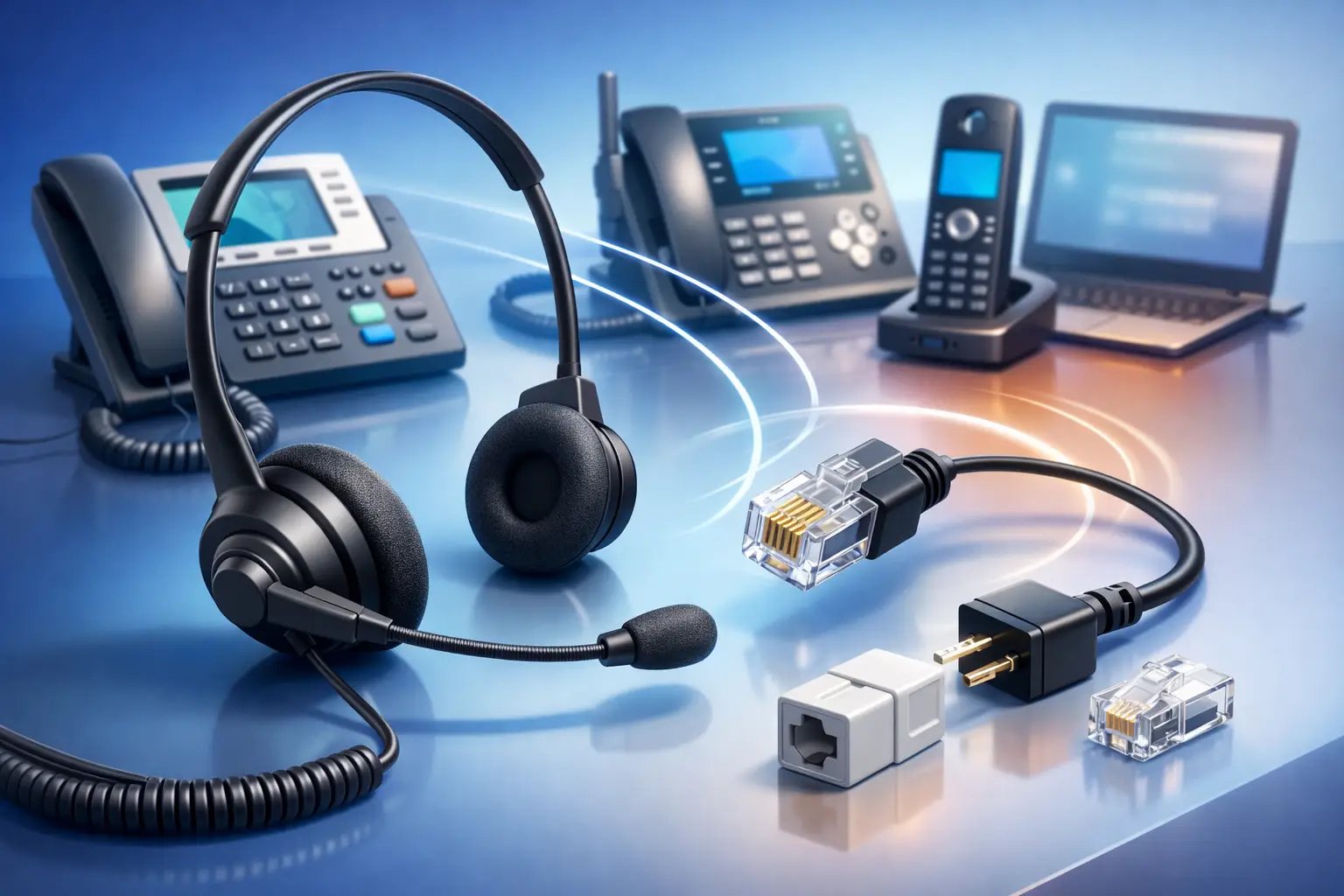
RJ9 Headset Compatibility Guide
Posted by Tech Support @ Telephoneheadsets.net on 18th Oct 2026
Buying an RJ9 headset should be simple until the plug fits and the headset still does not work. That is exactly why an rj9 headset compatibility guide matters for offices, contact centres and IT buyers - the connector may look right, but wiring, pin layout and phone support can vary by manufacturer and model.
What RJ9 compatibility actually means
RJ9 is the small modular plug commonly used for corded desk phone headsets. It is often described alongside terms such as RJ10 or RJ22, and in practical buying terms these labels are frequently used to refer to the same style of handset/headset connector. The problem is that physical fit is only one part of compatibility.
A headset can have the correct RJ9-style plug and still fail on a given phone if the wiring is different. Some phones need a standard direct-connect headset, while others need a specific bottom lead, a compatibility cable or an amplifier. That distinction is where many purchasing errors happen.
For business environments, compatibility means checking three things together: the phone model, the headset socket type, and the cable or pin configuration required for that model. If one of those is wrong, audio may be missing in one direction, sound may be distorted, or the headset may not function at all.
Why RJ9 headsets are not universally interchangeable
The most common assumption is that all RJ9 headsets are universal because the connector size appears standard. In reality, different desk phone brands have used different wiring arrangements over time. Avaya, Cisco, Mitel, Poly, Grandstream, Alcatel and others may require different headset leads even when the socket looks identical.
There is also the issue of how the phone handles headset mode. Some desk phones include a dedicated headset port with proper call control support. Others only offer a handset-style connection and need additional hardware for practical day-to-day use. On some systems, you can plug in directly and work immediately. On others, you need a quick disconnect lead matched to the phone family.
This is why compatibility should never be judged by the plug alone. A physically matching connector is a starting point, not proof that the headset is suitable.
How to use this RJ9 headset compatibility guide
Start with the exact phone make and model, not the headset. That single step removes most of the guesswork. Desk phones often have multiple similar variants in the same product family, and headset support can differ between them.
Next, confirm whether the phone has a dedicated headset port or only a handset connection. If it has a proper headset port, you are usually looking for a direct-connect RJ9 headset or an RJ9 headset with the correct compatibility lead. If it only has a handset port, the answer may be different, especially where call handling efficiency matters.
Then check whether the headset you are considering uses a fixed RJ9 cable or a modular system with interchangeable bottom leads. Modular systems are often the safer option in mixed estates because they allow you to match the lead to the phone rather than replace the entire headset.
For larger deployments, standardising by phone model is usually more cost-effective than trying to make one headset specification fit every desk phone across the business.
The key checks before you buy
1. Identify the exact desk phone model
Brand alone is not enough. A Cisco desk phone family may contain models with different headset support, and the same is true across Avaya, Mitel, Yealink, NEC and many others. Check the label on the base or system menu and record the full model number.
2. Confirm the connection type
Not every business phone headset uses RJ9. Some use USB, some support Bluetooth via an adapter, and some DECT handsets use their own accessory options. If the endpoint is a desk phone with an RJ9 headset socket, proceed on that basis. If not, an RJ9 headset may be the wrong category entirely.
3. Check wiring or compatibility lead requirements
This is the step buyers skip most often. Some RJ9 headsets are supplied with a standard wiring pattern, while others are built to work through a model-specific lead. If your phone requires a particular pin arrangement, the wrong cable can result in no transmit audio, no receive audio, or severe volume issues.
4. Consider call handling needs
A basic RJ9 connection may be enough for low-volume office use. In a customer service or reception setting, comfort, microphone performance, quick disconnect features and easy replacement of lower cords become more important. Compatibility is not only about making the headset work - it is also about making it workable for the role.
Common compatibility problems and what they usually mean
If you can hear the caller but they cannot hear you, the plug may fit but the wiring is wrong for that telephone model. If neither side can hear anything, the headset may be connected to the wrong port, or the phone may require headset mode to be enabled.
If audio is very quiet, distorted or only present on one side, that can point to a lead mismatch, an amplifier requirement, or a poor-quality connection path. Echo and inconsistent microphone performance can also indicate that the headset is not matched correctly to the desk phone’s headset interface.
Where users report that the headset works only when the handset is lifted, the phone may not support true headset operation in the way expected, or additional switching hardware may be needed.
These are not rare edge cases. In business telephony, they are normal outcomes of buying by connector appearance instead of by phone compatibility.
Fixed-cable RJ9 headsets vs modular systems
A fixed-cable RJ9 headset can be a good fit when you know the exact phone model and intend to keep the deployment simple. They are straightforward and can suit single-site offices with a standardised phone estate.
A modular headset system is usually better where there are multiple phone brands, refresh cycles or desk moves. In that setup, the headset top remains the same while the lower RJ9 lead is chosen to match the phone. That reduces replacement cost and makes future compatibility easier to manage.
There is a trade-off. Fixed-cable options can be simpler at point of purchase, while modular systems offer more flexibility over time. For IT and procurement teams handling larger volumes, flexibility usually wins.
When an RJ9 headset is the wrong choice
Not every business communications setup should use RJ9. If users spend most of their day on softphones such as Teams, Zoom or other UC platforms, USB or Bluetooth headsets may be more appropriate. If staff move between desk phone and PC, a dual-connectivity option may make more sense than a desk-phone-only headset.
RJ9 remains a strong choice for traditional desk phone environments, reception desks, hotlines and fixed call handling roles. It is especially useful where reliability and simple wired telephony are the priority. But if the user’s real workflow is computer-led, choosing RJ9 purely because there is a phone on the desk can create an unnecessary limitation.
Buying for one user versus buying for a team
For a single user, the safest route is to match the headset to the exact phone model and usage pattern. Comfort, wearing style and microphone position matter, but only after compatibility is confirmed.
For teams, standardisation matters more. If half the office uses one handset platform and the other half uses another, it may be worth selecting one headset family and varying only the bottom lead. That makes support easier, lowers spare-part complexity and reduces training issues when replacements are needed.
This is where a specialist supplier adds value. A compatibility-led catalogue structure, organised by phone brand and model, saves time and cuts procurement risk because it reflects how buyers actually need to shop.
A practical way to avoid costly mistakes
Treat RJ9 headset buying as a phone-model matching exercise, not a plug-matching exercise. Record the exact desk phone model, verify whether it has a dedicated headset port, and confirm the correct lead or wiring before ordering.
If you are replacing an existing working headset, check the lower cord and connection path rather than assuming any RJ9 replacement will behave the same way. If you are outfitting a new site, standardise wherever possible and avoid mixing headset types without a clear reason.
TelephoneHeadsets.net is built around this compatibility-first approach because, in business telephony, accuracy matters more than broad claims of universality.
A headset that is right on paper but wrong on the phone model creates the same result as buying the wrong product outright. Get the compatibility right first, and everything else - comfort, durability and day-to-day performance - becomes much easier to choose with confidence.