
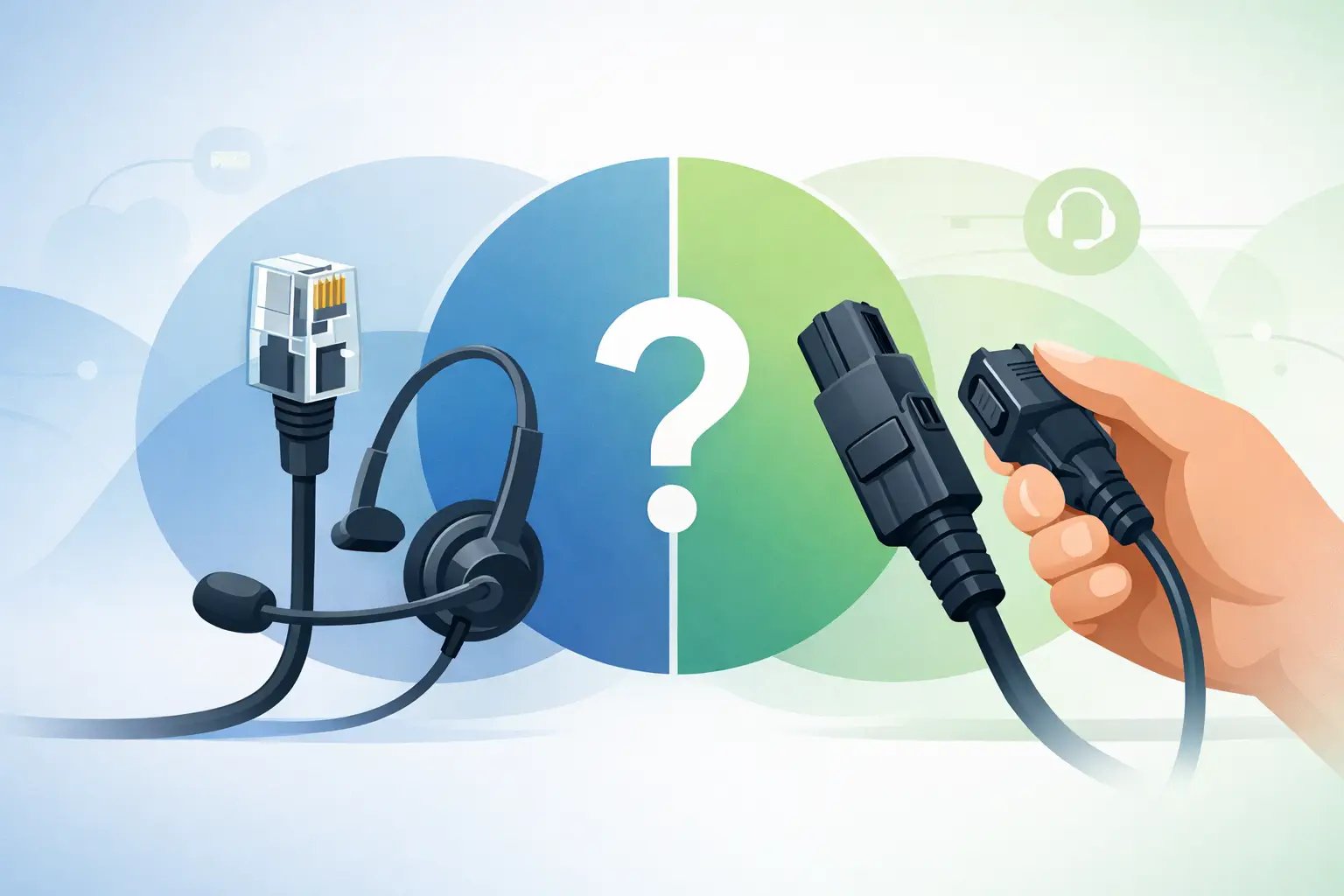
RJ9 QD Comparison: Which Connection Do You Need?
Posted by Tech Support @ Telephoneheadsets.net on 18th Oct 2026
An RJ9 QD comparison starts with one key point: RJ9 and QD are not competing versions of the same connector. RJ9 describes the small plug that connects a headset cable to a desk phone’s handset socket. QD means Quick Disconnect, a coupling within a headset system that lets the user separate the headset from its lower cable without unplugging the cable from the telephone.
That distinction matters when ordering for an office, reception desk or contact centre. A headset can have both an RJ9 connection and a QD connection. The QD sits between the headset and the phone-specific bottom cable; the RJ9 plug at the other end of that bottom cable goes into the telephone. Choosing between the terms without checking the whole connection path is a common cause of incompatible orders.
RJ9 vs QD: the practical difference
An RJ9 plug is normally the connection used by a corded telephone handset. It is the small four-position modular plug often also described as 4P4C. In headset purchasing, it usually refers to a direct-connect lead that plugs into the handset port on a compatible desk phone.
A QD connector is designed for day-to-day headset use. It allows an employee to leave the phone cable in place and disconnect the headset quickly when stepping away from the desk. This can reduce wear on the telephone socket and makes it easier to share or replace a headset on a workstation, provided the headset family and lower cable use the same QD system.
The difference is therefore functional as well as physical. RJ9 is the final telephone connection. QD is a serviceable break point in the cable arrangement. A direct RJ9 headset lead is simpler, while a QD system adds flexibility and can make large-scale replacements more economical.
Why an RJ9 plug does not guarantee compatibility
The physical plug is only part of the specification. Many business desk phones use a handset port that accepts an RJ9-style 4P4C plug, but the wiring arrangement can vary by manufacturer and phone model. A cable that fits the socket may still produce no audio, low volume, distortion, or audio in only one direction.
This is why “universal RJ9 headset” can be misleading. Some direct-connect headsets include a multi-position compatibility switch, which may work across a defined group of telephones after adjustment. Others use a fixed-wiring lead intended for a particular phone range. Both approaches can be suitable, but neither removes the need to identify the exact telephone model.
The handset socket is also not necessarily a dedicated headset socket. On many phones, the headset takes over the handset port, meaning the handset may need to be unplugged or connected through a compatible adapter. Other desk phones have a separate headset port with different requirements. Before purchasing, confirm which socket is available and how the phone handles headset calls.
The terms RJ9, RJ10 and 4P4C
Suppliers and manufacturers do not always use identical naming. RJ9, RJ10, RJ22 and 4P4C are frequently used around the same small handset-style connector. For procurement purposes, the label alone is less useful than the phone model, cable wiring and headset manufacturer’s compatibility information.
Treat a generic connector name as a starting point, not proof that two items will work together. The correct lower cable for an Avaya, Cisco, Mitel, Yealink or other business telephone may look very similar to another cable while using a different wiring layout.
When a QD headset system is the better choice
QD systems are particularly useful where headsets are a working tool rather than an occasional accessory. A typical arrangement has three parts: the headset itself, a QD lower cable, and the desk phone connection. If the headset is damaged, the upper section can often be changed without replacing the phone-specific cable. If the business changes desk phone models, it may be possible to retain compatible QD headsets and replace only the lower cables.
This modular approach is useful for organisations standardising on one headset range across several sites or departments. It also helps where different teams use different telephone brands. The headset type can remain consistent while each group receives the appropriate bottom cable.
QD is not one universal standard, however. A Plantronics or Poly-style QD, a Jabra QD and other manufacturer-specific arrangements may not mate together. The connection can appear similar, but it should never be forced. When replacing an existing cable or headset, identify both the headset brand and series, not just the telephone model.
A QD connection also does not by itself provide call control. It simply disconnects the headset from the lower lead. Features such as answering or ending a call away from the desk phone may require an electronic hook switch cable, a handset lifter or a phone model with built-in headset control.
When a direct RJ9 headset is the better choice
A direct RJ9 headset can be the more practical option for a fixed single-user position. It has fewer parts, is quick to deploy and avoids the need to select a separate lower cable. For a small office using one compatible phone type, this can be the clearest route to a working wired headset.
It can also suit hot-desking where equipment is issued as a complete set rather than maintained as modular components. There is no QD coupling to inspect, no separate bottom cable to stock and less scope for users to mix parts from different headset systems.
The trade-off is reduced flexibility. If a direct RJ9 cable fails or the business replaces its phones, the complete headset may need to be replaced. A direct lead may also leave the user without a convenient disconnect point when leaving their desk. Neither drawback is decisive for every office, but it should be considered against the expected lifespan of the telephony estate.
Check these details before ordering
The fastest way to avoid a mismatch is to work from the telephone, not from the connector name. Record the manufacturer and full model number from the label underneath or behind the phone. Where relevant, also note whether the phone has a dedicated headset port, whether a handset is currently connected, and whether users need remote answer and end-call control.
Then establish the required headset format. A corded RJ9 or QD arrangement is intended for a compatible desk phone handset or headset port. It is not the same as USB for a computer softphone, a 3.5 mm headset jack, RJ11 line cable, or DECT wireless connectivity. An RJ11 plug is physically larger than the usual handset-style plug and is generally associated with telephone line connections, not standard handset headset connections.
For an existing QD installation, check the writing on the lower cable and headset where available. This is more reliable than judging the plug by sight. If the office uses an amplifier, supervisor adapter, recording lead or call-control accessory, include that equipment in the compatibility check. Each additional component can affect the required connection path.
Audio, microphone and wearing style still matter
Once compatibility is confirmed, choose the headset around the job. A mono headset is often appropriate for reception, administration and roles where employees need to remain aware of colleagues. A duo headset provides greater concentration in busy offices and contact centres. Noise-cancelling microphones help in shared workspaces, but they do not remove all background sound at the caller’s end.
Cord length and the location of the QD are also practical considerations. A disconnect point positioned near the user is more convenient than one hidden behind the phone. For frequent users, comfort, weight, ear cushions and a properly adjustable microphone boom can matter as much as the connector.
A purchasing decision based on the full system
Use an RJ9 direct-connect headset where simplicity, fixed deployment and confirmed phone compatibility are the priority. Choose a QD-based headset system where replaceable parts, shared headset ranges and easier movement from the desk offer a clear operational benefit. In either case, the telephone model and cable wiring decide whether the setup will work.
For business purchasing, the useful question is not “RJ9 or QD?” but “what connection path does this exact phone and headset require?” Confirm that path before placing the order, and the headset should arrive ready for the work it was bought to do.