
RJ9 vs USB Headsets for Business Phone Calls
Posted by Tech Support @ Telephoneheadsets.net on 18th Oct 2026
A headset that physically fits the connector can still be the wrong purchase. The practical question in RJ9 vs USB headsets is not which connection is newer or better in general. It is which device will handle the call, how your users answer calls, and whether the headset has been matched to the exact telephone or computer setup.
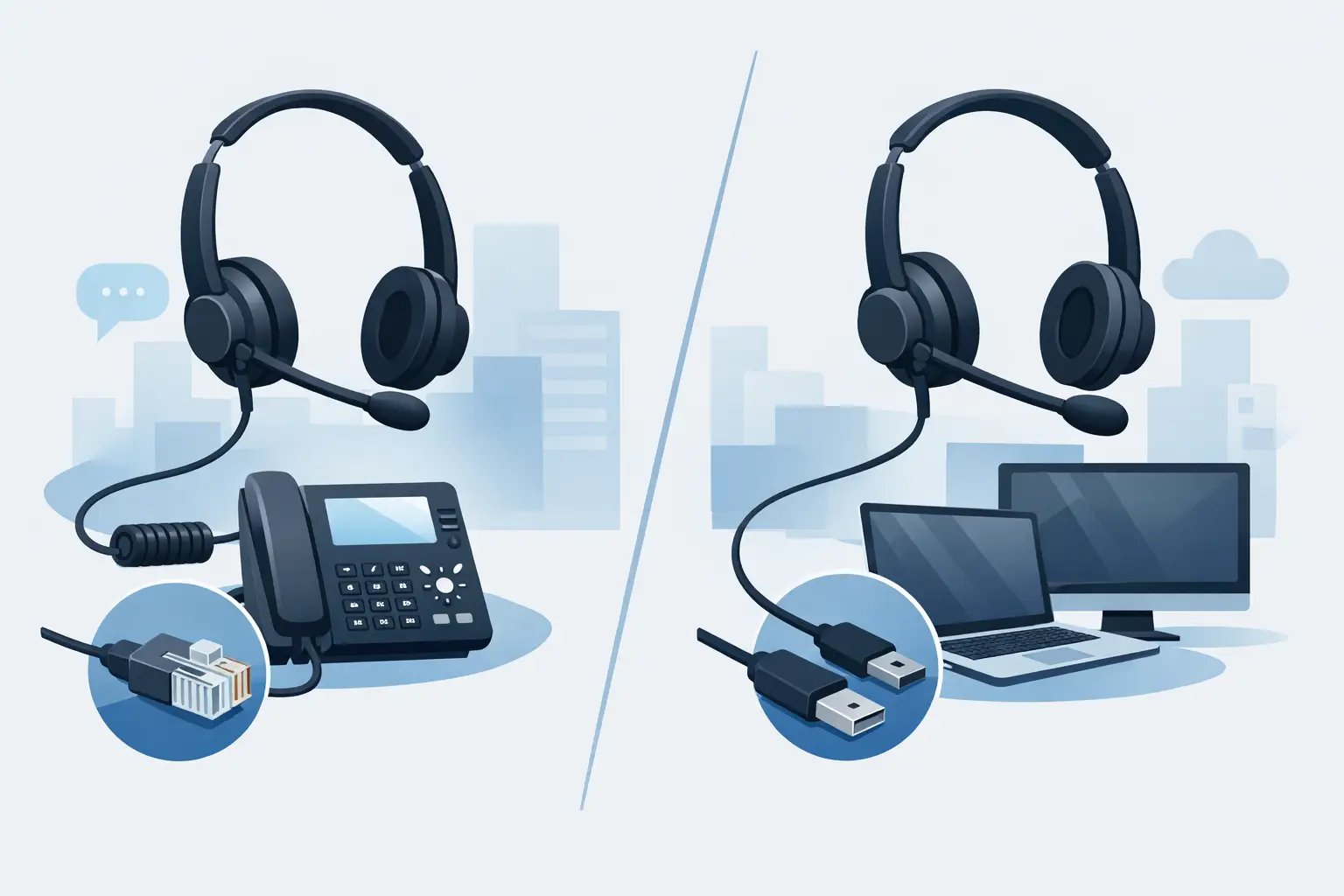
RJ9 headsets are built primarily for compatible business desk phones. USB headsets are designed for computers, laptops and supported USB-enabled communications devices. Choosing between them starts with the call platform, not the headset style.
RJ9 vs USB headsets: the key difference
An RJ9 connection is the small modular plug commonly used for a telephone handset cord. It may also be referred to as 4P4C, handset plug or, less precisely, RJ10 or RJ22. On a business telephone, an RJ9 headset usually connects to the headset socket, the handset socket, or a compatible amplifier, adapter or electronic hookswitch arrangement.
A USB headset connects to a computer, laptop, docking station or compatible USB desk phone. It is normally selected for Microsoft Teams, Zoom, Webex, softphone applications, CRM diallers and other PC-based calling platforms. USB models contain their own audio hardware and are recognised by the computer as an audio device.
That distinction has a direct purchasing consequence. An RJ9 headset is not a universal headset for any telephone with a small socket. Wiring, pin configuration and required accessories can vary by manufacturer and model. Equally, plugging a USB headset into a computer does not guarantee call-control compatibility with every softphone application.
Choose RJ9 when calls are handled on a desk phone
RJ9 is usually the correct route where staff make and receive calls through a fixed business telephone. This includes many Avaya, Cisco, Mitel, Alcatel, Grandstream, Gigaset and other IP, digital and DECT desk phone systems.
The advantage is straightforward: the headset is connected to the device that carries the call. Users can speak through the desk phone without relying on a PC, a software client or local network permissions on a computer. For reception desks, warehouses, customer service teams and offices with established telephony systems, this can be the most reliable and familiar arrangement.
However, the connection method needs checking carefully. Some phones provide a dedicated headset port and allow a corded headset to connect directly. Others require a compatible quick-disconnect lead, amplifier or phone-specific adapter. Wireless headsets may need a base unit and, where remote answer and end-call control is required, an electronic hookswitch cable or handset lifter.
A useful rule is to identify the exact make and model printed on the phone before selecting a headset. The phone brand alone is not enough. Different models within the same manufacturer range can use different headset ports, programming options or call-control accessories.
What an RJ9 setup does well
An RJ9 desk-phone headset is a sensible choice when users spend most of the day on telephone calls and need a simple, fixed workstation setup. It avoids dependency on computer audio settings and reduces the risk of the wrong microphone or speaker being selected in a softphone application.
It can also be preferable in environments where PCs are shared, locked down by IT policy or not consistently available. The desk phone remains the primary communications device, and the headset follows that workflow.
The trade-off is flexibility. A standard RJ9 headset will not connect directly to a laptop USB port, and it will not automatically provide audio for Teams or another computer calling application. A separate USB headset, or a specifically designed multi-device solution, may be required for users who work across both platforms.
Choose USB when calls are made through software
USB headsets suit organisations that use a computer as the main calling device. They are commonly deployed for remote staff, hybrid workers, contact centre agents using browser-based diallers, and office teams using unified communications software.
The connection is generally easier to deploy. Plug the headset into an available USB port, select it as the microphone and speaker in the relevant application, and test the call audio. Many models include inline controls for volume, mute and call handling. Certified versions may also support answer and end-call functions in particular platforms, subject to the application and installation configuration.
USB headsets can provide consistent audio across calls, video meetings, training sessions and dictation. They are particularly useful when a user moves between applications during the day rather than working solely from a desk telephone.
That said, USB does not replace a desk-phone connection. If an employee receives calls on a Cisco or Mitel desk phone but uses a USB headset connected to their PC, they will not hear those desk-phone calls through the USB headset unless the system has been specifically integrated to do so. These are separate audio paths.
USB headset checks before ordering
For PC-based calling, confirm whether the headset uses USB-A or USB-C. USB-A remains common on office PCs and docking stations, while USB-C is increasingly used on newer laptops. An adapter can solve the physical connection issue, but it is better to choose the correct format where possible.
Also check the communications platform. A basic USB headset may work for audio in most applications, but platform certification and call-control features vary. If answer and end-call control is essential, select a headset designed and certified for the software environment in use.
For contact centre use, consider noise-cancelling microphone performance, all-day comfort, cable durability and whether mono or duo wearing is more appropriate. A duo headset can help agents concentrate in a busy office, while a mono model keeps one ear open for colleagues and nearby conversations.
The hybrid workplace exception
Many businesses now use both a desk phone and a softphone. This is where buyers most often assume one headset will cover everything. In reality, an RJ9-only headset and a USB-only headset each serve one primary connection type.
If staff switch regularly between desk-phone calls and Teams calls, assess the workflow before buying. A user who takes occasional computer meetings may be best served by a USB headset and a separate desk-phone handset. A receptionist whose work depends on a desk phone may need an RJ9 solution, with computer audio handled separately.
For heavy use on both systems, look for a purpose-built multi-device headset solution with the right base, cables and compatibility for both the telephone and computer. This costs more than a single-connection headset, but it can reduce desk clutter and prevent users from changing headsets between calls. Compatibility remains model-specific, particularly for remote call control on the desk phone.
Sound quality and comfort are secondary to compatibility
Microphone noise cancellation, wideband audio, acoustic protection and wearing style all matter, but only after the correct connection has been established. The best-sounding USB headset is not useful to an employee whose calls arrive on an RJ9 desk phone. Likewise, a comfortable RJ9 headset will not meet the needs of a remote worker taking every call through a laptop.
Once the connection type is correct, choose between mono and duo designs based on the workspace. Mono is often suitable for quieter offices and reception roles. Duo is usually better for busy contact centres, shared offices and users who need greater concentration. For long shifts, check headband adjustment, ear cushion material and the availability of replacement parts.
A practical buying checklist
Before placing an order, establish four details: the exact telephone make and model, whether calls are made on the desk phone or computer, whether remote answer and end-call control is needed, and whether the user needs one or two earpieces. These answers remove most compatibility uncertainty.
TelephoneHeadsets.net organises headset options around phone brands and models because the correct cable, adapter or headset connection can be as important as the headset itself. When in doubt, use the model number from the base of the phone rather than relying on a visual match.
The right choice is often uncomplicated: RJ9 for a compatible desk phone, USB for computer-based calling. Where both are central to the job, treat it as a multi-device requirement from the start rather than trying to make one single-purpose connection do two different jobs.