
Telephone Handset Port Types Guide for Offices
Posted by Tech Support @ Telephoneheadsets.net on 18th Oct 2026
A handset socket can look like an ordinary small telephone connector, yet it is one of the most common sources of costly headset ordering mistakes. This telephone handset port types guide explains what the ports on business phones actually do, which connections work with headsets, and why matching the plug alone is not enough.
For office managers, IT teams and contact centre buyers, the priority is simple: identify the phone model first, then select a headset and connection method confirmed for that model. A connector may fit physically while delivering poor audio, no microphone function, or incorrect call-control behaviour.
Start with the handset port, not the headset plug
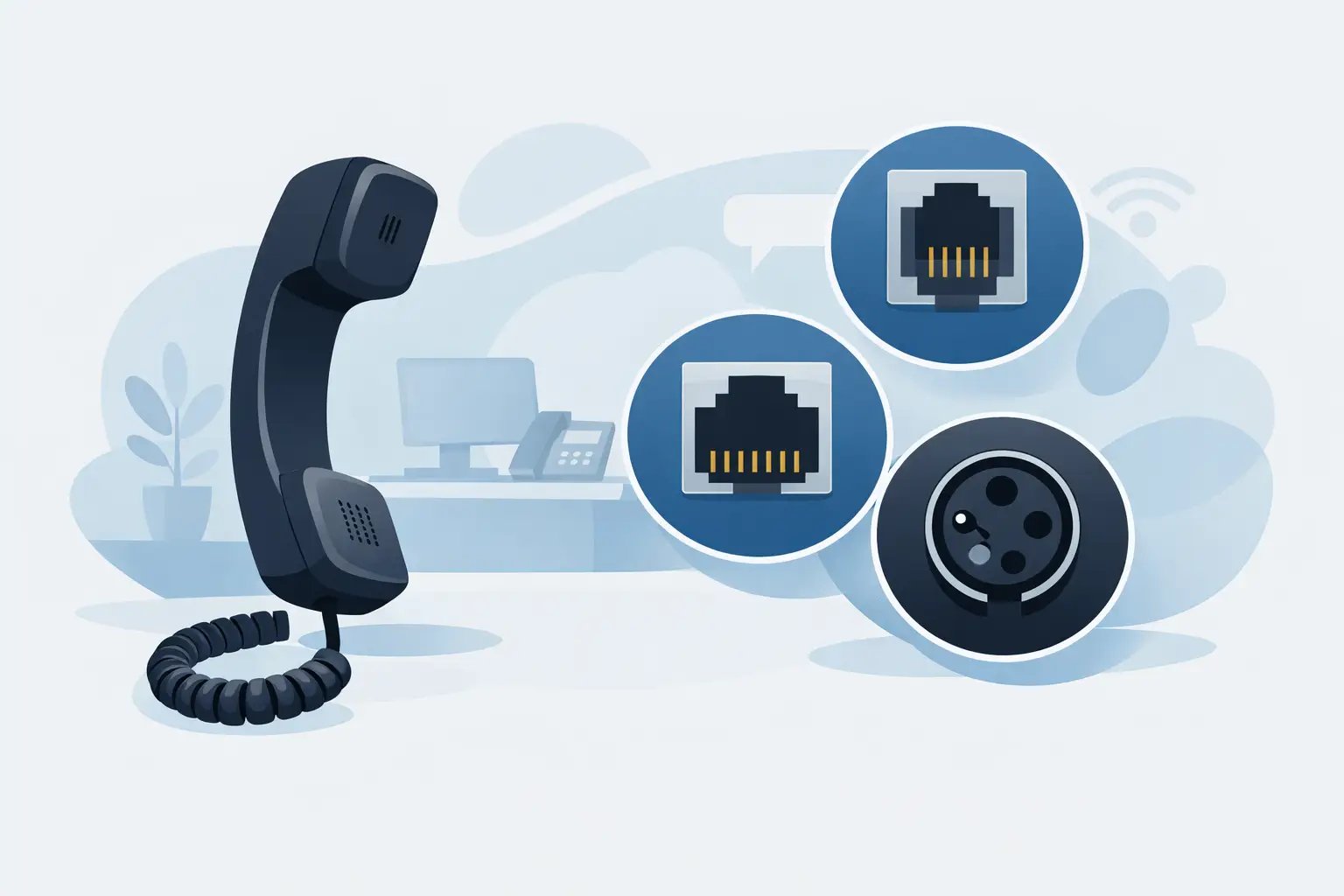
Most traditional desk phones have a dedicated handset port on the underside or rear of the phone. It is usually labelled with a handset symbol and connects the supplied handset using a coiled cord. On many business telephones, this is a small modular connector commonly called RJ9, RJ10 or RJ22.
These names are often used interchangeably in headset buying, although the useful practical description is 4P4C: four positions and four contacts. The plug is narrow, with four visible metal contacts. It is smaller than an RJ11 telephone-line plug and much smaller than an RJ45 network plug.
A corded office headset can connect through this handset port, normally using a compatible bottom lead or amplifier. The original handset is then unplugged and replaced by the headset connection. This arrangement is common on Avaya, Cisco, Mitel, Grandstream, Gigaset, Alcatel and other desk phone ranges.
The complication is wiring. Manufacturers do not always use the same transmit and receive pin arrangement. A 4P4C plug may fit several phones, but the headset lead may need a different wiring configuration for each. That is why a handset port should never be treated as universal simply because it looks familiar.
Telephone handset port types at a glance
The following connections are easy to confuse, particularly when inspecting a phone quickly:
| Port or connector | What it is normally used for | Headset buying implication | |---|---|---| | RJ9, RJ10 or RJ22 / 4P4C | Handset connection on a desk phone | Often supports a headset with the correct compatible bottom lead | | RJ11 / 6P connector | Analogue telephone line or extension port | Usually not the port used for a business handset headset | | RJ45 / 8P8C | Ethernet network connection on IP phones | Not a headset socket, even though it resembles a larger telephone connector | | USB-A or USB-C | Computer, softphone, or USB-enabled desk phone | Requires a USB headset or USB adapter supported by the device | | 3.5 mm jack | Mobile devices, selected phones and computers | May support audio only, depending on the socket and headset standard |
Labels differ by manufacturer. A phone may use icons rather than text, so check the handset symbol, headset symbol and port shape rather than relying only on a printed abbreviation.
RJ9, RJ10 and RJ22: the common desk phone handset connection
For practical purchasing purposes, RJ9, RJ10 and RJ22 generally refer to the compact handset-style connector used on office telephones. You may also see it described as a handset plug, 4P4C connector or modular handset connector.
A headset fitted with a Quick Disconnect connection does not plug straight into the phone. The Quick Disconnect sits between the headset and a separate bottom lead. That lead is the part that connects to the phone's handset port and determines compatibility. This modular approach is useful in shared work areas because users can disconnect their headset without removing the lead from the telephone.
Some phones offer a dedicated headset socket as well as a handset socket. It may still be a similar-sized connector, but its purpose and wiring can differ. If a phone has both, use the documented headset port where a compatible solution calls for it. Connecting a headset to the wrong socket can prevent electronic hook switch operation or cause inconsistent audio.
RJ11 is usually for the phone line
RJ11 is a broader modular connector typically associated with analogue phone lines, wall sockets and extension wiring. It often has six positions, although the number of active contacts can vary. Its larger body distinguishes it from the narrow 4P4C handset connector.
An RJ11 port is not normally where a corded business headset connects. On an analogue phone, it may carry the incoming line rather than the internal handset audio path. Plugging a headset solution into it will not provide normal headset operation and can leave the phone unusable until the original cabling is restored.
The exception is equipment specifically designed around RJ11 headset connectivity, such as certain adapters or telephony accessories. In that case, follow the product and phone documentation rather than making assumptions based on connector names.
USB ports change the compatibility question
A USB port on a desk phone, laptop or docking station does not use the same analogue audio path as a handset port. USB headsets contain their own audio electronics and communicate digitally with the host device.
For Teams, Zoom, browser calling, CRM diallers and other softphone environments, USB is often the most straightforward option. The key question becomes whether calls are handled through a computer, a USB-capable desk phone, or both. A USB headset designed for a PC is not automatically compatible with a desk phone's USB socket, even if the connector fits.
Some IP phones accept USB headsets, but support varies by phone model and firmware. Features such as answer/end call buttons, mute synchronisation and ring alerts may also depend on approved headset models or a compatible USB adapter. Check the telephone model before standardising a team on USB.
3.5 mm headset sockets have limits
A 3.5 mm socket is common on mobiles, laptops and some modern desk phones. It can be convenient for occasional use, but it is not always the best choice for a fixed business phone deployment.
First, establish whether the socket is a headphone output, a combined headset socket, or a dedicated headset connection. A headphone-only socket provides listening audio but may not accept microphone input. Combined sockets can also use different wiring standards, which affects whether the microphone works correctly.
Where a phone has a manufacturer-specific 3.5 mm headset socket, only headsets listed for that phone should be selected. The same caution applies to call control. Audio may work while answer/end call functions do not.
Why a matching connector can still be incompatible
A physical match is only one part of headset compatibility. On a standard handset port, the phone must receive the correct microphone and speaker signals on the right contacts. If the lead is wired differently, common symptoms include hearing callers without being heard, a faint or distorted voice, low volume, or no dial tone.
Electronic hook switch requirements add another layer. An EHS cable or handset lifter allows a compatible wireless headset to answer and end calls remotely. These accessories are phone-specific, and they are not replacements for a standard headset bottom lead. They should be chosen only after confirming the desk phone model and the wireless headset system.
There is also the issue of installation method. A direct-connect corded headset generally occupies the handset port. A headset amplifier may connect between the phone and headset, providing volume control, mute and, in some cases, compatibility adjustment. Wireless systems may use a base station connected to the handset port, dedicated headset port, USB port or an adapter. The right option depends on the phone and the working pattern, not merely the connector on the cable.
A practical identification process before ordering
Turn the desk phone over and record the full manufacturer and model number from its label. Do not stop at the brand name. Different phones from the same manufacturer can use different headset ports, bottom leads or EHS cables.
Next, identify how calls are made. If staff make calls from a physical desk phone, examine its handset and headset sockets. If they work mainly from a laptop, a USB headset is usually the relevant category. For mixed desk phone and computer use, a multi-device headset system or suitable switch may be required.
Then consider the required call handling. A reception desk may need a corded mono headset with a quick-disconnect lead. A noisy contact centre may benefit from a duo headset for improved concentration. Users who move around the office may need a wireless model with remote call control, provided the phone supports the necessary EHS connection or handset lifter.
Finally, verify the exact headset connection against the phone model. TelephoneHeadsets.net organises compatible options by phone brand and model because this check is more reliable than choosing by plug appearance. It reduces the risk of ordering a lead that fits the socket but is wired for another telephone family.
When to replace a handset cord or use an adapter
A damaged coiled handset cord can cause crackling, intermittent audio or a dead handset, but replacing it will not convert a handset port into a universal headset connection. Standard replacement cords are intended for the original handset and may have different wiring from headset leads.
Adapters can be useful when they are specified for the phone and headset combination. They are not a general fix for every connector mismatch. An adapter added without confirmed compatibility can introduce volume problems, loss of microphone audio or unreliable switching between handset and headset.
If the current phone is being replaced soon, it can be sensible to assess the wider communications setup first. A business moving to computer-based calling may be better served by USB headsets than by investing in handset-port accessories for an outgoing desk phone estate.
Before placing an order, keep the phone model number, the port label or a clear photo of the underside, and the required working style to hand. Those three details turn a confusing connector question into a compatible headset decision.