
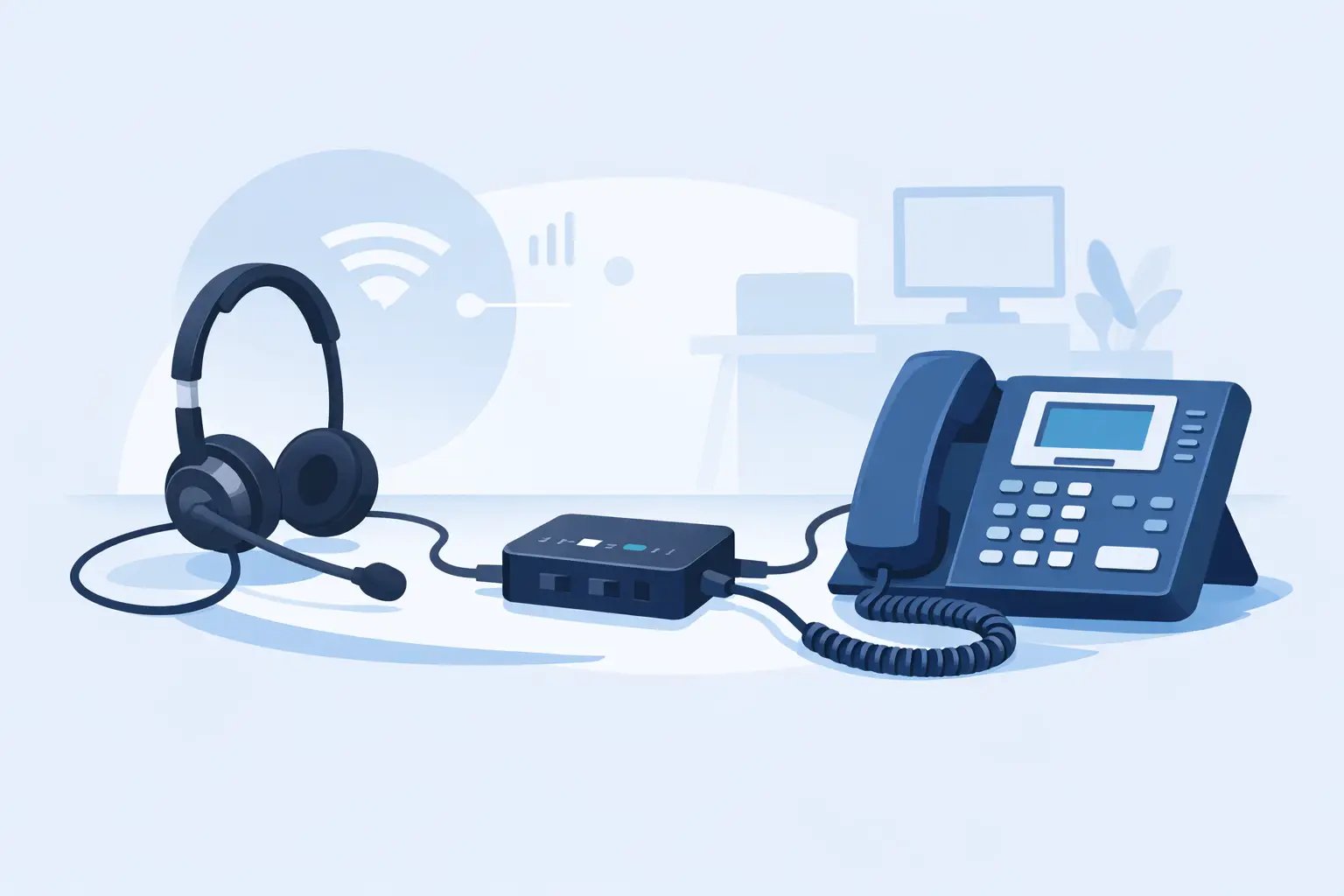
Telephone Headset Adapters for Desk Phones
Posted by Tech Support @ Telephoneheadsets.net on 18th Oct 2026
A headset that physically plugs into a desk phone can still be the wrong choice. Telephone headset adapters are often the missing component between a professional headset and a business phone, but the correct type depends on the phone model, port wiring and the call controls your team needs.
For office managers and IT buyers, the objective is simple: give users clear audio, reliable microphone performance and a practical way to answer and end calls. The route to that outcome is not always simple, particularly where legacy handsets, IP phones, cordless DECT systems and newer USB communications tools are all in use.
What telephone headset adapters actually do
A telephone headset adapter connects a headset system to a compatible telephone or communications device. In some installations, it converts or routes the connection from a headset's quick-disconnect lead to the phone's headset or handset port. In others, it provides controls such as volume adjustment, microphone mute, handset/headset switching or remote answer capability.
The word “adapter” covers several different products. A direct-connect cable is the simplest example. It may connect a headset with a quick-disconnect fitting to a particular desk phone range. An amplifier or control unit adds sound controls and may allow the user to switch between the handset and headset. An electronic hook switch, often called an EHS lead, lets a compatible wireless headset answer and end calls remotely.
These products are not interchangeable. Two cables can have similar modular plugs yet use different wiring, while two phones from the same manufacturer can require different leads. Compatibility must be checked against the exact telephone model, not only the brand name.
Start with the phone, not the headset
The quickest way to avoid an unsuitable purchase is to identify the telephone in use before comparing headset options. Check the manufacturer and full model number on the underside or rear of the phone. If the device is part of a hosted or on-premises phone system, record whether it is a desk IP phone, an analogue phone, a DECT handset or a computer-based softphone setup.
Then establish which connection is available. A dedicated headset port is normally the preferred option because it is designed for headset use. Some phones have only a handset port, in which case an appropriate adapter or amplifier may be required. Do not assume that a modular handset-style connector means any RJ9 or RJ11 lead will work. Connector names are commonly used loosely, but the wiring arrangement and electrical requirements still matter.
A useful purchasing record should include the phone make and model, whether the user needs mono or duo wearing style, and whether remote answer/end call is required. This gives a supplier enough information to match the correct headset, cable and any required EHS accessory.
Headset port versus handset port
A dedicated headset port is usually marked with a headset icon. It allows a compatible headset to connect directly or through a specific connection lead. Depending on the phone, users may answer calls through a headset button on the phone or by lifting the handset first.
A handset port is designed for the original telephone handset. A headset may work through this port with the correct adapter, but operation can be less convenient. The user may need to lift and replace the handset to take and finish every call unless an amplifier, lifter or suitable electronic call-control accessory is used.
This difference is significant in customer service teams and reception environments. A low-cost cable can be appropriate for occasional calls, but regular call handlers usually benefit from a setup that supports easier call control and consistent audio adjustment.
The main adapter types for business telephony
The right category depends on the connection point and how calls are handled.
Direct-connect headset cables
Direct-connect cables suit corded headsets with a quick-disconnect connector. One end attaches to the headset lead and the other connects to the compatible port on a desk phone. They are compact, economical and straightforward where the phone has a supported headset socket.
Their limitation is that they do not add features. Volume and mute functions, if available, are controlled by the phone or headset itself. Remote answering is not provided. A cable is therefore a good fit for a fixed desk user who can access the phone controls easily.
Amplifiers and desktop adapters
An amplifier sits between the headset and the telephone. It can provide independent receive volume, microphone level and mute control, and often allows switching between headset and handset. This is useful where the telephone has no suitable dedicated headset port or where users require more control over call audio.
Amplifiers are especially worth considering for older analogue phones, mixed phone estates and positions where different users share a desk. They add another unit and cable to the workstation, so they are less tidy than a direct cable. However, that trade-off can be worthwhile when it avoids replacing working telephone hardware.
Electronic hook switch leads
An EHS lead connects a compatible wireless headset base to a compatible desk phone. It enables remote answer and end-call control from the headset, giving mobile users the freedom to move around their workspace without returning to the phone for every call.
EHS compatibility is highly model-specific. The headset platform, telephone model and sometimes the phone's firmware or configuration must all support the function. If remote call control is essential, confirm it before ordering rather than treating the EHS lead as an optional extra.
Handset lifters
Where EHS integration is unavailable, a mechanical handset lifter can raise the handset when the wireless headset answer control is pressed. It is a practical alternative for certain desk phones, although it is more visible, requires careful positioning and is not as refined as electronic integration.
A handset lifter can be suitable for a single-user office phone. For larger deployments, it is sensible to assess whether compatible EHS-supported phones or USB calling devices would provide a more manageable long-term standard.
Why connector shape is not enough
The most common compatibility mistake is matching by plug size alone. Many business phones use four-position modular connectors that look alike, yet their transmit and receive pin assignments can differ. The result may be no audio, no microphone signal, distorted sound or very low volume.
There can also be differences between phone generations. A lead that works with one model in a manufacturer's range may not work with a newer IP version, even if both phones have a headset socket. Telephone headset adapters are selected by supported equipment, not by appearance.
Avoid making a decision based on terms such as “universal RJ9 adapter” without checking the stated compatibility. Universal products can have a place where adjustable wiring or multiple settings are provided, but they still require setup and may not deliver every call-control feature available with a phone-specific solution.
Plan for the user's working pattern
Technical compatibility comes first, but the user's role should decide the final configuration. A receptionist transferring frequent calls may need a headset with clear mute control and remote answer capability. A contact centre agent may need a durable duo headset and an adapter setup that keeps levels consistent across shifts. An occasional office caller may only need a simple corded headset and direct connection lead.
Consider the surrounding equipment too. A worker who takes calls through Microsoft Teams or another softphone normally needs a USB headset or a compatible USB adapter, not a desk-phone headset cable. A desk phone adapter will not turn a standard telephone headset into a fully integrated USB device. Similarly, connecting a USB headset to a desk phone is not normally possible without equipment specifically designed for that purpose.
If staff use both a desk phone and a computer, choose a solution designed to support both sources, rather than relying on repeated cable swapping. This reduces wear on connectors and keeps the workstation easier to use.
A practical compatibility check before ordering
Before placing an order, verify four details: the exact phone model, the available connection port, the headset connection type and the required call-control functions. For wireless headsets, also check whether remote answer/end call is required and whether an EHS lead or handset lifter is supported.
For multi-user deployments, test one complete configuration before standardising it across the team. This is particularly useful where phones have been sourced at different times, firmware differs between sites or users have specialist requirements such as hearing protection, recording equipment or extension consoles.
TelephoneHeadsets.net organises compatible headset options by phone brand and model to make this checking process more direct. That approach is more reliable than selecting by connector description alone.
The best adapter is rarely the one with the most features. It is the one that matches the exact phone, supports how the user takes calls and gives the business a configuration it can repeat confidently across every relevant desk.