
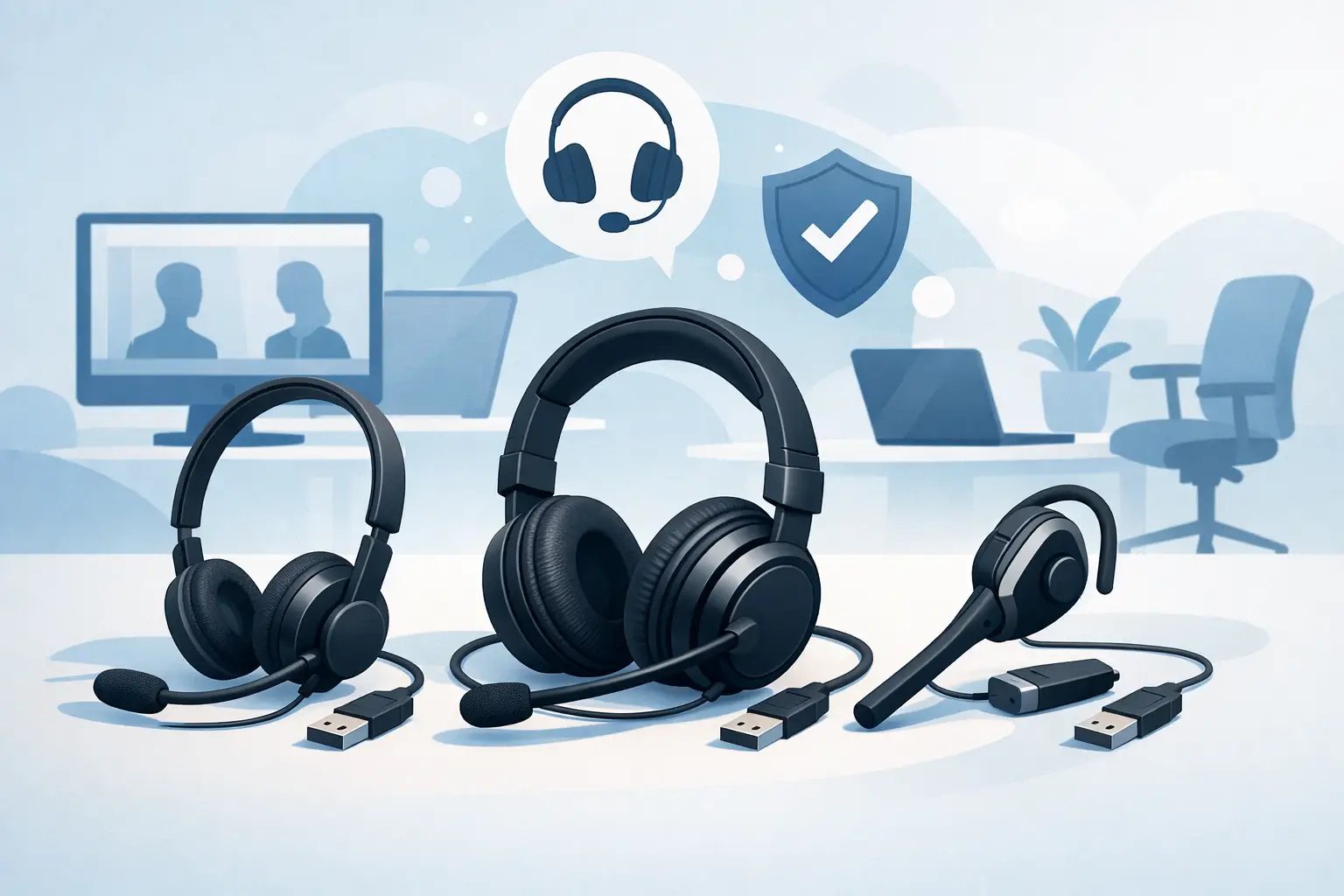
Top USB Headsets for Offices Buyers Can Trust
Posted by Tech Support @ Telephoneheadsets.net on 18th Oct 2026
A USB headset purchase can look simple until it reaches the desk. One team may use Microsoft Teams on laptops, another may take calls through a softphone on fixed PCs, and reception may still rely on desk phones. The top USB headsets for offices are not simply the most expensive models. They are the models with the right connector, microphone performance, wearing style and communications-platform support for the work being done.
For business buyers, the most costly mistake is assuming that USB means universal. A USB headset is normally designed for a computer, docking station or supported USB-enabled desk phone. It is not automatically compatible with an RJ9 or RJ11 telephone headset port. Establish the calling device first, then select the headset around that requirement.
What makes a USB headset suitable for office use?
A business USB headset should make speech easier to hear at both ends of the call, remain comfortable through a working day and connect predictably to the organisation's equipment. Those basics matter more than consumer-style features that add little value to a busy office or contact centre.
Microphone design is particularly significant. A boom microphone positioned close to the mouth generally gives clearer voice capture than a small integrated microphone. Noise-cancelling microphones reduce nearby keyboard noise, conversations and general office sound, although they cannot remove every loud interruption. For staff handling customer calls, a headset with a flexible, properly positioned boom is usually the sensible starting point.
Controls also affect day-to-day usability. In-line controls for volume, mute and answer/end can save time, but call-control functions depend on the specific softphone application, headset variant and installed software. If Teams, Zoom or a particular contact-centre platform is central to the business, select a headset specified for that environment rather than relying on a generic USB audio device.
Top USB headsets for offices by working role
The right choice changes with the call pattern. A finance employee joining occasional meetings has different needs from an adviser taking continuous inbound calls. The following categories provide a useful short list when comparing top USB headsets for offices.
For frequent calls: corded duo USB headsets
A duo, or binaural, USB headset covers both ears. It is often the best choice for customer service, sales teams, shared offices and contact centres because it helps the wearer concentrate while still providing a stable, professional fit. The trade-off is that it can feel more isolating than a mono model, particularly for workers who need to speak to colleagues beside them.
Models in ranges such as the Poly Blackwire 5200 series, Jabra Engage 40 and EPOS IMPACT 4000 are designed around regular business calling. When comparing individual versions, check whether the supplied connection is USB-A, USB-C or a headset connector used with a separate USB adaptor. This distinction matters when replacing an existing headset or standardising across a mixed PC estate.
For office staff who need local awareness: mono USB headsets
Mono headsets leave one ear uncovered. They suit reception, administration, supervisors and office workers who need to remain aware of a colleague, visitor or announcement while on a softphone call. They are also a practical option for users who find two-ear headsets tiring during lighter call volumes.
A mono headset does not necessarily have poorer microphone quality. The key consideration is concentration. In a noisy open-plan area, a one-ear design offers less protection from surrounding sound, so a duo model may still deliver a better call-handling result. For quieter offices or roles involving short calls, mono can be the more natural choice.
For hybrid workers and video meetings: USB headsets with stronger audio
Workers who divide their time between calls, video meetings and focused computer tasks may prefer a headset with wider-band speakers, cushioned ear pads and a more refined headband design. Products such as the Jabra Evolve2 40 and Poly Blackwire 5220 are commonly considered for this type of use, depending on the connector and required platform support.
These headsets can offer a more comfortable experience for longer meetings, but they should not be selected on sound quality alone. Verify the microphone arrangement, mute controls and certification required by the organisation. A headset that sounds excellent for music is not automatically the best tool for voice calls in a busy office.
For budget-conscious deployment: essential USB models
For large teams, a simpler wired USB headset can be the most efficient procurement choice. Entry-level business models, including options in the Yealink UH and Poly EncorePro USB ranges, can provide clear calling and dependable wired connectivity without paying for features users will not use.
This approach works well when requirements are consistent. If every workstation uses the same USB-A connection and the same calling platform, a standard model reduces training, replacement and support effort. Do not cut cost by overlooking wearing style or microphone quality, however. A low-priced headset that staff avoid wearing is not a saving.
USB-A, USB-C and desk phone compatibility
USB-A remains common on desktop PCs and many older laptop docks. USB-C is now widely used on newer laptops and compact devices. A USB-C headset may need an adaptor for a USB-A-only workstation, while a USB-A headset may be unsuitable for a USB-C-only laptop unless an appropriate adaptor is approved and supplied.
Where possible, inspect the actual ports available at the user’s workstation rather than relying on the computer model name. Docking stations, monitors and thin clients can change the practical connection point. For shared desks, a standard USB-A headset may remain easier to support, but that depends on the equipment already deployed.
Desk phone compatibility requires separate care. Most traditional office phones use an RJ9-style headset port and need either a compatible corded telephone headset or an electronic hook switch, amplifier or adaptor arrangement. Plugging a USB headset into a desk phone’s USB port will only work where the phone manufacturer expressly supports that headset type and model. Cisco, Avaya, Mitel, Grandstream and other systems can have different requirements even within the same product family.
If staff make calls through both a PC softphone and a desk phone, decide whether they need one headset for both devices. A dedicated USB headset is often best for computer calling. A multi-device solution may be more suitable where switching between devices is essential, but it must be specified against the exact phone and platform.
Questions to settle before placing an order
Before choosing a model, identify whether the headset is for a PC, laptop, docking station or compatible USB desk phone. Confirm the required connector, the communications platform and whether call answer/end control is needed. Then consider the working environment: quiet private office, shared workspace, reception area or high-volume contact centre.
It is also worth deciding whether the headset will be assigned to one person or used in a shared position. Shared use places greater emphasis on durable construction, easily cleaned ear cushions and straightforward controls. For assigned users, personal fit and all-day comfort often carry more weight.
For larger roll-outs, order a small evaluation batch before committing to every desk. Test the headsets on the real applications and devices used by staff, including remote desktops or virtual desktop infrastructure where applicable. Check microphone quality in the normal office environment, not only in a quiet IT room. This exposes compatibility or usability issues before they become a wider support problem.
Avoid these common USB headset buying errors
The first error is buying by brand name alone. Established headset manufacturers offer several connection types and platform variants, so the model code and supplied lead matter. The second is treating a USB port as proof of compatibility with any desk phone. The third is selecting a lightweight mono headset for an agent who spends most of the day in a noisy call queue.
Another frequent issue is overlooking software policy. Some enhanced call-control or device-management features may require approved software on the user’s PC. In managed environments, confirm that IT can deploy or permit the required application. If software installation is restricted, choose a headset that still performs the essential audio and mute functions without creating an avoidable support dependency.
TelephoneHeadsets.net approaches selection from the connection and device side first, because this is where most office headset orders go wrong. Matching the headset to the exact calling setup protects the budget, reduces returns and helps staff start using their equipment without unnecessary adjustment.
A well-chosen USB headset should fade into the background of a working day: clear enough for callers, comfortable enough for staff and compatible enough that IT does not have to revisit the purchase. Start with the device and call environment, then let those requirements determine the model.