
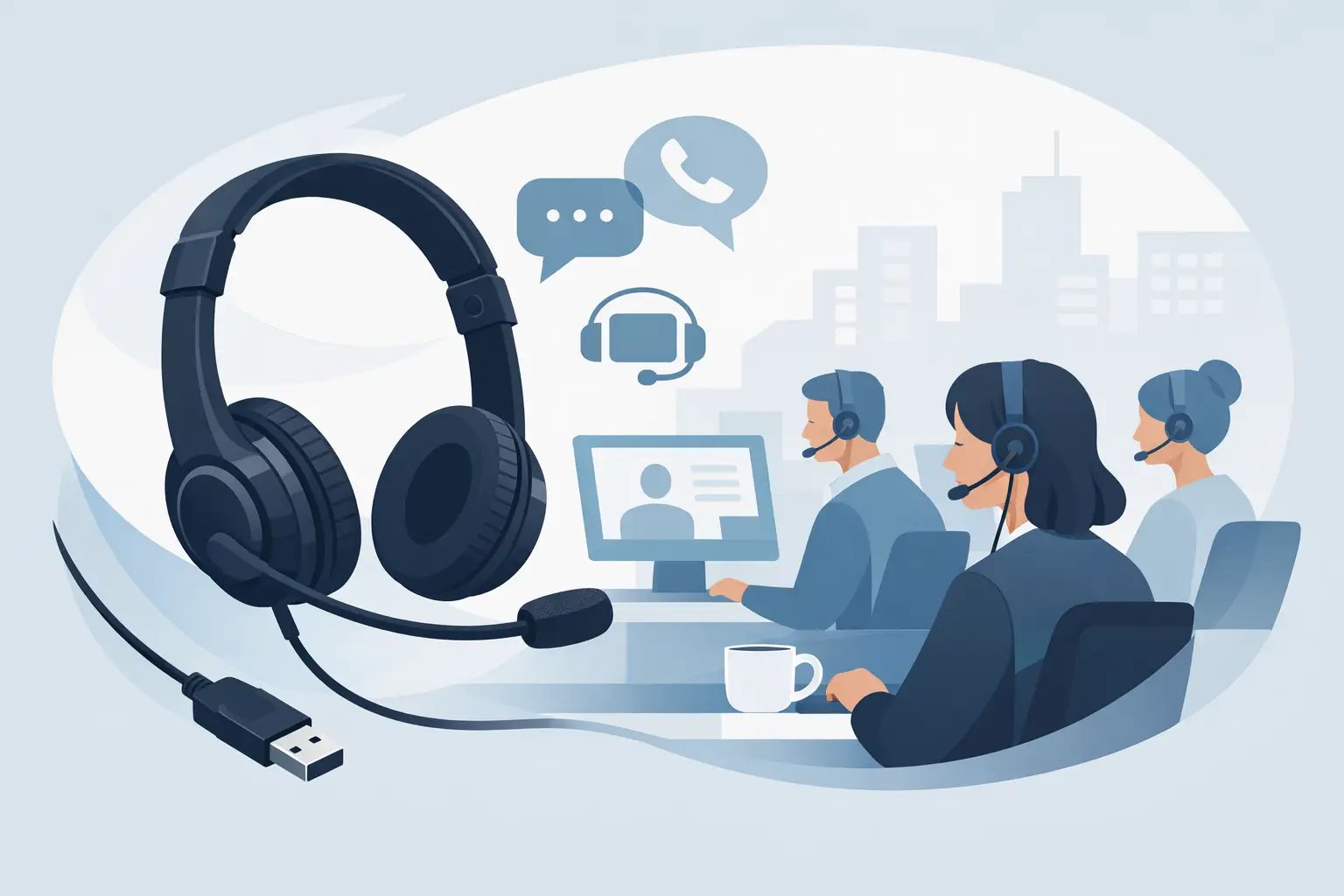
Choosing a USB Headset for Call Centre Work
Posted by Tech Support @ Telephoneheadsets.net on 18th Oct 2026
A poor headset shows up quickly on a busy shift. Agents start repeating themselves, background noise creeps into calls, and by mid-afternoon the fit becomes as much of a problem as the audio. When you are buying a usb headset for call centre work, the right choice is not just about sound quality. It is about call clarity, all-day comfort, platform compatibility and avoiding returns caused by the wrong connection or feature set.
For contact centre teams, procurement usually sits between two pressures. One is price. The other is reliability in a live calling environment where downtime costs more than the saving on a cheaper unit. That is why it helps to assess USB headsets in the same way you would assess any other business telephony hardware - against the exact setup, the call volume, and the user’s working pattern.
What matters in a USB headset for call centre work
The first requirement is a stable USB connection that matches the devices your team actually uses. That sounds obvious, but many buying mistakes happen because the headset is chosen in isolation, not against the endpoint. Some teams are on softphones via laptops, others on desktop PCs with UC platforms, and some hybrid environments still combine desk phone workflows with computer-based calling. A USB headset only solves the problem if it fits the communications path in use.
Microphone performance matters more than headline speaker specification. In a call centre, the person on the other end needs to hear the agent clearly, even when there is background speech nearby. A noise-cancelling microphone helps reduce office noise, but there are limits. If your floor is particularly loud, a better microphone will help, but it will not fully compensate for poor acoustic conditions or agents sitting too close together.
Comfort is often underestimated during selection. A headset that feels acceptable for twenty minutes can become a problem over a seven-hour shift. Weight, headband pressure, ear cushion material and whether the user prefers a mono or duo wearing style all affect long-term usability. Mono headsets leave one ear open, which can suit roles where staff need awareness of their surroundings. Duo headsets provide more isolation, which many agents prefer in noisier environments.
Inline or on-ear controls are also worth checking. Mute, volume adjustment and call answer functions can improve handling speed, especially where agents move quickly between calls. However, these features depend on software compatibility. Not every control works the same way across every UC platform, so it is worth confirming what is supported before ordering in volume.
Mono or duo headset for call handling
This is one of the most practical buying decisions because it affects both concentration and comfort. A mono usb headset for call centre work is often chosen where agents still need to hear colleagues, supervisors or the room around them. It can feel less enclosed and may suit reception, mixed admin and call-handling roles, or teams in quieter offices.
A duo headset is usually the better choice for dedicated contact centre environments. Covering both ears helps the agent focus on the caller and reduces distraction from nearby conversations. That can improve call quality simply because the user is not competing with the room. The trade-off is that some staff find duo models warmer over a full day, particularly in busy offices without strong climate control.
There is no universal winner here. If the team handles high call volumes in an open-plan room, duo models are often the safer standard choice. If roles are mixed and staff need more awareness, mono may be more practical.
USB-A, USB-C and adapter considerations
USB is not one single standard from a buying point of view. The connector matters. Many business PCs still use USB-A, while newer laptops increasingly rely on USB-C. Buying the wrong plug type creates immediate friction, especially where users hot-desk or move between devices.
Some headsets are available in separate USB-A and USB-C variants, while others include an adapter. An adapter can be useful, but it is still better to review the device estate first. If half the team is on older desktops and the other half is on newer laptops, standardising on the right option from the outset avoids a patchwork of cables and dongles.
This is also where specialist suppliers add value. Compatibility-led selection is far more reliable than choosing on appearance or price alone. If your communications estate includes specific softphone platforms, laptop builds or mixed telephony hardware, matching the headset to that environment reduces procurement risk.
Audio quality and microphone noise reduction
For call centre use, consistent speech transmission is more useful than consumer-style audio tuning. Buyers sometimes get distracted by broad claims around HD sound, but what matters in practice is whether callers can hear agents clearly and whether agents can listen without fatigue.
Look closely at the microphone specification and intended use case. Business headsets designed for office and contact centre use are typically tuned for voice. That is what you want. Speaker quality still matters, particularly for agents taking continuous calls, but the microphone is the critical component in customer-facing performance.
Noise-cancelling microphones help reduce steady background noise and nearby speech, yet expectations should stay realistic. If an office is very loud, the best result usually comes from combining a suitable duo headset, good microphone positioning and sensible seating layout. Hardware helps, but environment still matters.
Comfort over a full shift
If agents wear the headset for most of the day, comfort is not a secondary feature. It is operational. Discomfort leads to poor wearing position, frequent readjustment and, in some cases, reduced usage altogether.
Lightweight frames generally work well for prolonged use, but the fit has to be stable. Ear cushions should be soft without trapping too much heat. Leatherette can provide a secure feel and good acoustic seal, while foam can feel lighter and cooler for some users. Again, it depends on the environment and user preference.
Where possible, it makes sense to standardise around one or two proven models rather than buying multiple low-cost options. That simplifies support, replacement parts and training. It also gives managers a clearer view of what performs well under real shift conditions.
Software and platform compatibility
A USB connection does not guarantee full feature compatibility. This is one of the most common points of confusion. Basic audio may work across many devices, but functions such as remote call answer, mute synchronisation and call control integration can vary by platform.
If your team uses Microsoft Teams, Zoom, RingCentral or another UC application, check whether the headset is certified or specifically supported. For pure audio use, compatibility may be straightforward. For advanced controls, it is worth being precise.
This is particularly relevant for IT managers and office buyers rolling out at scale. A headset that works technically but lacks expected call control support can still create user dissatisfaction. The best purchasing decision is the one that matches both the hardware connection and the software behaviour your team expects.
Durability and replacement planning
Call centre headsets are working equipment. Cables get twisted, boom arms get adjusted repeatedly, and ear cushions wear down over time. Durability should be judged not just by the initial build, but by how easy the headset is to maintain.
Replaceable ear cushions, available cables and straightforward model continuity all make fleet management easier. If you are buying for ten users, that may be a minor issue. If you are buying for fifty or more, it becomes part of the total cost. A slightly better headset with accessible spares can be better value than a cheaper model that needs full replacement more often.
This is where a specialist retailer such as TelephoneHeadsets.net fits naturally into the buying process. When your decision depends on connector type, UC platform support and business-use durability, product selection needs to be guided by compatibility, not guesswork.
How to choose the right model for your team
Start with the call path. Are users taking calls only via PC or laptop, or do they also work with desk phone systems? Then confirm connector type across the estate - USB-A, USB-C or mixed. After that, decide whether the working environment points to mono or duo wearing style.
Next, look at the software layer. If remote call controls are important, confirm support for the exact UC platform in use. Then assess comfort and build quality against shift length and expected daily wear. A headset that suits occasional office calling is not always suitable for continuous contact centre activity.
Finally, think about standardisation. Mixed headset estates create support overhead, especially where different cables, controls and fit styles are involved. If one model or a small approved range covers most users well, procurement becomes easier and replacement simpler.
The right usb headset for call centre work is the one that fits the environment, the platform and the pace of the team using it. Buy against the setup, not the packaging, and the result is usually fewer compatibility issues, clearer calls and a headset people will still want to wear by the end of the week.