
What Headset Fits RJ9 Phones? Compatibility Guide
Posted by Tech Support @ Telephoneheadsets.net on 18th Oct 2026
An RJ9-style socket can look reassuringly familiar, yet it is one of the most common causes of incorrect headset orders. If you are asking what headset fits RJ9 phones, the practical answer is: a compatible corded telephone headset, usually with the correct bottom cable for the exact phone model. The plug shape alone is not enough to confirm compatibility.
RJ9 is commonly used to describe the small four-position, four-contact modular connection also called 4P4C. It is found on many telephone handsets and headset ports. However, different phone manufacturers can use different wiring arrangements, microphone connections and call-control requirements. A headset that physically plugs in may still deliver no audio, poor microphone performance or audio on only one side.
What headset fits RJ9 phones in an office?
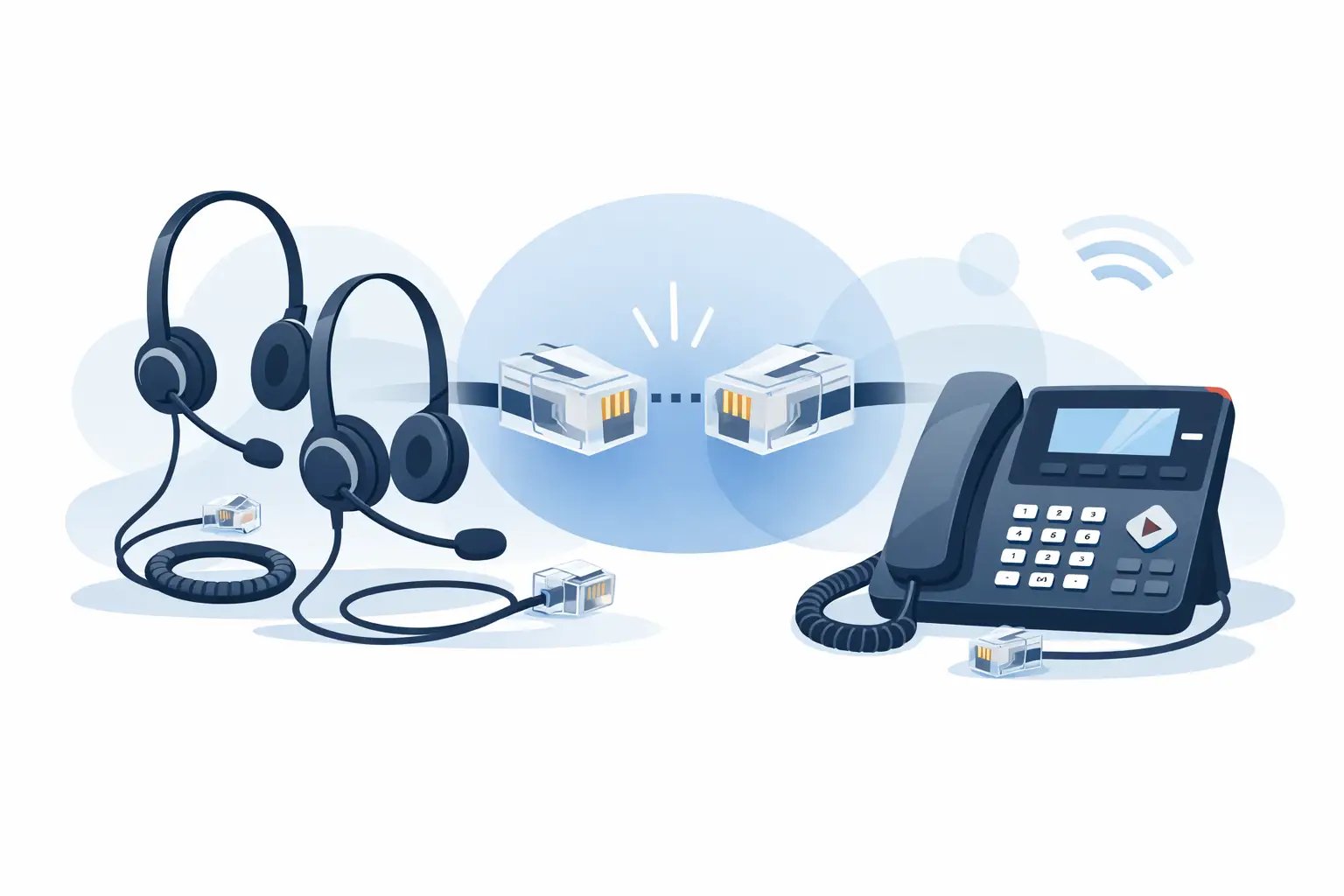
For a business desk phone with a dedicated headset port, the usual choice is a corded headset with a quick-disconnect connection and a compatible RJ9 bottom cable. The headset itself connects to the bottom cable through the quick-disconnect fitting, while the cable connects to the telephone’s headset socket.
This two-part arrangement is common in offices and contact centres because it makes replacement and deployment simpler. Staff can keep the phone-specific cable in place and change the headset when needed. It also allows organisations to select mono or duo wearing styles without changing the telephone connection.
A direct-connect RJ9 headset, where the cable is permanently attached to the headset, can also be suitable. This is often a straightforward option for a single user with a known phone model. The key requirement remains the same: the headset must be stated as compatible with that make and model of telephone, not merely described as having an RJ9 plug.
The connector is only part of the compatibility check
A four-pin modular connector may be labelled RJ9, RJ10, RJ22 or 4P4C by different suppliers. In day-to-day procurement, these terms are often used interchangeably for the small handset-style plug. That does not mean every cable is electrically identical.
Phone makers may assign the pins differently for the earpiece and microphone. Some models also need a particular resistance level or receive/transmit arrangement. This is why a Cisco-compatible bottom cable should not automatically be used with an Avaya, Mitel, Grandstream or Gigaset phone, even when both sockets appear identical.
The safest purchasing route is to identify the telephone manufacturer and complete model number from the label underneath the phone. Then select a headset or bottom cable specifically listed for that model. TelephoneHeadsets.net organises compatible options by telephone brand and model to reduce this type of guesswork.
Check the phone before choosing an RJ9 headset
First, establish whether the port you are looking at is a headset port or a handset port. Both may use a similar small modular socket. Connecting a headset into the handset socket can work on some basic telephones, but it may remove the handset from service and usually will not provide the expected headset button or hands-free operation.
A dedicated headset port is normally marked with a headset icon. On some phones, it sits on the underside or rear panel alongside the handset connection, network ports and power socket. Refer to the telephone documentation if the markings are unclear, particularly on older digital or proprietary office phones.
Next, check whether the phone has a physical headset key. A dedicated headset button generally allows the user to answer or make calls through the headset without lifting the handset. Where there is no headset key, a headset may still provide audio, but the user may need to use the handset, speakerphone button or another call-control method to answer calls.
Finally, confirm whether your existing setup includes an amplifier, adaptor or electronic hook switch cable. These parts are not interchangeable with a standard RJ9 bottom cable. If the phone is already connected through a separate interface unit, replacing only the headset may be the correct option. Replacing the entire connection without checking can create an unnecessary compatibility problem.
Choose the right headset type for the user
Once the correct connection is confirmed, the next decision is about working conditions rather than plug type. A mono headset has one earpiece and leaves one ear free for colleagues, visitors and general office awareness. It is often a sensible choice for reception, administration and lower-volume calling.
A duo headset has two earpieces and gives the wearer greater focus in a busy office or contact centre. It can improve concentration where background conversation is frequent, although it may be less suitable for a role that requires regular face-to-face interaction. For regular customer calls, a noise-cancelling microphone is usually worth specifying. It helps reduce nearby office noise reaching the caller, though it cannot eliminate a very loud environment.
Over-the-head designs are generally the most stable for long shifts. Convertible headsets can offer earhook, headband or behind-the-neck wearing options, which may suit occasional users or shared desks. Comfort is not a minor detail in a procurement decision. A technically compatible headset that staff avoid wearing will not solve the call-handling requirement.
When an RJ9 headset is not the best option
An RJ9 connection is designed for a desk telephone. It is not the right choice where calls are mainly handled through Microsoft Teams, Zoom, softphone software or a browser-based contact centre platform. In those cases, a USB headset is normally the more suitable option because it connects directly to the computer and supports the audio settings used by the application.
Some workplaces use both desk phones and computers throughout the day. A dual-connectivity headset or a dedicated switcher can be useful, but compatibility must be checked for both systems. Do not assume that a USB headset can be connected to an RJ9 port with a simple passive adaptor. USB and analogue telephone connections use different signalling and power arrangements.
Wireless headsets are another option for users who need to move around their desk area. Many wireless office systems use a base unit that connects to the phone with a model-specific cable. The base may provide greater freedom of movement, but it introduces charging, battery management and a higher initial cost. For fixed-position users, a wired RJ9 headset remains a dependable and economical choice.
Volume and mute controls need checking too
A headset’s inline controls may adjust listening volume or mute the microphone, but they do not necessarily control the telephone itself. Answering and ending calls from the headset requires support from the phone and, in many cases, a compatible electronic hook switch or handset lifter.
This distinction matters in contact centre and reception settings. If agents need to answer calls away from the desk handset, specify a setup with the necessary remote call-control accessory. If they only need clear audio while seated at the phone, a standard corded RJ9 headset and compatible bottom cable may be all that is required.
Common ordering mistakes to avoid
The most frequent mistake is ordering by connector name alone. “RJ9 headset” is a useful starting search term, but it is not a complete compatibility specification. Always match the cable to the phone model and confirm whether the listing includes the bottom cable or only the headset.
Another issue is confusing quick-disconnect systems between brands. Quick-disconnect fittings are not always cross-compatible. A headset and cable from the same range are usually the safest combination unless compatibility has been expressly confirmed.
It is also worth checking whether the phone is an analogue, digital, IP or DECT model. The category does not determine headset compatibility by itself, but it helps identify whether you are dealing with a standard headset socket, a proprietary interface or a computer-based calling setup. For larger roll-outs, test one complete headset and cable combination on the live phone model before ordering for every desk.
The right RJ9 headset is therefore not simply the one with a small four-pin plug. It is the headset, cable and call-control arrangement that matches the exact telephone and the way your team works. Start with the phone model, confirm the port and select the wearing style afterwards. That order keeps a routine headset purchase from becoming an avoidable support issue.