
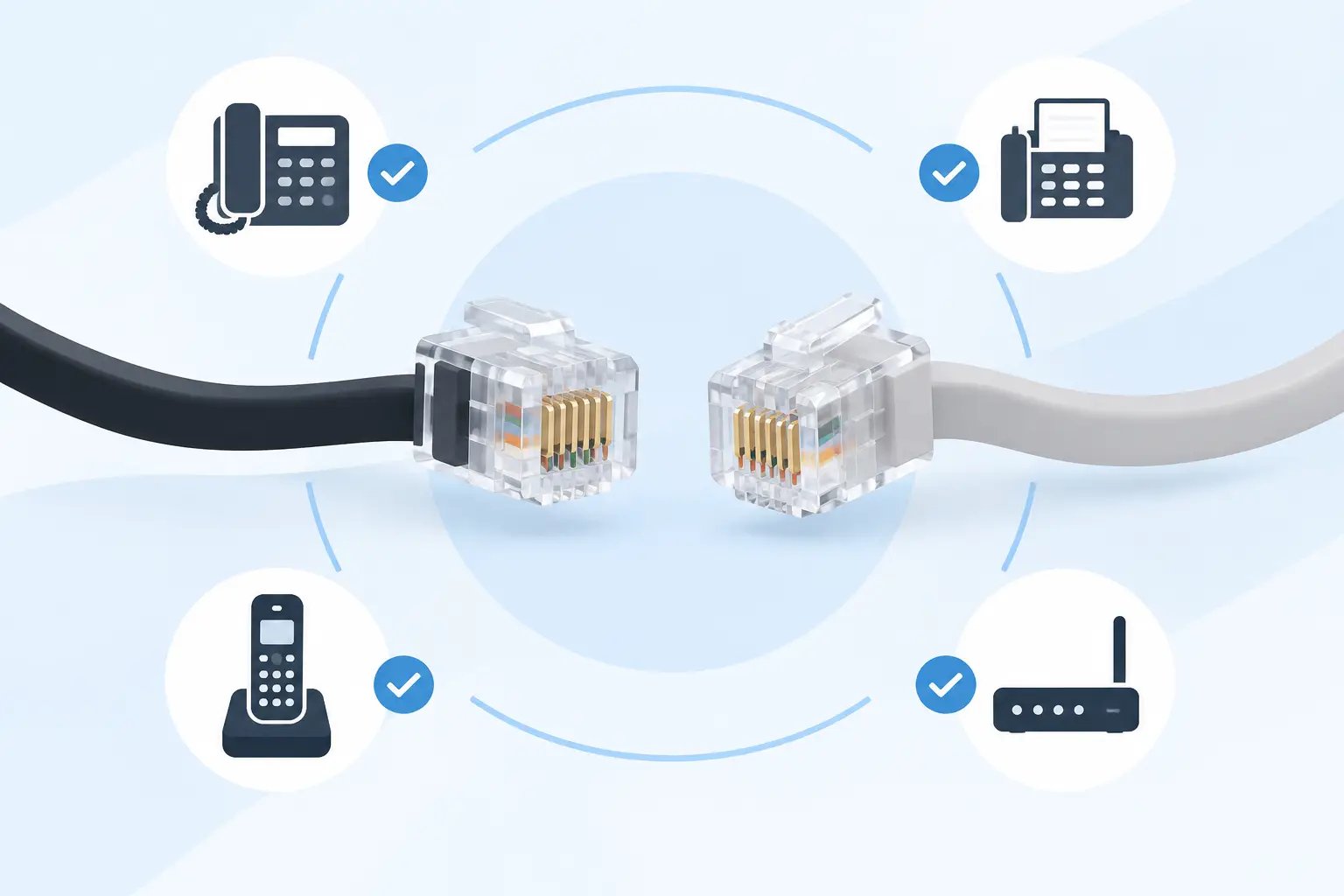
Are RJ11 Connectors Universal? Compatibility Explained
Posted by Tech Support @ Telephoneheadsets.net on 26th Nov 2026
A plug that physically fits is not necessarily a compatible connection. Are RJ11 connectors universal? No. They are widely used for analogue telephone lines, but the connector shape alone does not confirm the number of contacts, the wiring arrangement, the signal type or whether it will work with a particular business phone or headset.
For office buyers, that distinction matters. An incorrect lead can leave a headset without audio, reverse transmit and receive paths, prevent line access or, in some cases, connect equipment to a port it was never designed to use. The practical question is not simply whether a device uses RJ11. It is whether that specific port, cable and accessory are intended to work together.
Are RJ11 connectors universal across telephone equipment?
RJ11 is commonly used as a catch-all term for a small modular telephone plug. In everyday purchasing, it usually describes the connector found on a two-wire or four-wire analogue phone lead. However, the term is often used loosely.
A typical RJ11-style plug has six possible positions across its width. It may be fitted with two contacts, often described as 6P2C, or four contacts, described as 6P4C. The plug body can look the same in both cases, yet the connected circuits differ. A two-contact lead may support one analogue line, while a four-contact lead may carry two lines or another wiring arrangement.
That makes RJ11 broadly common, rather than universal. It is common on analogue line ports, modems, fax machines, some broadband equipment and certain business telephone systems. It is not a universal standard for every telephone, handset, headset or network connection.
The socket also matters. Some sockets accept a narrower plug physically but do not provide the contacts or electrical configuration required by the connected device. A lead may click into place and still be unsuitable.
The connector is only one part of compatibility
When assessing an RJ11 connection, check four areas: connector size, contact count, pinout and port purpose. Each can affect whether the equipment operates correctly.
Contact count and line capacity
Many analogue telephone services use the centre two contacts of the plug for a single line. This is why a 6P2C lead is frequently sufficient between an analogue phone and a wall socket or analogue telephone adapter.
A four-contact version may be required where two lines are present. The outer pair can carry the second line, depending on the system wiring. Using a two-contact cable in that situation can leave the second line unavailable, even though the plug fits perfectly.
A four-contact cable is not automatically the better choice. If the equipment expects a particular pair assignment, the cable must still be wired correctly. More contacts do not guarantee more compatibility.
Pinout and wiring arrangement
Pinout describes which conductor connects to which contact at the other end of a lead. Straight-through wiring keeps each contact in the same position from one end to the other. Reversed wiring swaps the order.
This difference is especially relevant to telephone accessories. Two modular cables can look identical, have the same number of contacts and still be wired differently. Connecting the wrong type may result in no dial tone, no microphone audio, no receive audio or unexpected line behaviour.
Do not assume that a supplied curly handset cord can substitute for a flat telephone line lead. They may use similar-looking modular connectors, but they are made for different ports and can use different wiring.
The purpose of the port
An RJ11-shaped connection may be marked Line, Tel, Phone, Ext, Modem, DSL or something else. These labels are functional instructions, not cosmetic wording.
A Line port is generally intended for an analogue telephone service or analogue adapter. A Phone or Tel port on a broadband filter may be for an analogue telephone device. A modem port may be intended for data equipment. None of these should be treated as a headset port simply because an RJ11-style connector is present.
On business desk phones, the dedicated headset socket is more commonly a smaller four-position modular connection, often referred to as RJ9, RJ10 or RJ22. These names are also used inconsistently in the market, but the key point is clear: a handset or headset connection is normally not the same as an RJ11 line connection.
RJ11 versus RJ9 for business headsets
This is where many compatibility errors occur. A desk phone headset port often uses a 4P4C modular connector. It is narrower than the 6-position connector generally associated with RJ11 telephone leads.
A direct-connect wired headset with an RJ9-style plug is designed to connect to a compatible headset port on a desk phone. It carries headset speaker and microphone audio, and the wiring must match the phone manufacturer’s specification. Some phone families need a compatible headset cable or amplifier to ensure the microphone and speaker paths are correctly assigned.
An RJ11 lead, by contrast, is normally associated with the telephone line connection. It should not be used as a substitute for a headset connection. Even where an RJ11 plug is supplied with a telephone accessory, its use depends on the equipment design and documentation.
For call handling teams, this is more than a technical detail. A headset that is physically connected but has poor audio, a silent microphone or no answer control creates avoidable disruption. Selecting by the exact phone make and model is safer than selecting by plug description alone.
Why business phone compatibility varies
Business telephony adds further variables because the phone may be analogue, digital, IP-based, DECT or connected through a communications platform. Two phones from the same manufacturer can use different headset ports, different pin assignments and different options for electronic hook switch control.
A basic corded headset may work directly with one model but require a dedicated bottom cable with another. A wireless headset may need an amplifier, an electronic hook switch cable or a mechanical handset lifter to answer and end calls remotely. USB headsets do not use the desk phone port at all when they are connected to a computer for softphone calls.
This is why an RJ11 label is insufficient information for a business purchase. It may identify a line-side connector, but it does not identify the phone’s headset interface, call control capability or suitable headset type.
RJ11 in UK office installations
In Great Britain, traditional fixed telephone installations have often used BT-style wall sockets rather than an RJ11 socket directly. An adapter or broadband router may then provide an RJ11-style telephone output. Modern hosted VoIP deployments may instead use Ethernet to the desk phone, with analogue connections only present for legacy devices, fax machines, alarms or analogue telephone adapters.
For that reason, a standard RJ11 telephone lead may be appropriate in one part of an office installation but irrelevant to the headset purchase. For example, it might connect an analogue phone to an adapter, while the headset connects separately to the handset or dedicated headset socket.
If a site is moving from traditional analogue services to hosted telephony, check each device’s connection method before reusing existing cables. A familiar plug does not establish that the underlying service or equipment is the same.
Checks to make before ordering a cable or headset
Avoid ordering based on a product image alone. Confirm the exact device and the purpose of the connection first. The following checks remove most uncertainty:
- Identify the phone manufacturer and exact model number, usually printed underneath the base.
- Check whether the required connection is labelled Line, Handset, Headset, Aux, USB or Ethernet.
- Count the visible metal contacts in the existing plug and compare the connector width where possible.
- Establish whether the equipment uses analogue lines, a desk phone system or a computer softphone.
- Confirm whether remote answer and end-call control is required, as this may need additional hardware.
For a handset or headset replacement, retain the existing cable only when its wiring and connector type are confirmed as suitable. A visually similar cable is not enough.
When an RJ11 connection is the right choice
RJ11-style leads remain useful and reliable for their intended role. They are a sensible choice for compatible analogue telephone lines, certain analogue adapters, some fax machines and other devices specifically designed for this connection. They are also inexpensive and easy to replace when the required contact count and wiring are known.
The limitation is that RJ11 describes only part of the connection. It does not confirm whether the port carries a telephone line, whether two lines are supported, whether the cable is straight-through or reversed, or whether a business headset can connect to the phone.
When the purchase involves a desk phone headset, start with the phone model rather than the connector name. TelephoneHeadsets.net follows this compatibility-first approach because it reduces trial-and-error ordering and helps ensure the headset, cable and call-control requirements match the equipment already on the desk.