
Do IP Phones Need Adapters? A Practical Check
Posted by Tech Support @ Telephoneheadsets.net on 26th Nov 2026
An IP desk phone can look like a conventional business telephone, yet its connection requirements are very different. So, do IP phones need adapters? Usually, no single adapter is automatically required. The answer depends on how the phone receives power, connects to the network, and works with any headset or legacy equipment already in use.
For office managers and IT buyers, the practical issue is not whether to buy an adapter as standard. It is identifying the exact type of connection your phone model, network and headset require before ordering equipment. A power supply, analogue telephone adapter and headset cable are all sometimes called adapters, but they do very different jobs.
What an IP phone needs as standard
An IP phone sends voice calls across an Ethernet network rather than through a traditional analogue telephone line. At minimum, it needs a network connection, a correctly configured phone service or PBX, and a source of power.
The network connection is normally made through an RJ45 Ethernet port. In many offices, one network cable runs from the wall socket or network switch to the phone. A second Ethernet port on the phone may allow a computer to connect through it, reducing the number of desk cables required.
The power requirement is where confusion often begins. An IP phone may receive power over the Ethernet cable, known as Power over Ethernet or PoE. If the network switch provides PoE and the phone supports the same standard, no separate mains power adapter is needed. This is common in managed office and contact centre installations.
Where PoE is not available, the phone generally needs its model-specific AC power supply. That is a power adapter, but it does not convert the phone into a different type of telephone. It simply supplies electricity. Never assume a spare power supply will fit or provide the correct voltage and current. Check the phone manufacturer, model and regional plug specification.
Do IP phones need adapters for the network?
Most IP phones connect directly to an Ethernet network and do not need a network adapter. A standard Ethernet patch lead is normally all that is required between the phone and a live network port.
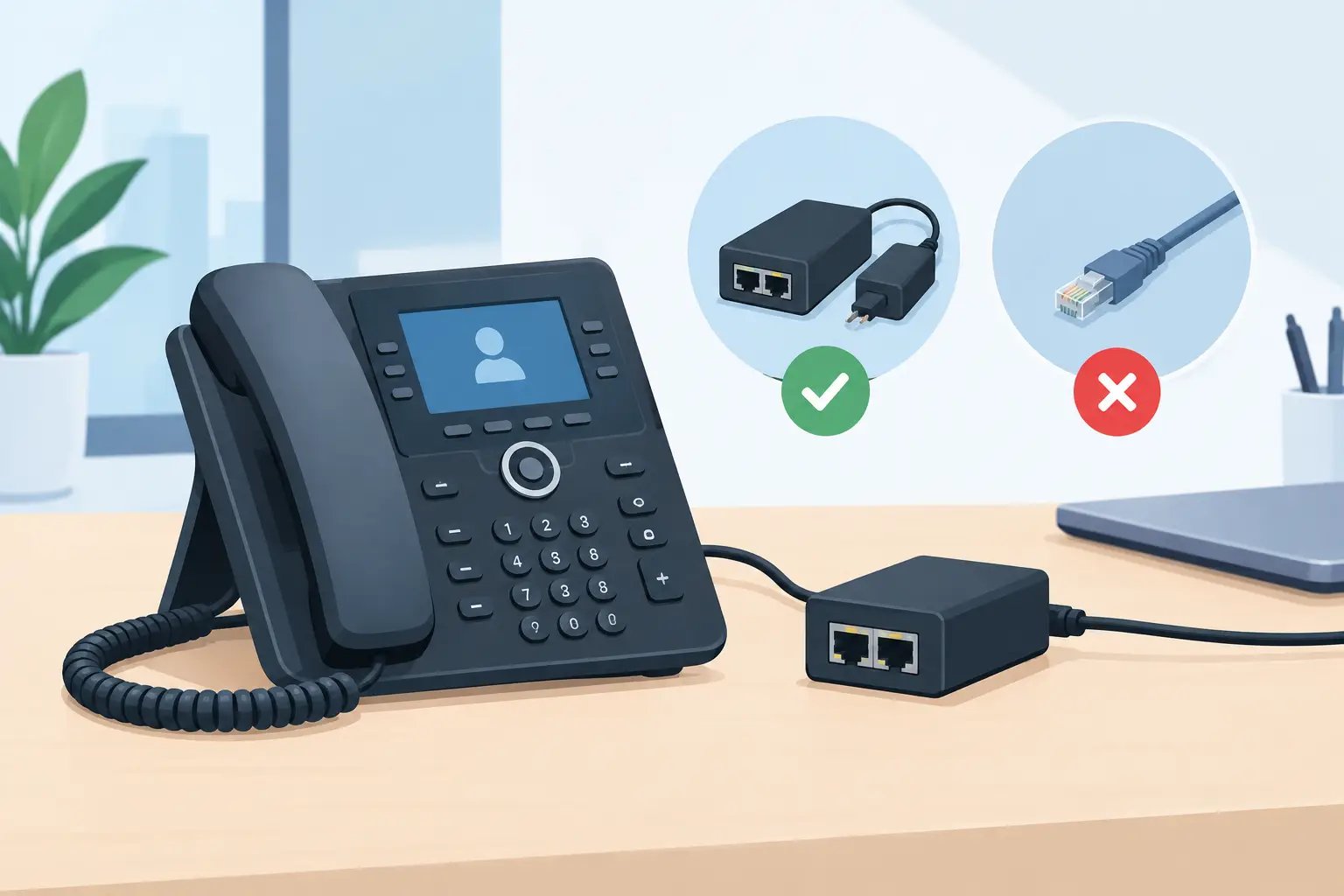
There are exceptions. A phone installed where no PoE network port is available may use a PoE injector. This device adds power to the Ethernet connection between the switch and the phone. It can be useful for a small number of desks, although a PoE switch is often a cleaner option when fitting out a larger team.
Wireless use is another exception. Some IP phone models support a manufacturer-approved Wi-Fi adapter or wireless accessory, but this is not universal. Wireless connections can introduce coverage, security and call-quality considerations, so they are generally chosen where cabling is impractical rather than as the default office setup.
An Ethernet-to-USB adapter is not normally a solution for an IP desk phone. IP phones are designed around their Ethernet ports, and their software, provisioning and power needs should be assessed as a complete setup.
When an analogue telephone adapter is required
An analogue telephone adapter, commonly called an ATA, has a very specific purpose. It allows a traditional analogue device to work with an IP telephony service. For example, an ATA may be used to connect an analogue phone, fax machine, door-entry handset or alarm dialler to a VoIP system.
A standard IP phone does not normally need an ATA because it already communicates over IP. Connecting an IP phone to an ATA is usually the wrong approach and can create avoidable configuration problems.
This distinction matters when replacing an older office telephone system. If all desk phones are being replaced with compatible IP models, the project may require PoE switching, network ports and provisioning, but not ATAs for those new phones. If selected analogue devices must remain in service, ATAs may be needed for those specific devices.
Before retaining a fax, payment terminal, lift line or alarm connection, confirm that it is supported by the intended telephone service. Some analogue devices are sensitive to timing, signalling and emergency-call requirements. An ATA can provide a connection, but it does not guarantee that every legacy device will operate correctly.
Headset adapters are a separate compatibility question
Many buyers asking whether an IP phone needs an adapter are really asking about a headset connection. Here, the correct answer is often model-dependent.
An IP phone may have a dedicated headset port, usually an RJ9-style socket, a USB port, Bluetooth support, or more than one of these. A wired office headset may connect directly with the correct bottom lead, sometimes described as a quick-disconnect cable or connection lead. However, the plug may physically fit while the wiring arrangement is wrong. Different phone manufacturers, and occasionally different phone ranges, can use different headset pin-outs.
A direct-connect headset is suitable when the user is happy to answer and end calls manually using the phone itself. If they need remote call answering from the headset, they may require an electronic hook switch cable, often shortened to EHS, or a compatible handset lifter. These accessories provide call-control capability; they are not needed merely to hear and speak through a headset.
USB headsets follow a different route. If the organisation makes calls through a computer softphone, such as a unified communications application, the headset normally connects to the computer rather than the IP desk phone. A USB headset does not need an RJ9 adapter for that use. Conversely, plugging a USB headset into a desk phone's USB port will only work when that exact phone supports the headset and its call-control functions.
Bluetooth can be convenient for mobile users, but compatibility should be confirmed carefully. Some desk phones accept only their own Bluetooth accessory, while others support a limited range of compatible headsets. For busy contact centre positions, a wired connection is often the more predictable choice for all-day use.
Check these details before ordering equipment
The quickest way to avoid unnecessary adapters is to identify the full call setup, not just the phone brand. Record the following details before purchasing:
- The exact IP phone make and model, including any suffix or revision.
- Whether the network switch supplies PoE to the desk location.
- Whether calls are made from the desk phone, a computer softphone, or both.
- The required headset connection: RJ9, USB, Bluetooth or quick-disconnect.
- Whether remote answer/end-call control is required.
For example, two offices may both use Cisco IP phones but need different equipment. One may have PoE and require only a compatible RJ9 headset lead. The other may lack PoE, use a non-PoE switch and need approved power supplies or injectors. A third may route calls through desktop software, making USB headsets the relevant purchase rather than desk-phone accessories.
Common mistakes when specifying IP phone accessories
The most common mistake is treating every connector as interchangeable. An RJ9 headset connector, RJ11 telephone connector and RJ45 Ethernet connector are different sizes and serve different purposes. Forcing the wrong plug can damage a port, while using a similar-looking but incorrectly wired lead can result in low audio, no microphone transmission or poor call quality.
Another mistake is buying a generic power supply based only on the barrel connector. Voltage, polarity, amperage and plug dimensions all matter. A manufacturer-approved supply, or one explicitly specified as compatible with the precise phone model, removes that risk.
It is also easy to confuse a handset lifter or EHS cable with a headset adapter. These items are designed to enable remote call control on supported telephone and headset combinations. If remote control is not required, a correctly matched headset and connection lead may be all that is needed.
Finally, do not overlook provisioning. A correctly powered IP phone still needs access to the appropriate network, voice VLAN where used, and service credentials or automatic provisioning. No physical adapter can resolve a phone that has not been authorised or configured on the telephone platform.
The practical answer for most offices
Most modern IP phones need an Ethernet connection and either PoE or the correct external power supply. They do not need an analogue telephone adapter, and they do not usually need a network adapter. The accessories required beyond that point depend on the specific installation.
For headset users, start with the phone model and the intended calling method. Then establish whether the requirement is simple audio, remote call control, or computer-based communications. That small amount of checking prevents the common outcome of receiving a headset that looks right but cannot connect correctly.
A compatible setup is rarely complicated once each component has a defined role. Confirm the phone model, power method and headset connection first, and the right adapter, if one is needed at all, becomes clear.