
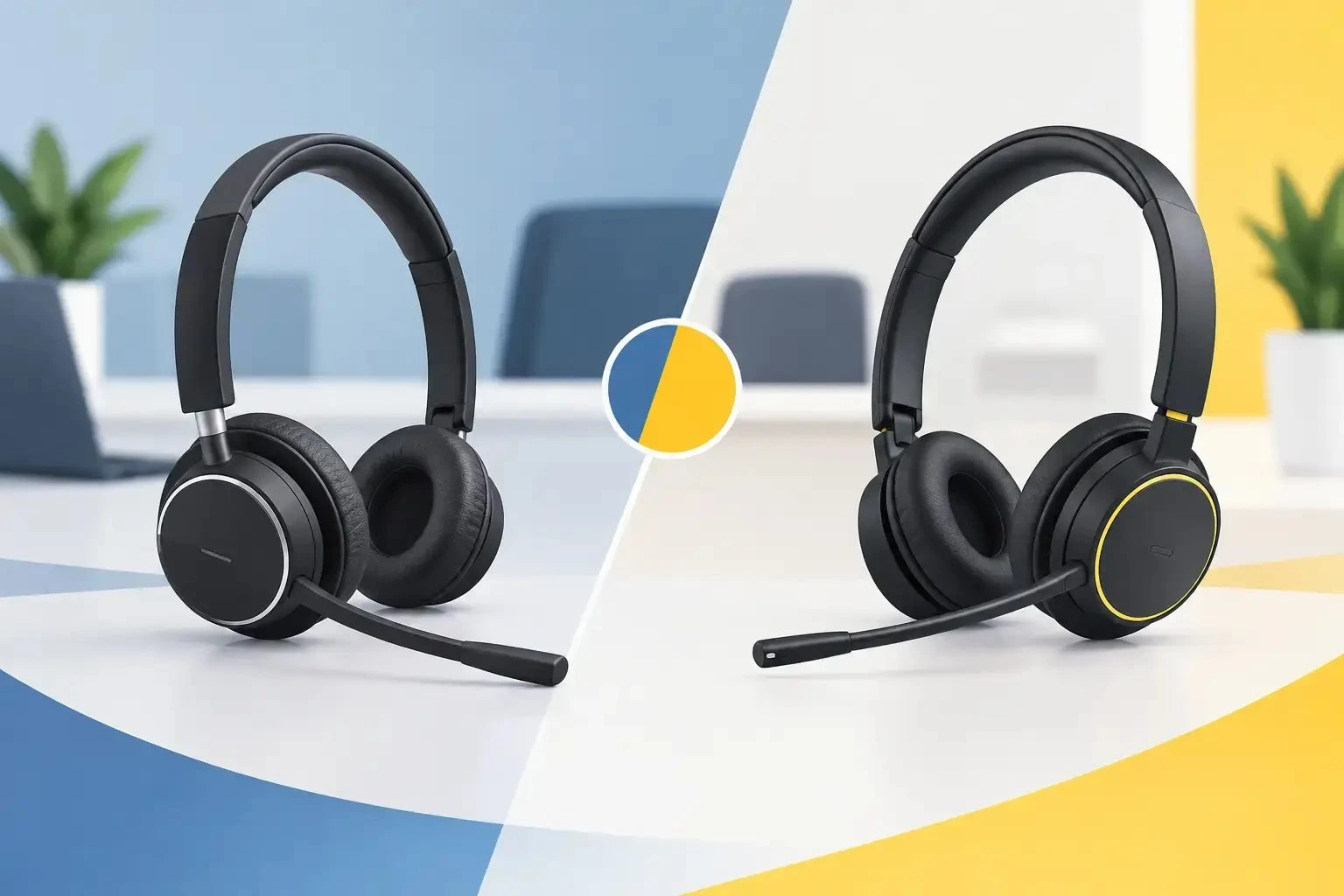
Plantronics Jabra Comparison for Office Headsets
Posted by Tech Support @ Telephoneheadsets.net on 26th Nov 2026
A Plantronics Jabra comparison is rarely settled by sound quality alone. For office and contact centre buying, the decisive question is whether the headset will connect correctly to the telephone, softphone or PC your team already uses. A highly rated USB headset is of little use if the requirement is an RJ9 connection to a Cisco desk phone, and a comfortable corded model can still be the wrong purchase without the correct quick-disconnect lead or adaptor.
Both brands have a strong business communications pedigree. The best choice depends on the calling environment, connection method, user preference and how much standardisation your organisation needs across its estate.
Plantronics Jabra comparison: start with the connection
Before comparing headset ranges, identify the equipment at the other end of the cable. This avoids the most common and expensive purchasing error: ordering a headset with the right-looking connector but the wrong wiring or interface.
For a desk phone, a professional headset may connect through an RJ9 or RJ11 headset port, a dedicated electronic hook switch, or a quick-disconnect system paired with a phone-specific lead. The headset itself is only one part of the installation. Many Plantronics-branded corded headsets use a Quick Disconnect connection, while Jabra’s equivalent system is commonly known as Quick Disconnect or QD. In both cases, the lead between headset and telephone must match the exact phone model.
For computer calling, a USB headset is generally the most straightforward choice. It is suitable for Teams, Zoom, softphone platforms and browser-based calling, provided the operating system and application recognise the device. If employees move between desk phone and PC, assess whether they need separate headsets, a multi-device solution, or a compatible switcher. Do not assume a USB headset can plug directly into a traditional desk telephone.
Analogue equipment needs particular care. A 3.5 mm plug, USB plug and RJ9 plug are not interchangeable, even where the headset appears similar. Confirm the telephone manufacturer, model number, available ports and any existing headset adaptor before ordering.
Brand position and current product naming
Plantronics is a familiar name in business telephony, particularly for corded office headsets, contact centre equipment and quick-disconnect installations. The Plantronics business later became part of Poly, and Poly is now associated with HP. As a result, buyers may see Plantronics, Poly or HP Poly naming across existing installations, replacement parts and newer product listings. This does not make legacy Plantronics equipment obsolete, but it does mean that model and connector identification matters when replacing individual items.
Jabra remains a major business headset manufacturer with a broad range of USB, Bluetooth, corded and contact centre products. It is especially common in organisations using unified communications and hybrid working tools, although it also offers established desk-phone headset options.
Neither brand is automatically better. Plantronics or Poly can be the sensible route where an office already has compatible QD leads, amplifiers or installed headsets. Jabra may be the practical choice where the team is standardising USB devices or replacing an existing Jabra fleet. Keeping one connection family and support process can reduce disruption more effectively than changing brand to gain a minor feature difference.
Comfort and wearing style in real working hours
Comfort has a direct effect on call quality and staff acceptance. A headset used for five minutes a day has different requirements from one worn throughout a customer service shift.
Both manufacturers offer mono and duo designs. Mono headsets leave one ear open, helping reception staff and office users remain aware of colleagues and activity around them. They are well suited to moderate call volumes in shared offices where face-to-face communication still matters. Duo headsets cover both ears and are normally preferable for busy call handling, focused PC work and noisy contact centre floors. They can improve concentration, but some users find them less convenient when they need to speak to nearby colleagues frequently.
The fit also matters. Over-the-head headbands tend to provide the most stable all-day option. Earhook and convertible designs can be useful where users dislike a headband or need a lighter wearing style, although they may not suit every ear shape equally. For team deployment, choose a model with adjustable headband sizing, a moveable microphone boom and readily available replacement cushions or voice tubes where applicable.
Do not select solely on headset weight. Clamp pressure, earpad material, microphone placement and the user’s glasses can have more impact over a full shift than the specification sheet suggests. For larger teams, a small user trial with the actual telephone and working environment is often more reliable than a blanket purchase.
Microphone performance and background noise
Business headsets from both brands are designed to prioritise speech, but the surrounding environment still determines results. A noise-cancelling microphone helps reduce steady background sound and nearby conversation, yet it cannot turn a loud sales floor into a silent booth. Correct boom positioning remains essential: close to the mouth, but not directly in front of it.
For general office use, a standard noise-cancelling microphone is usually adequate. For intensive contact centre work, select models designed for frequent speech, clear voice transmission and reliable boom adjustment. Users should also be shown how to position and maintain the microphone. A poorly placed premium headset will sound worse than a correctly adjusted entry-level business model.
If agents work at home, consider the full chain rather than the headset alone. Internet stability, softphone settings, laptop processing and room acoustics can all affect a caller’s experience. A USB headset can simplify troubleshooting because it provides a defined audio device separate from the laptop’s built-in microphone and speakers.
Controls, call handling and daily workflow
Inline controls are useful, but their value depends on the platform. USB models may provide volume, mute and call-answer controls. On supported softphone systems, this can reduce missed calls and make it easier for users to confirm whether they are muted. Compatibility should still be checked, particularly where call control integration is required rather than basic audio only.
For desk phones, answer and end-call control may require a compatible electronic hook switch or handset lifter. Without one, the user may still need to lift the handset manually to answer a call, even when wearing a headset. This is not necessarily a problem for lower call volumes, but it is a poor fit for agents handling continuous inbound calls.
A corded headset has fewer charging and pairing considerations. It is often the most dependable choice for fixed-desk users, reception positions and contact centres. Wireless models offer freedom to move, but introduce battery management, wireless range considerations and a higher unit cost. The right decision is operational, not simply based on convenience.
Which is better for common business requirements?
For a replacement on an existing Plantronics or Poly corded installation, staying within the same headset and lead system is often the lowest-risk option. Check whether the requirement is for the headset, the QD lead, an amplifier or the complete assembly. Reusing an existing lead is only appropriate when its connector and compatibility are confirmed.
For a new USB rollout, Jabra and Poly both offer credible options. Focus on required certifications, whether users need mono or duo wearing, the expected call duration and whether the organisation needs wired or wireless connectivity. A wired USB model is commonly the most cost-effective standard for fixed PC users.
For desk phone estates, the telephone model should lead the decision. Avaya, Cisco, Mitel, Yealink, Grandstream and other systems can use different headset ports and wiring arrangements. Select the compatible lead or adaptor first, then choose the headset style and features that match the role.
For mixed environments, document each workstation type before purchase. Separate users by desk phone model, PC-only softphone, dual-use requirements and high-noise locations. This creates a clearer procurement list and prevents a single generic headset from being forced into incompatible roles.
A practical buying checklist
A Plantronics Jabra comparison becomes much easier when every buyer can answer four questions: what device will the headset connect to, what exact model is it, how many hours will it be worn, and does the user need remote call answering? Those answers determine the connector, headset category, wearing style and any required accessories.
TelephoneHeadsets.net is built around this compatibility-first approach, helping buyers narrow selections by phone brand and model rather than guessing from a product photograph. Where there is any uncertainty, verify the telephone’s headset port and existing cabling before placing a multi-unit order.
The best headset is the one that fits the user, supports the working pattern and connects correctly on day one. Start with the telephone or communications platform, then choose the Plantronics, Poly or Jabra model that meets that requirement without adding unnecessary complexity.