
Are RJ9 Plugs Universal? Compatibility Check
Posted by Tech Support @ Telephoneheadsets.net on 26th Nov 2026
A headset lead can click into a desk phone perfectly and still deliver no dial tone, no microphone audio, or sound in only one direction. That is the practical answer to the question, are RJ9 plugs universal? The plug format is widely used, but RJ9 headset compatibility is not universal.
For business buyers, the distinction matters. Ordering a headset because it has an RJ9-style modular plug can create avoidable returns, deployment delays and frustrated users. The correct choice depends on the phone’s headset port, its wiring arrangement, the headset connection type and, in some cases, an adapter or electronic hook switch.
Are RJ9 plugs universal in physical size?
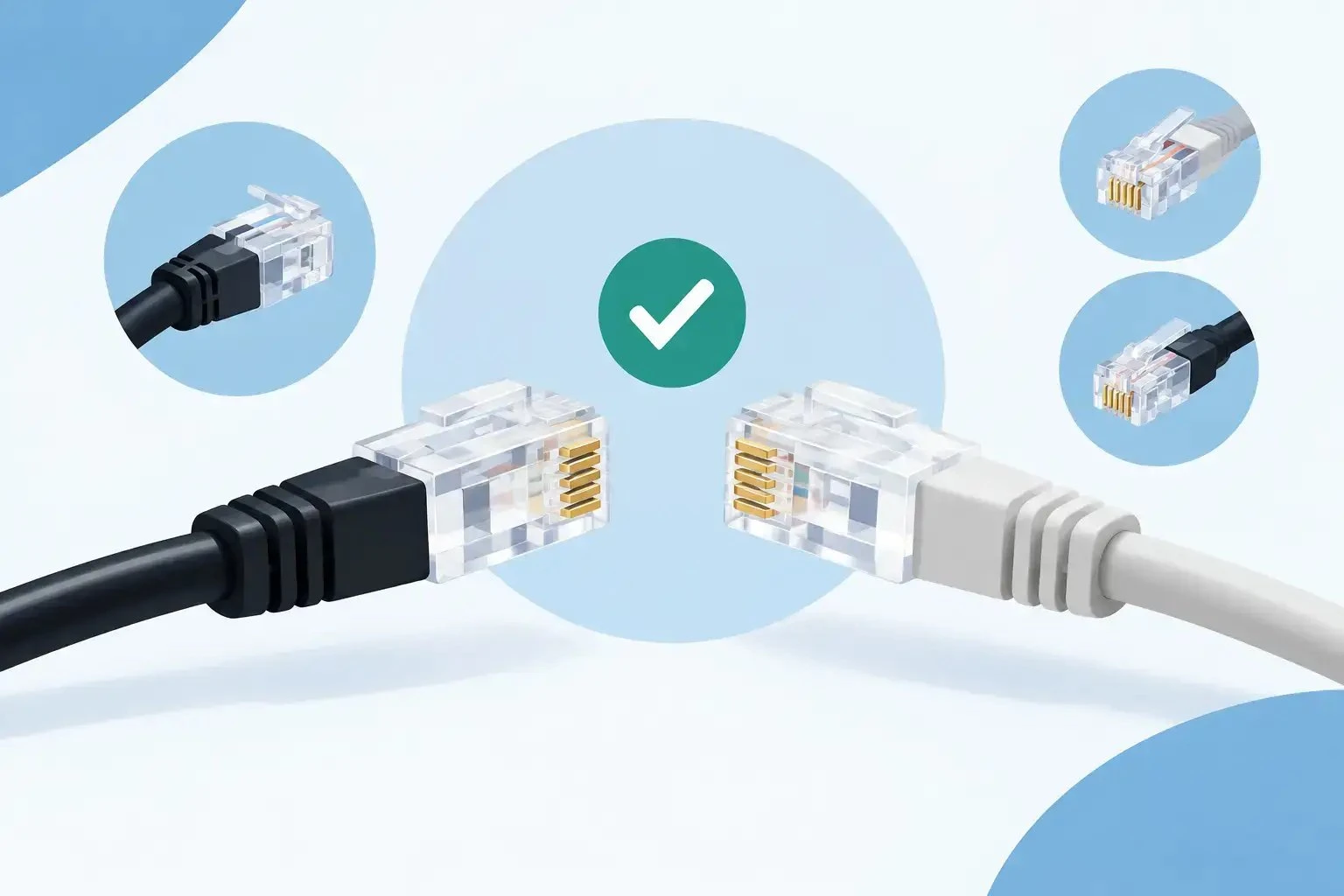
RJ9 is commonly used to describe a small four-position, four-contact modular connector, also called 4P4C. It is the compact plug often found on corded telephone handsets and on many wired business headsets. In that narrow physical sense, plugs of this type are usually the same size and may fit the same socket.
However, fitting is not the same as working. Telephone manufacturers can use different pin assignments for transmit and receive audio, and some systems require a specific wiring arrangement between the headset and the telephone. A lead wired for one make of desk phone may therefore fit another make but leave the microphone or earpiece disconnected.
The term RJ9 is also used inconsistently in product descriptions. You may see the same plug referred to as RJ9, RJ10, RJ22, 4P4C, handset plug or headset plug. The label alone does not identify the wiring standard or prove suitability for a particular telephone.
Why the same RJ9 connector can behave differently
A wired headset needs two audio paths: one for the caller’s voice reaching the user and another for the user’s voice travelling back to the caller. The four contacts in a 4P4C connection carry those paths, but their order can vary between phone platforms.
Some manufacturers use a pinout that suits their own handset and headset ecosystem. Others use a different arrangement, or alter compatibility between phone families. A compatible connection lead places the headset’s speaker and microphone contacts onto the correct contacts in the phone’s headset socket. An incompatible lead may cross those circuits or leave them unconnected.
This is why a handset cord is not automatically a headset cord. Although both may use a four-contact modular plug, they are designed for different jobs and may be wired differently. Substituting one for the other is a common cause of one-way audio.
There is another complication: not every socket that accepts the plug is a dedicated headset port. Connecting a headset to a handset port may work only with the appropriate amplifier, adapter or configuration, and may not provide the expected answer or disconnect control. Always identify the port specified by the telephone manufacturer before selecting a lead.
Quick disconnect headsets add a second compatibility point
Many professional wired headsets use a quick disconnect, often shortened to QD, between the headset and the lower connection lead. This allows a user to leave the desk without removing the headset, while the lead remains connected to the phone.
In this setup, there are two separate checks. First, the headset must match the QD family used by the lead. Second, the RJ9 lead must be compatible with the exact telephone model. A compatible QD connection does not make every RJ9 lead interchangeable.
What to check before buying an RJ9 headset
The most reliable approach is to start with the telephone model, not the plug. Look at the label on the underside or rear of the phone and record the full model number. Brand names alone are useful, but they are rarely enough. Different ranges from Avaya, Cisco, Mitel, Alcatel, Grandstream and other manufacturers can have different headset-port requirements.
Then confirm whether the phone has a dedicated headset socket. This may be labelled with a headset symbol, but labels vary. If the device has only a handset socket, assess whether it needs a dedicated adapter or amplifier rather than a direct-connect headset lead.
For a straightforward purchase decision, check these four points:
- Telephone make and full model number. Compatibility is determined at model level wherever possible.
- Headset connection type. Establish whether you need a direct RJ9 headset, a QD headset with a lower lead, or a USB headset for softphone use.
- Required controls. Consider whether users need an in-line mute switch, volume control, answer/end capability or electronic hook switch support.
- Working environment. Choose mono for occasional calls and continued awareness of the office, or duo for greater concentration in busy customer service and contact centre teams.
This process is quicker than comparing plug photographs, and it reduces the risk of buying a connector that looks right but is wired incorrectly.
Direct RJ9 headsets versus QD solutions
A direct RJ9 headset has the modular plug fixed to its cable. It can be a practical option where a team uses one known telephone model and needs a simple, cost-conscious installation. Compatibility must still be confirmed against the phone.
A QD headset and separate connection lead offer greater flexibility. If an organisation replaces desk phones later, it may be possible to retain the headsets and change only the lower leads, provided the QD system remains compatible. This can simplify staged upgrades across an office or contact centre.
The trade-off is that there are more components to specify. Procurement teams should document both the headset model and the required connection lead, rather than ordering one without the other. TelephoneHeadsets.net structures headset selection around phone brands and models for this reason: the desk phone should lead the compatibility decision.
Do not confuse RJ9 with RJ11 or Ethernet connectors
RJ9, RJ11 and Ethernet plugs are modular connectors, but they are not interchangeable. RJ11 is generally associated with telephone line connections and normally uses a wider plug than 4P4C. Ethernet uses an eight-contact connector and is wider again.
A physical comparison can be misleading when ordering remotely. Check the number of positions and contacts, but give more weight to the stated headset compatibility. A product described as suitable for a particular phone model is more useful than one described only as “RJ9 compatible”.
When USB may be the better choice
An RJ9 headset is intended for a compatible desk phone connection. It is not the right choice for every business calling setup. If staff mainly take calls through Microsoft Teams, Zoom, a CRM dialler or another computer-based service, a USB headset is usually more appropriate.
Hybrid workspaces may need both options. Some users require a desk-phone headset at their fixed workstation, while others use USB for laptop calls. Users who regularly switch between devices may benefit from a purpose-designed multi-device solution rather than repeatedly moving an RJ9 plug between systems.
Common faults that point to a compatibility issue
No audio, one-way audio, a permanently open microphone or distorted sound can all indicate an incorrect lead or pinout. Before replacing equipment, verify that the phone’s headset mode is enabled, the volume is set correctly and the plug is fully seated. If those checks do not resolve the issue, compare the installed lead with the one specified for that exact telephone model.
Avoid modifying the plug or attempting to rewire leads unless this is being handled by a qualified telecoms team. It can create inconsistent call quality and makes future support more difficult. A correctly specified headset lead is normally the simpler and more dependable fix.
The useful rule is simple: treat RJ9 as a connector shape, not a universal headset standard. Start with the make and model of the phone, confirm the intended headset port, and select the matching headset or connection lead. That small check before ordering is what keeps every call clear from the first day of use.