
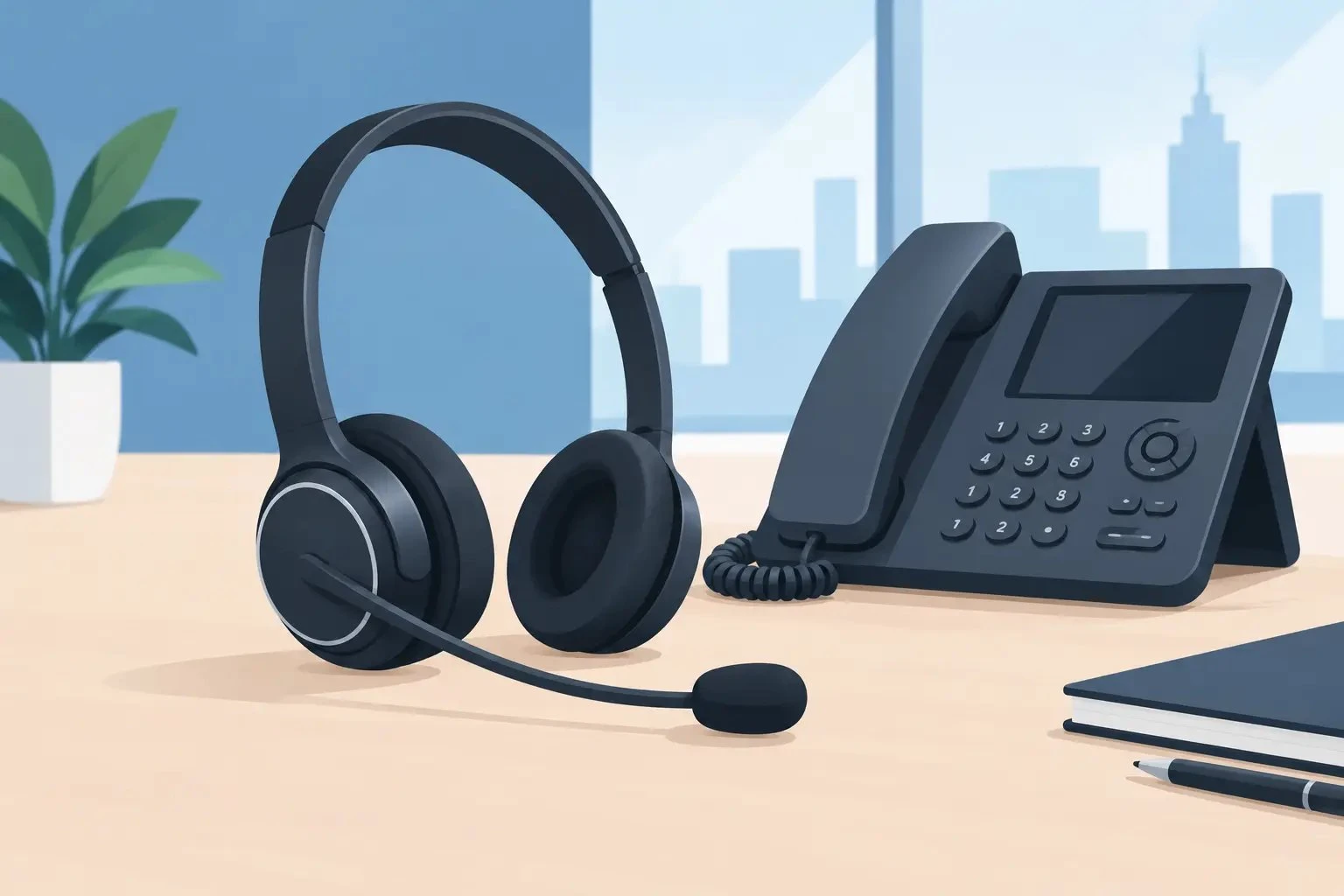
Headset Microphone Guide for Business Phones
Posted by Tech Support @ Telephoneheadsets.net on 26th Nov 2026
A headset that sounds clear on one device can be completely unusable on another. This headset microphone guide is designed for business buyers who need to match the microphone, headset connection and daily calling environment to the telephone system actually in use. Before comparing comfort, audio features or price, establish compatibility with the phone model, handset port or computer platform.
For an office, reception desk or contact centre, the right choice is rarely just a matter of picking a USB or wired headset. The phone model, the number of calls handled, local noise levels and whether staff need to hear colleagues all affect the specification that will work reliably.
Start with the phone connection
The connection type is the first decision because it determines what can physically and electronically work with the equipment. A headset plug that looks correct is not always configured correctly for a particular desk phone.
Desk phones with a headset port
Many business desk phones use an RJ9 or RJ10-style headset socket. These small modular connectors are common on office phones, but wiring arrangements can differ between manufacturers and models. A headset intended for one brand may not provide correct audio or microphone operation on another, even when the plug fits.
Where the phone has a dedicated headset port, select a headset listed for the exact brand and model. In some cases, a compatible bottom cable or quick-disconnect lead is required between the headset and the phone. This is particularly common with professional corded headset ranges, where the headset itself can be retained if the business changes compatible desk phones later.
Some telephones do not have a true headset socket and instead require connection through the handset port. This may involve a handset lifter, amplifier, switch or specific adapter depending on the telephone. Do not assume that an RJ11 or RJ9 connector alone confirms compatibility.
USB headsets for computers and softphones
A USB headset is normally the simplest option for Microsoft Teams, Zoom, Skype, browser calling, CRM diallers and other computer-based communications. The headset connects to the PC or laptop rather than to a desk phone, so desk-phone wiring standards do not apply.
However, USB does not automatically mean every feature will work with every calling application. Basic audio is widely supported, while call answer, mute synchronisation and status indicators may depend on the software platform and the headset model. For high-volume teams, check whether the headset is certified or specified for the primary softphone system.
If staff use both a PC softphone and a physical desk phone, a single-purpose USB headset may not be enough. A dual-connectivity solution, switching device or separate headsets may be more practical. The best option depends on whether users need to move between systems during the same call cycle.
Choose the right microphone type
For business calls, the microphone matters more than stereo sound or entertainment features. The aim is intelligible speech for the person at the other end, even when the office is active.
A standard noise-reducing boom microphone is suitable for most offices, reception areas and home-working spaces with occasional background sound. The microphone sits close to the mouth and helps prioritise the speaker’s voice over general room noise. Correct positioning is essential: place the boom roughly two finger widths from the corner of the mouth, rather than directly in front of it. This reduces breath noise and popping sounds.
For busy contact centres, shared offices or locations close to colleagues taking calls, choose a headset with stronger noise-cancelling microphone technology. This does not make a loud room silent, and it cannot compensate for shouting or a radio playing nearby. It does reduce persistent ambient noise so callers can hear the agent more clearly.
A microphone with noise cancellation is especially worthwhile when call quality affects customer service, compliance, order taking or technical support. In a quiet private office, it may be less critical than comfort and telephone compatibility.
Mono or duo: match the headset to the role
Mono headsets have one earpiece, leaving one ear open to the surrounding workplace. They suit reception staff, supervisors and office users who need to remain aware of colleagues, visitors or announcements while on calls. They are also a sensible choice where calls are frequent but not continuous.
Duo headsets cover both ears. They offer better focus and reduce distraction from nearby conversation, which makes them well suited to contact centre agents, sales teams and users working in consistently noisy offices. A duo model can improve concentration, but it also makes it harder to hear someone speaking beside the user.
There is no universal winner. If users regularly need quick face-to-face communication, mono is often more efficient. If the priority is sustained concentration and clearer listening in a busy environment, duo is usually the better investment.
Consider wearing style and all-day comfort
A technically correct headset will still be rejected if it becomes uncomfortable halfway through a shift. Wearing style should reflect how long the headset stays on and whether several people may use shared equipment.
Over-the-head headsets are the usual choice for regular business calling. They are stable, easy to position and available in mono and duo formats. They work well for users who spend much of the day on calls and need a predictable fit.
Convertible models may offer earhook, headband and behind-the-neck options. These suit users who prefer a lighter feel or who do not want a headband, although small earpiece designs can be less stable for intensive movement. For teams with extended calls, it is sensible to trial the wearing style with the people who will use it, rather than selecting solely from a specification sheet.
Also consider hygiene and replacement parts. Replaceable ear cushions, voice tubes and microphone covers can help maintain shared headsets and extend their useful service life. In a contact centre, this can be more practical than replacing whole units when a high-wear component deteriorates.
Check controls and call handling requirements
Inline controls can provide volume adjustment and microphone mute, which are useful for computer calls and some desk-phone configurations. A physical mute button is particularly valuable for staff handling customer information, speaking to colleagues or working from shared spaces.
Remote call answering is a separate requirement. On compatible desk phones, an electronic hook switch cable or handset lifter can allow users to answer and end calls away from the handset. This is useful for agents who need to stand, reach files or move briefly around a workstation. It is not a standard feature of every headset and often requires additional hardware matched to the phone.
For USB users, call-control buttons may work differently between applications. Confirm the intended use before making a bulk purchase, particularly where Teams, a proprietary dialler and standard PC audio are all used across the same organisation.
A practical headset microphone guide for purchasing teams
When buying for one user, identify the exact phone or software platform first, then select the connection, microphone performance and wearing style. For a multi-user deployment, gather this information by role. Reception, finance, sales, customer service and hybrid workers may all have different needs despite working for the same business.
Avoid specifying a headset only by connector type. Record the desk phone manufacturer and full model number, whether users connect through a handset or dedicated headset port, and whether a bottom cable, adapter or remote-answer accessory is required. For computer users, record the operating system and principal calling software.
It is also worth separating essential requirements from preferences. Compatibility, microphone clarity and durability are essential. Stereo playback, cosmetic finish and advanced controls may be preferences unless they support a defined workflow. This approach reduces procurement risk without over-specifying every position.
TelephoneHeadsets.net is built around matching headsets to specific telephone brands and models, which helps remove uncertainty where desk-phone compatibility is the deciding factor.
The most effective headset choice is the one that lets staff hear clearly, speak naturally and answer calls without workarounds. Start with the phone model, then select the microphone and wearing style that fit the working environment.