
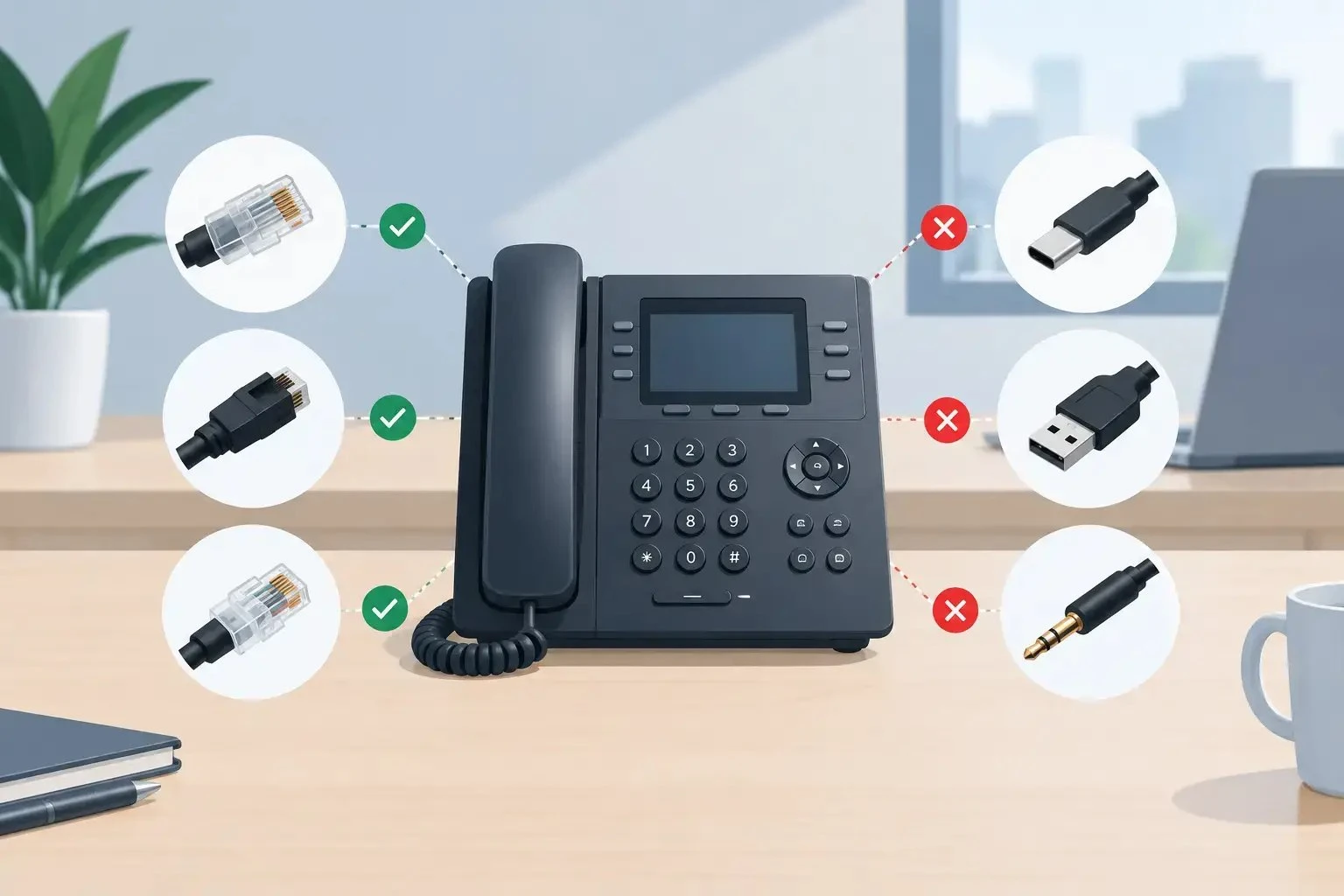
QD Cable Compatibility Comparison for Office Phones
Posted by Tech Support @ Telephoneheadsets.net on 26th Nov 2026
A headset may have the correct Quick Disconnect fitting and still fail to work properly on the phone. That is the reason a QD cable compatibility comparison matters before ordering. The QD connection joins the headset to its lower lead, but the lower lead must also use the correct wiring and plug arrangement for the specific desk phone.
For a single user, choosing the wrong cable can mean no microphone audio, weak receive volume or a connection that does not fit the handset port. For an office or contact centre rollout, the same error can create avoidable returns, delays and inconsistent user setups. The right approach is to identify the headset family, the exact telephone model and the required connection method before selecting a lead.
What a QD cable actually does
QD means Quick Disconnect. It is the in-line connector found on many professional corded headsets, allowing the wearer to leave their desk without removing the headset. The headset remains connected to its lower cable, while the QD separates cleanly at the point between them.
This arrangement is practical in busy offices. A user can disconnect when moving to a meeting, while the phone-side lead stays at the workstation. It also makes headset replacement simpler where several users have compatible headsets but each desk has its own phone cable.
The QD connection is not, however, a universal standard across every headset manufacturer. A Plantronics or Poly QD headset generally requires a compatible Plantronics or Poly-style lower cable. Other brands may use a different physical fitting, different pin layout or an entirely fixed cable design. Even where two connectors appear similar, they should not be assumed to be interchangeable.
QD cable compatibility comparison: the three connections
A reliable comparison starts by separating the three parts of the setup. First is the headset itself. Second is the QD lower cable or connector lead. Third is the telephone, adapter or computer endpoint. Compatibility must exist at every point, not only at the QD joint.
Headset to QD lead
Check the headset brand and series first. A professional headset with a proprietary QD connector is designed to connect to a matching family of lower cables. This is often straightforward when replacing an existing lead: identify the headset model, then select the corresponding compatible cable type.
Do not select by appearance alone. Some older headset ranges, current product lines and third-party alternatives use similar-looking fittings with different electrical arrangements. If the headset manufacturer specifies a particular QD family, use that as the starting point.
QD lead to desk phone
The other end of the lower cable is where most compatibility problems occur. Many office phones use a modular handset socket commonly described as RJ9, RJ10 or RJ22. These names are frequently used interchangeably in headset buying, but the plug shape alone does not confirm compatibility.
Desk phone manufacturers can use different transmit and receive wiring within what looks like the same four-position modular connector. A cable that works correctly with one Cisco, Avaya, Mitel, Yealink or Grandstream model may not provide correct audio on another phone, even though both have a similar handset socket.
A phone-specific QD lead matches the wiring expected by that telephone model. It may also include a switch that lets the user select from several wiring positions. This can be useful where a cable is intended to cover a group of related phones, but it is not a substitute for checking the supported models.
QD lead to adapter or amplifier
Some systems require more than a simple headset cable. Older desk phones, phones without a dedicated headset port, or installations needing volume and mute control may use an amplifier or adapter between the headset and the telephone.
In that case, the QD lead must be compatible with the amplifier rather than directly with the phone. The amplifier then connects to the handset and telephone ports as specified. This is a different buying route from a direct-connect QD-to-RJ9 lead, so it is worth checking the existing setup before replacing only one component.
Direct-connect cables versus amplifiers
A direct-connect QD cable is usually the cleanest option for a compatible desk phone with a suitable headset socket or handset interface. It keeps the setup simple and is often appropriate for standard office use where the phone provides adequate receive and microphone levels.
An amplifier is more suitable where extra adjustment is needed, where the telephone does not support a direct headset lead, or where a particular headset platform depends on an interface unit. It can offer controls such as volume, mute and compatibility settings, but it adds hardware to each desk and requires a more specific installation check.
The best option depends on the telephone model and how the team handles calls. A small office with identical IP phones may benefit from direct-connect leads. A mixed estate of older digital phones may justify a standardised amplifier approach, particularly if staff need accessible controls.
Why the handset port is not enough
A common purchasing mistake is to search for an RJ9 headset cable and stop there. RJ9 describes a connector format used in many telephone applications; it does not guarantee that audio pairs and microphone pairs are wired in the right order for every device.
Symptoms of a mismatched cable include callers being unable to hear the user, the user receiving no audio, distorted speech, very low microphone level or no dial tone. In some cases, moving a compatibility switch resolves the issue. In others, the cable is simply not designed for that phone.
The safest purchasing information is the exact make and model printed on the underside of the desk phone. Include suffixes where they appear. A product family name is helpful, but models within the same family can have different ports, firmware options or headset support.
USB and QD are different buying paths
A QD headset system is normally intended for desk-phone use, whereas a USB headset connects directly to a computer, softphone or conferencing platform. The two should not be treated as alternatives without considering the call environment.
If staff make calls through Microsoft Teams, a browser-based contact centre platform or other PC software, a USB headset is usually the more direct choice. If calls are handled on a physical desk phone, a QD headset with the correct lower lead is often appropriate. Some workplaces use both, but that may require a dedicated switcher, adapter or separate headset rather than a basic QD cable.
This distinction is particularly relevant when an organisation moves from desk phones to unified communications. Reusing a good-quality QD headset may be possible with the correct USB adapter, but compatibility should be confirmed for the headset range and the intended software controls. A passive telephone cable will not convert a QD headset into a USB solution.
Questions to answer before ordering
For a dependable match, procurement teams should record the headset make and model, the exact telephone make and model, and whether the headset will connect directly to the phone or through an existing amplifier. It is also useful to confirm whether the phone has a dedicated headset port, a handset port only, or a separate electronic hook switch arrangement.
Electronic hook switch support deserves separate attention. An EHS cable allows compatible wireless or selected wired systems to answer and end calls away from the desk. It is not the same as a standard QD lower cable. A phone may need both a headset connection and a specific EHS accessory if remote call control is required.
For larger orders, test one complete setup before deploying across the site. Place calls in both directions, check microphone level, confirm receive volume and test any mute or answer/end-call controls that form part of the installation. This small step is especially valuable when offices have several phone revisions or mixed hardware.
Choosing with confidence
TelephoneHeadsets.net organises headset options around phone brands and models because cable selection is not a generic accessory decision. The right QD lead is the one that matches the headset connection and the telephone's expected wiring, with any required amplifier or call-control hardware accounted for.
Before replacing a cable, take a clear record of the phone model and existing headset arrangement. That information turns an uncertain purchase into a specific compatibility check, and helps keep every user connected from their first call.