
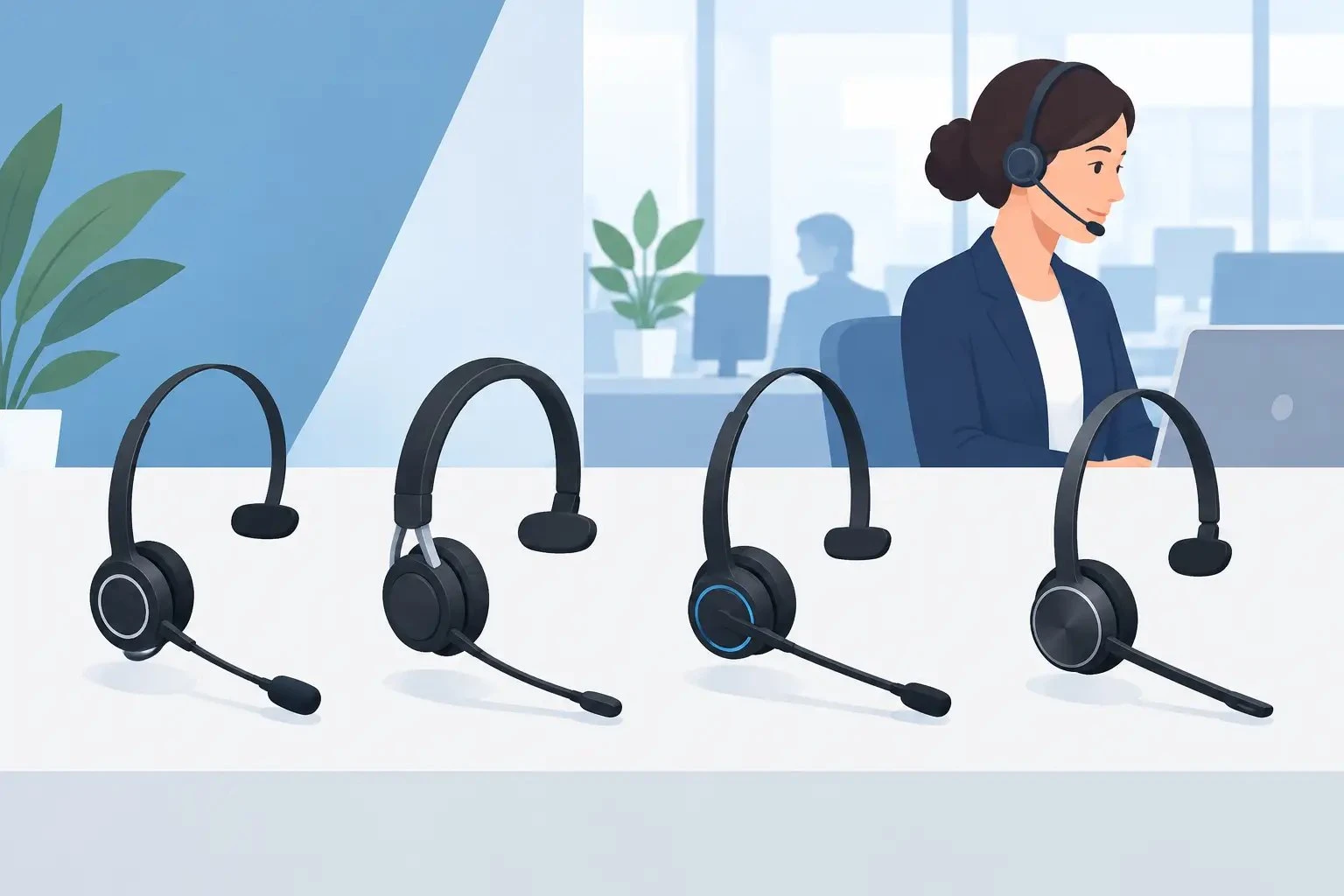
Top Mono Headsets for Admin Teams Compared
Posted by Tech Support @ Telephoneheadsets.net on 26th Nov 2026
A receptionist cannot stop hearing the office simply because a call comes in. That is why the top mono headsets for admin teams remain a practical choice for reception desks, executive assistants, office coordinators and switchboard users. A single-ear design keeps one ear available for colleagues, visitors, announcements and nearby conversations while improving comfort and call clarity compared with holding a handset all day.
The right choice is not simply the lightest headset or the lowest-priced option. For an admin team, the key question is whether the headset is compatible with the exact desk phone, softphone platform or cordless telephone already in use. Connection type, cable arrangement, microphone performance and daily wearing comfort all affect whether a headset genuinely makes call handling easier.
What makes a mono headset right for administration?
Mono headsets are designed for users who need to stay connected to their surroundings. They suit front-of-house and office roles where calls often arrive alongside face-to-face enquiries. A receptionist may need to greet a visitor while transferring a call, while an administrator may need to speak to a colleague without removing their headset.
This is different from a busy contact centre environment, where a duo headset can be better for concentration in a noisy room. Mono models trade some isolation for awareness. In a quiet or moderately busy office, that is usually the right balance.
For most admin teams, prioritise a lightweight adjustable headband, a microphone boom that can be positioned close to the mouth, and a design rated for regular business use. An adjustable boom is especially useful when staff share desks, as it allows the microphone to sit consistently in the correct position for different users.
Top mono headsets for admin teams by connection type
The best headset category depends first on how the user takes calls. Selecting by connection avoids a common purchasing error: buying a good-quality headset that cannot connect directly to the organisation's telephone equipment.
RJ9 mono headsets for desk phones
An RJ9 headset is the usual starting point for traditional business desk phones. These models connect through a headset port, or through a compatible quick-disconnect lead and amplifier or adapter, depending on the handset and phone system.
RJ9 headsets are well suited to administrators using Avaya, Cisco, Mitel, Yealink, Poly, Grandstream, Alcatel and other business telephone brands. However, an RJ9 plug is not a universal guarantee of compatibility. The wiring arrangement, required connector lead and electronic hook switch requirements can vary between phone manufacturers and even between models from the same manufacturer.
For a fixed reception desk, a corded RJ9 mono headset is usually the most straightforward and cost-effective option. It has no battery to charge, offers dependable all-day use, and is simple to replace or standardise across a team.
USB mono headsets for PC calling
USB mono headsets are the strongest option where administrators make most calls through Microsoft Teams, Zoom, softphone software, CRM diallers or a hosted VoIP application. They connect directly to a computer through USB-A or USB-C, depending on the model and workstation.
For admin staff who switch between calls, calendars and customer records, USB headsets can simplify the desk setup. Some models include in-line call controls for volume and mute. Others offer platform-specific call control support, though this should always be checked against the communications software in use.
A USB headset will not normally replace a desk-phone headset unless calls are actually routed through the computer. If the office uses a physical IP phone for most external calls, choose a desk-phone-compatible model or a solution designed to support both devices.
Wireless mono headsets for mobile admin roles
Wireless mono headsets suit staff who need to move around a reception area, collect documents, check meeting rooms or speak to colleagues while remaining available for calls. They can be useful for facilities coordinators, practice managers and executive support staff with varied duties.
The trade-off is cost and administration. Wireless headsets require charging, have a defined range, and should be managed carefully if several people share workstations. They are valuable where mobility is a genuine requirement, but a wired headset is often the better-value choice for a desk-based administrator.
Where a wireless headset is intended for a desk phone, confirm that the base unit and any required handset lifter or electronic hook switch are compatible with the precise phone model. This determines whether the user can answer and end calls away from the desk.
Features that matter during a full working day
Comfort should be treated as a purchasing requirement, not an optional extra. Admin roles often involve frequent short calls rather than one continuous call queue, meaning the headset may be worn for much of the day. A padded earpiece, adjustable headband and low overall weight reduce fatigue.
Microphone noise reduction is also useful in open-plan offices and reception areas. It will not remove every nearby voice or office sound, but a well-positioned noise-cancelling microphone helps callers hear the user more clearly. This is particularly valuable when taking names, addresses, booking details or payment-related information.
Look at the cable arrangement too. A quick-disconnect connection allows the headset to be separated from the desk lead without removing the headband. This is helpful for staff who need to leave their desk regularly. An in-line mute control can be useful for PC calling, but it is less essential on a desk-phone setup where users can mute from the telephone itself.
Hygiene and durability matter in shared environments. Replaceable ear cushions and microphone windscreens can extend the working life of a headset and make shared equipment easier to maintain. For busy reception points, it is sensible to keep a small stock of these consumable parts.
How to check compatibility before ordering
Do not order based on the headset brand alone. Start with the telephone model number, normally shown underneath the phone or in its settings menu. Then identify how calls are made: through the desk phone, through a computer, or through both.
Before choosing from mono headsets for admin teams, confirm these four points:
- The exact make and model of the desk phone or the software platform used for calling.
- Whether the phone has a dedicated headset port and what connection or adapter it requires.
- Whether the user needs remote answer and end-call control away from the desk.
- Whether the headset will be assigned to one person or shared by several users.
A headset with the correct connector may still need a specific bottom cable, direct-connect lead or amplifier. This is common with multi-brand desk-phone estates. Checking the model in advance prevents delays, returns and the frustration of fitting a headset that does not provide dial tone or microphone audio.
Standardising headsets across an admin team
Where several administrators use the same phone model, standardising on one compatible mono headset setup simplifies training, spares and future purchasing. It also makes it easier for IT teams to support users because cable layouts, mute controls and replacement parts are consistent.
That said, not every role needs the same specification. A fixed reception position may benefit from a corded RJ9 headset, while an office manager who regularly moves between rooms may justify a wireless model. Standardise where the equipment and working pattern are alike, rather than forcing one headset type on every employee.
For organisations with mixed phone models, group users by device rather than by department name. Two administrators may sit next to each other but need different headset leads if one uses a Cisco desk phone and the other uses a USB softphone. Compatibility should lead the decision.
When a mono headset is not the best fit
Mono is not automatically the best choice for every admin user. If the workstation is beside a noisy printer area, a sales floor or a high-volume team, a duo headset may give the user better concentration and help them hear callers without raising the volume. Staff handling long, detailed calls may also prefer two-ear audio.
Conversely, a mono headset remains the more practical option when local awareness is part of the job. Reception, visitor handling, executive support and office coordination are all roles where hearing the room is often as important as hearing the caller.
The most useful next step is to record the exact phone model at each admin desk before selecting a headset. Once compatibility is confirmed, choosing between wired, USB and wireless mono options becomes a clear decision based on how each person actually works.